i have a classic dashboard which displays the results from a BAQ, within the BAQ i have a column which is calculated and displays the word of a colour.
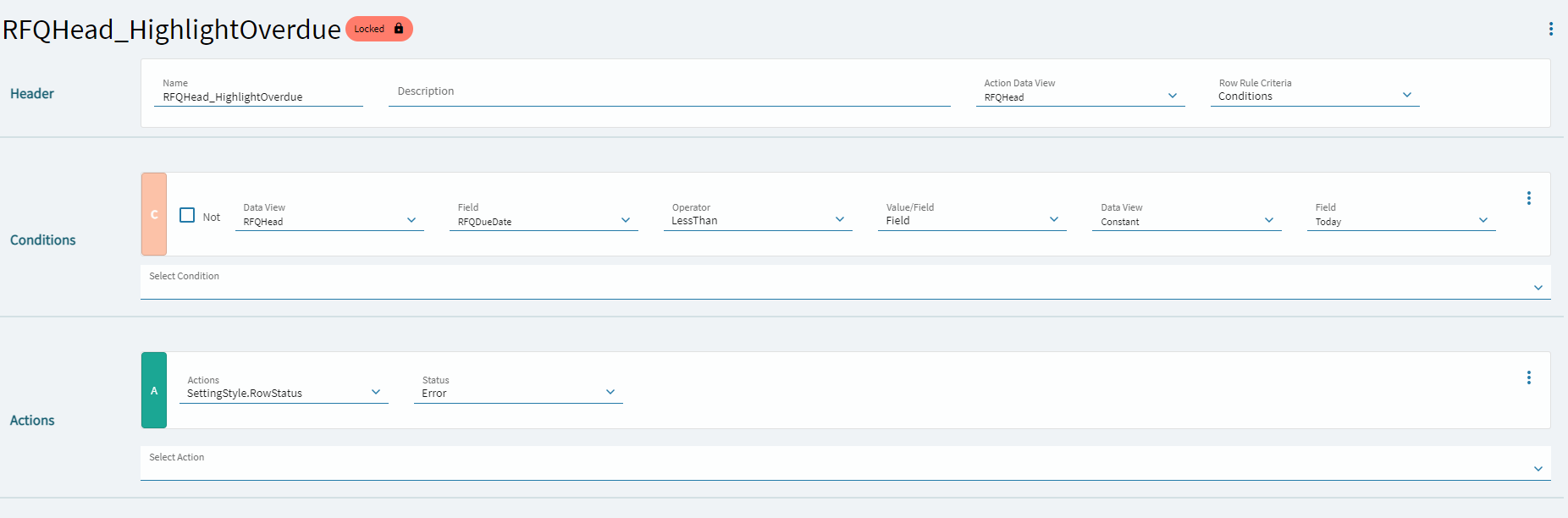
i then use this word to apply a row rule to highlight the entire row that colour, is there a way to highlight a full row in application studio on a grid that is showing the same BAQ?