Is it possible to add data from Epicor configurator into a dashboard?
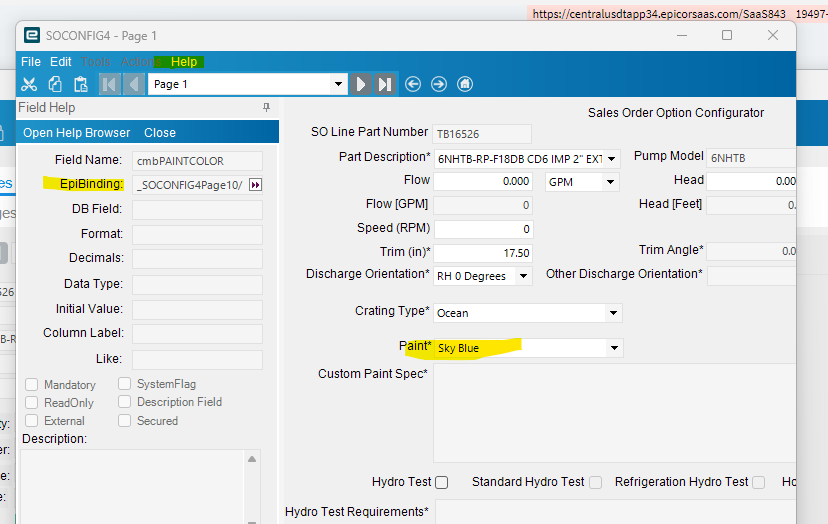
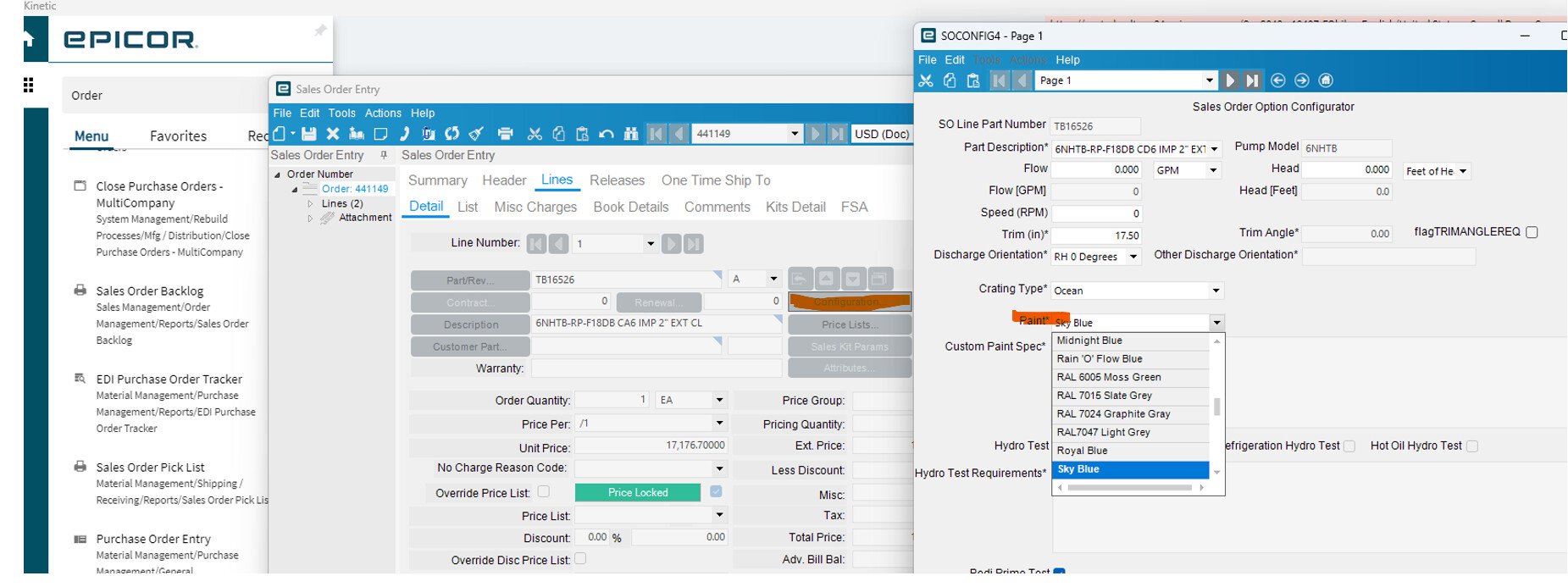
We are looking to add a Paint Color from Epicor Configurator to Sales Order Detail.
We need to use this field in other Dashboards for reporting purposes?. There is no technical details anywhere on the field help. Anybody here know how we can approach this?
If color is a single attribute (only one color per line), then you could add a user defined field to OrderDtl and use a set action during configuration to assign the color to the line. It will then be easily available to your dashboard.
I’m getting further away from my configurator days, so others may have a better suggestion.
We have a dashboard that lists out some configuration details on a dashboard. Just used a BAQ with the PCinputs, I think there was a post about that just a few days ago
Your particular configurator(s) copies all of the details entered into the Order line comment fields, so if you are simply needing to create a dashboard that filters on a paint type, then you could set the BAQ up with criteria on that field using LIKE and paint name (.e.g. OrderDtl.OrderComment LIKE ‘%Sky Blue%’ ), then include that comment field in the dashboard.