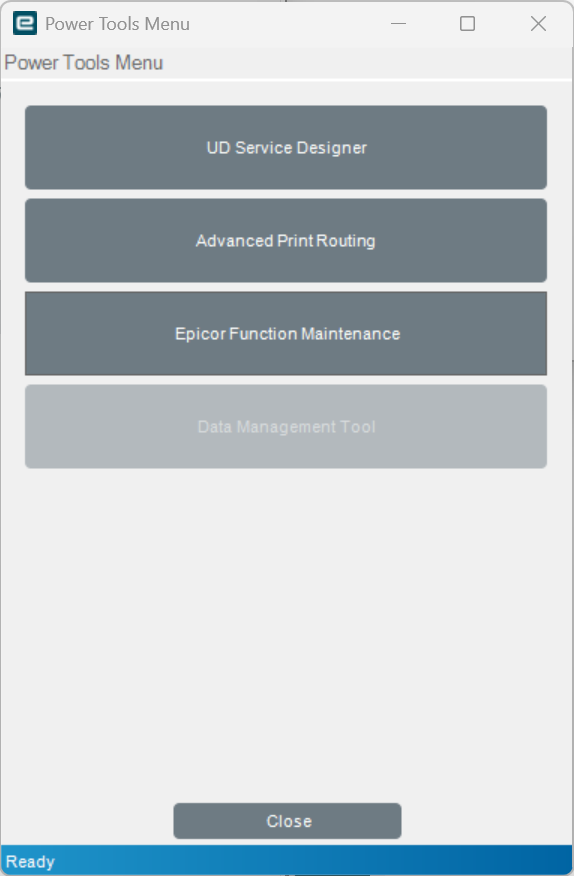
I am hoping someone can help me with an issue I am currently experiencing with the Data Management Tool (DMT) after a recent Epicor Kinetic upgrade on PILOT.
Environment Details:
Epicor Kinetic
Environments: LIVE, PILOT
Server Version: 12.2.100.5
Client Version: 12.1.100.16
Background:
Our Epicor environments were recently upgraded from 12.1.100 to 12.2.100. Following the upgrade, I attempted to install/reinstall the DMT client on my local machine using the installer from download.epicorsaas.com.
Issues Encountered:
Version Mismatch Error on DMT Login:
After the server upgrade completed, when I try to log into DMT I get the following error:
Error: Version mismatch between client (12.1.100.16) and server (12.2.100.5)
This tells me my local DMT client did not update to match the new server version.
AutoUpdate.exe Fails with Missing Sysconfig:
When I try to run AutoUpdate.exe to update the client, I get:
Could not find file 'C:\Epicor\ERPDT\56284-PILOT\Client\config\default.sysconfig'
The config folder appears to be empty — no sysconfig file exists.
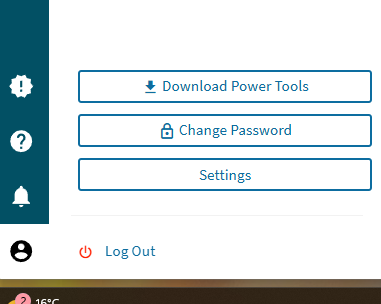
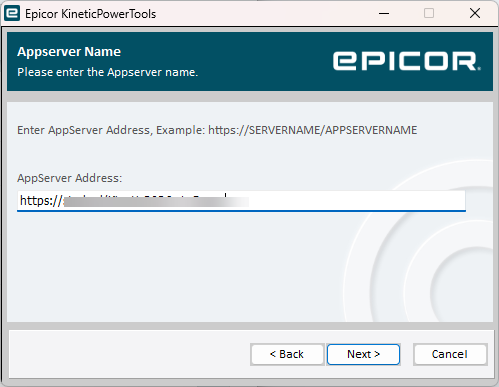
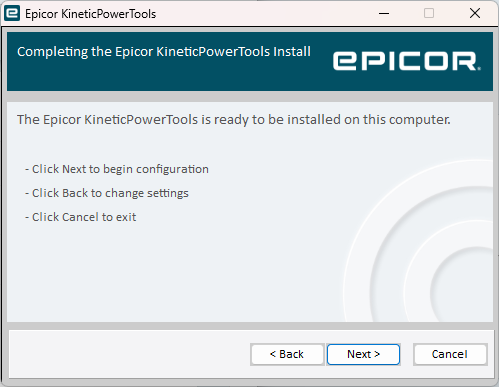
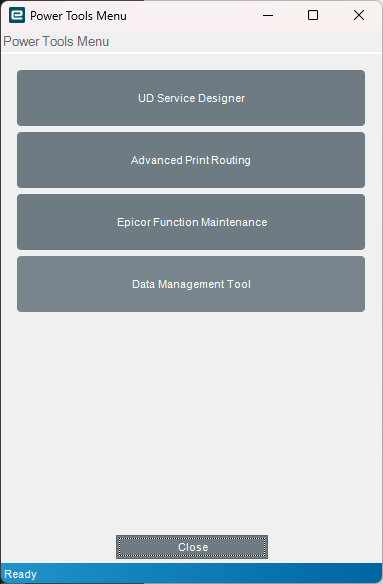
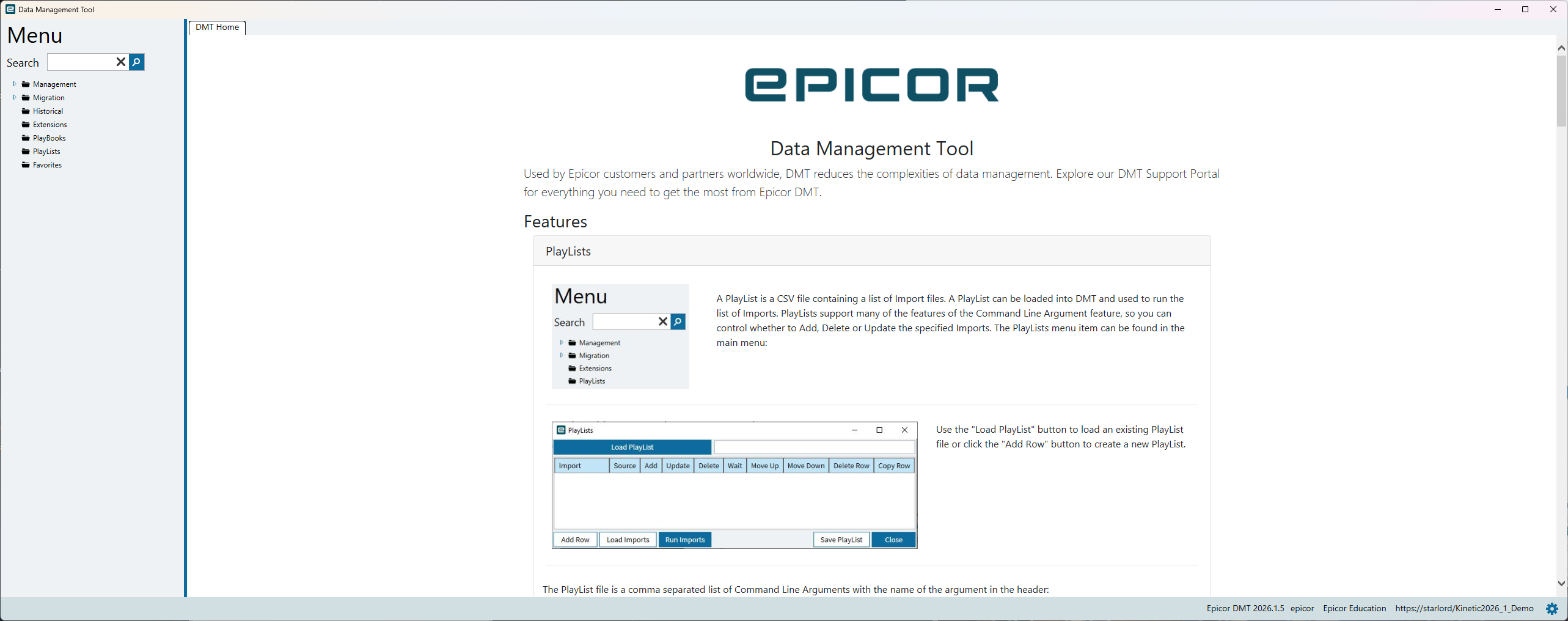
You can’t install the client for pilot anymore - there is no client anymore as of 2026. You would have to install power tools and launch DMT from there.
Personally, what should be happening is that the client install should just install power tools rather than do nothing.What I think we are seeing an oversight from the cloud team. The download for Pilot should work. I would log a ticket and wait a few days while they fix it. You seem to have done a good job of due diligence, as a customer, what else can you be expected to do?EDITI have been reliably in formed there is a button in the browser version for 2026.1 to download power tools. I am on Prem so it is slightly different. Apologies if I misled you. Still might be worth a ticket if you believe that the documentation was not clear enough.
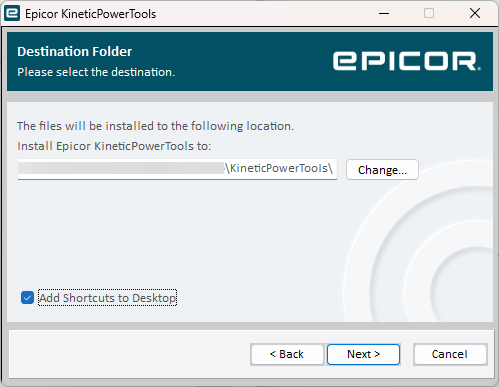
Enter the location you want it to be installed and if you want a desktop shortcut (typically I leave it unchecked, in the past I have had it delete the desktop kinetic folder which I have other shortcuts to other systems in)
Somewhat related to issue… the solution above worked to log in.
We’re a cloud user and our Data Management Tool is greyed out. Anyone figured anything out? I was able to use DMT64 before the upgrade without issue.
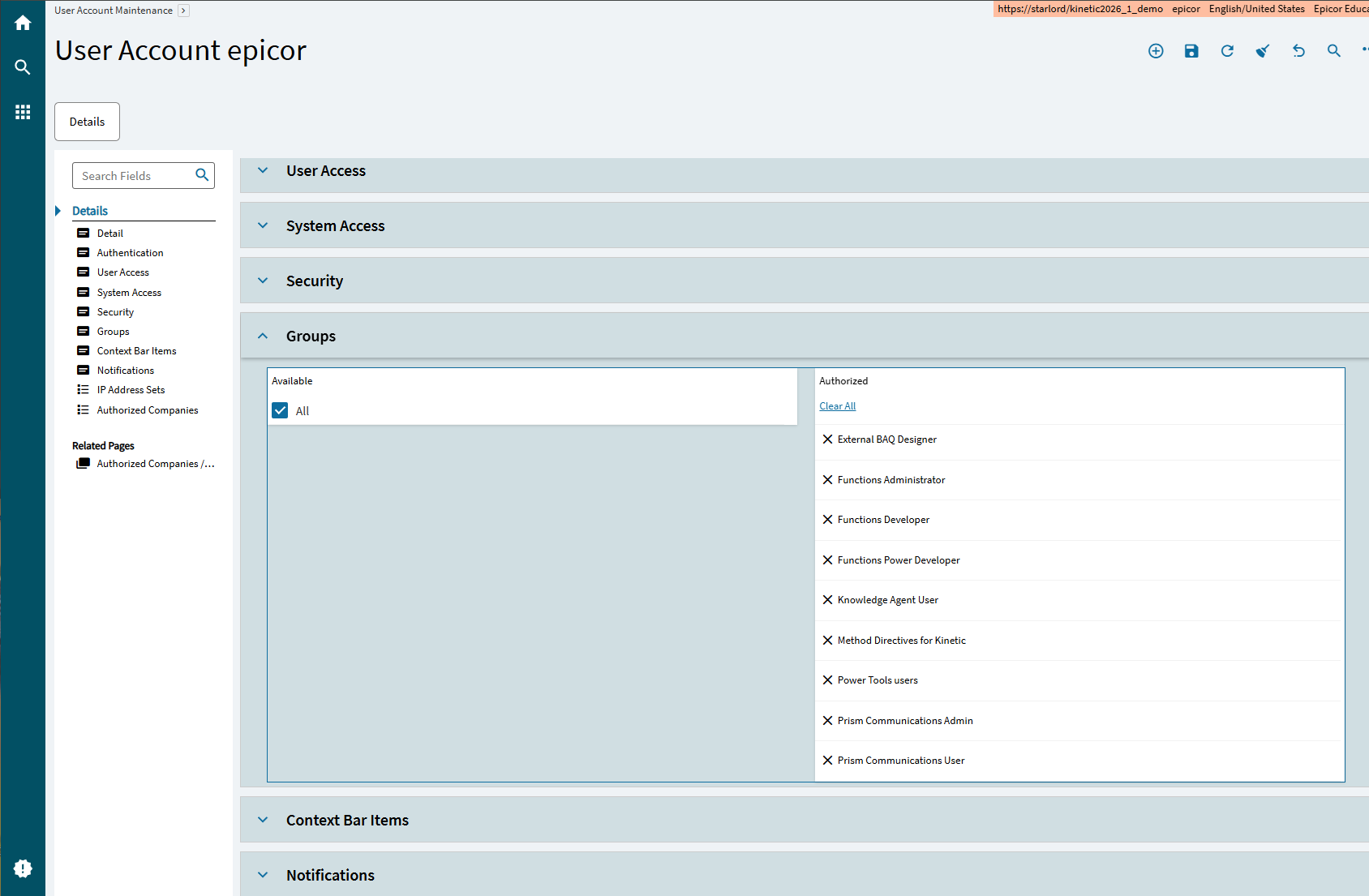
I’m using the manager account, tried adding all security groups and removing all except for Power Tools users. Thanks in advance.
EDIT: found on another thread. Under User Access, you also have to have DMT User enabled for that user. Otherwise, DMT will show up greyed out like above.