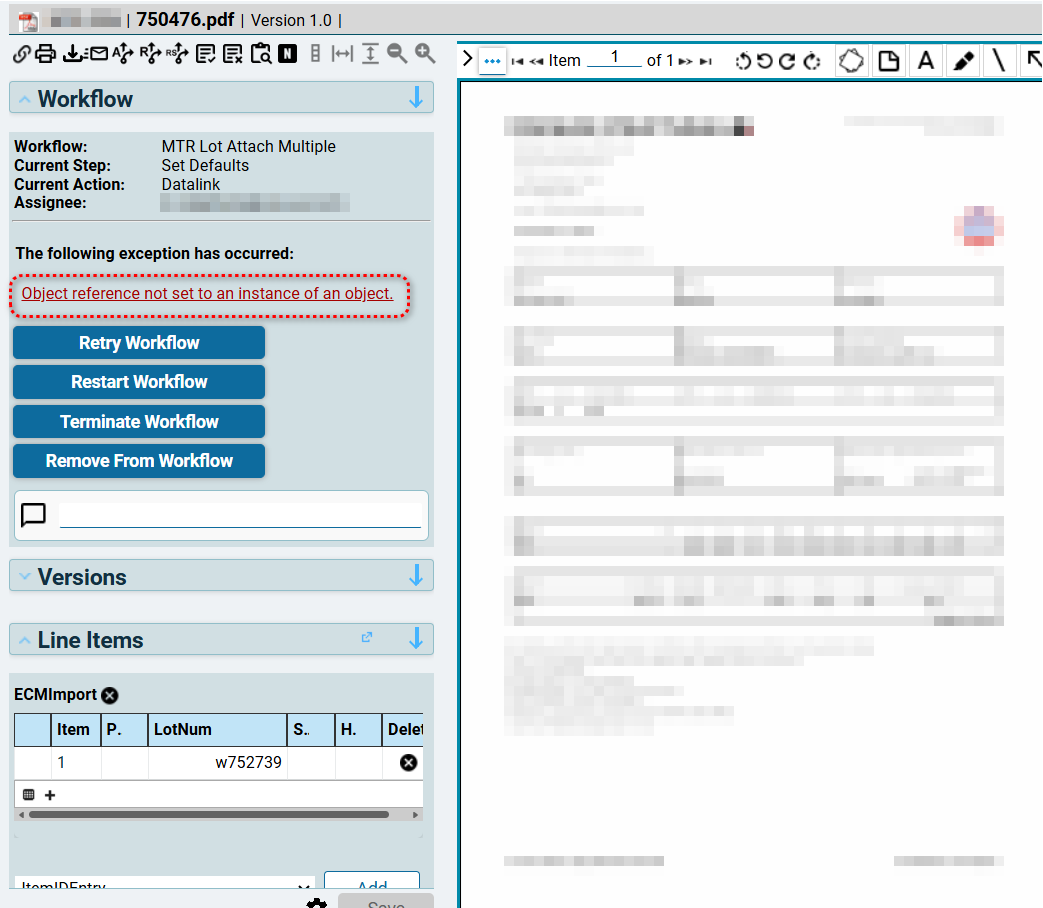
Does anyone encounter this error using DMT?
Do you mean ECM (DocStar)?
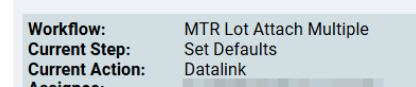
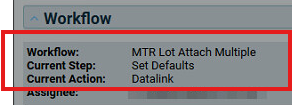
I am pretty confident the issue is in that step of the workflow listed.
Yes, Chris the ECM DocStar. Where can i see that workflow list?
I told the user to check the excel file she was trying to upload if there is a missing code but the user keeps claiming the list is complete. How can i check like a breakpoint to know where it errors?
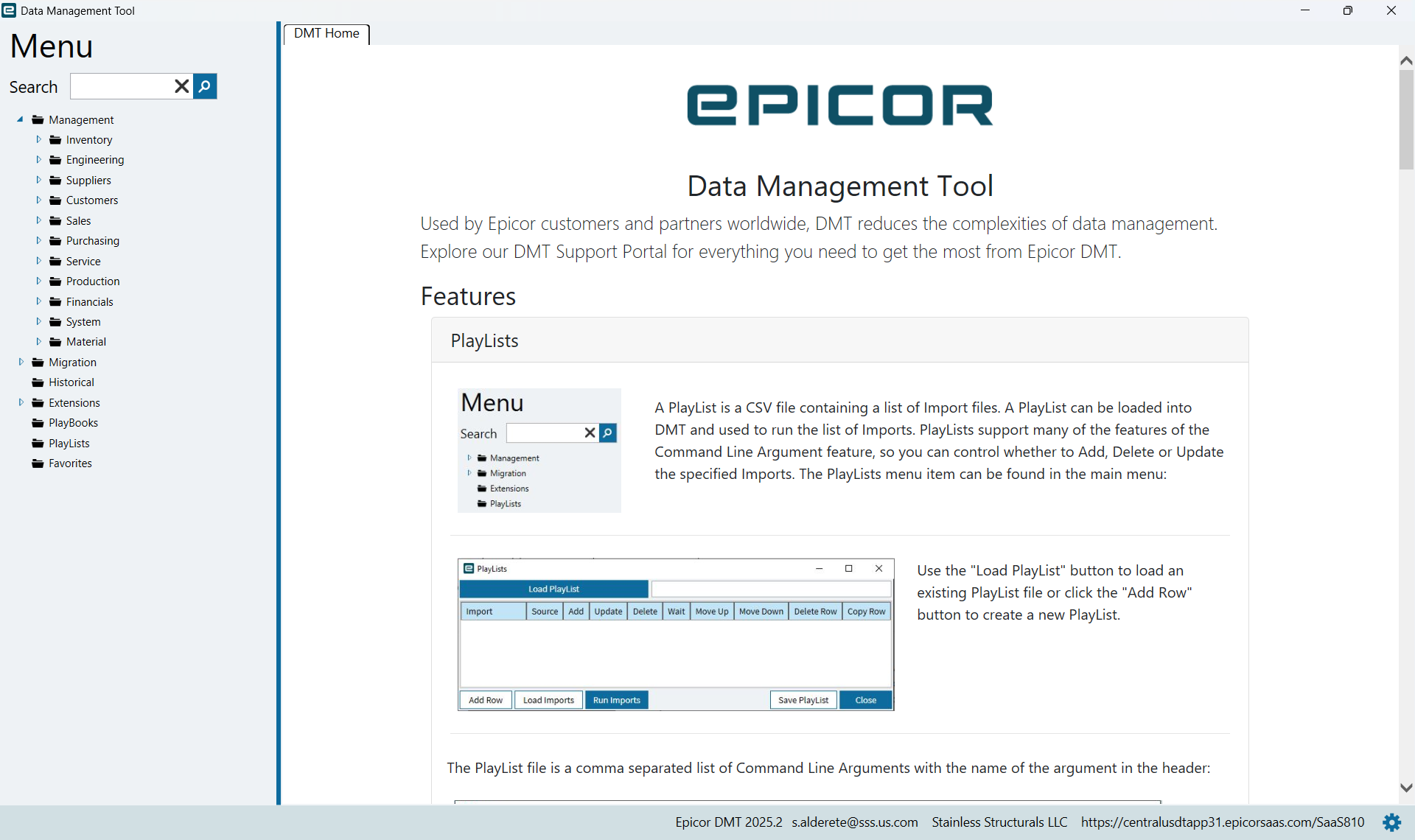
to my knowledge you can’t use the DMT Tool to modify workflows in ECM.
DMT is a data management/migration tool for Epicor/Kinetic while ECM is a content manager. You can load documents via DMT (it’s not fun to do but you can do it), but you can’t modify workflows in DMT.
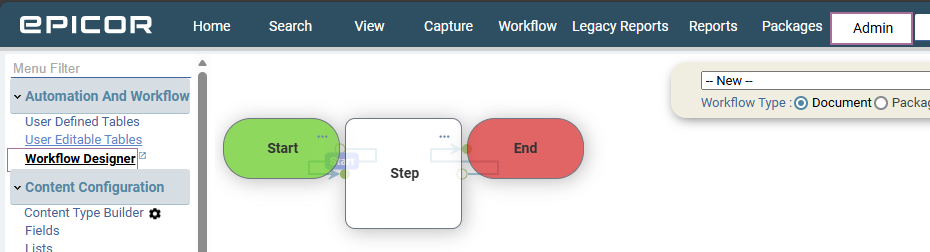
To modify workflows you’ll need to go into ECM on the Admin tab and then select the workflow designer.
Thank you Chris I get this one
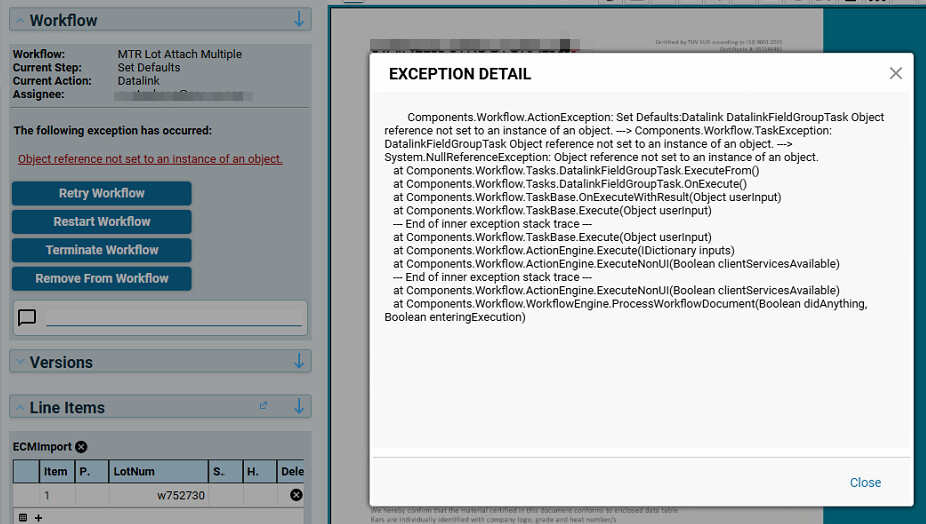
Components.Workflow.ActionException: Set Defaults:Datalink DatalinkFieldGroupTask Object reference not set to an instance of an object. —> Components.Workflow.TaskException: DatalinkFieldGroupTask Object reference not set to an instance of an object. —> System.NullReferenceException: Object reference not set to an instance of an object.
at Components.Workflow.Tasks.DatalinkFieldGroupTask.ExecuteFrom()
at Components.Workflow.Tasks.DatalinkFieldGroupTask.OnExecute()
at Components.Workflow.TaskBase.OnExecuteWithResult(Object userInput)
at Components.Workflow.TaskBase.Execute(Object userInput)
— End of inner exception stack trace —
at Components.Workflow.TaskBase.Execute(Object userInput)
at Components.Workflow.ActionEngine.Execute(IDictionary inputs)
at Components.Workflow.ActionEngine.ExecuteNonUI(Boolean clientServicesAvailable)
— End of inner exception stack trace —
at Components.Workflow.ActionEngine.ExecuteNonUI(Boolean clientServicesAvailable)
at Components.Workflow.WorkflowEngine.ProcessWorkflowDocument(Boolean didAnything, Boolean enteringExecution)
Will it say which line it stop with error?
Yeah, don’t think so either. Workflows are managed in ECM not from DMT.
You need someone who understands the workflows. In general, the issue is most likely some step is expecting some data in some field. You just have to chase that down, and it is a technical task.
Thanks Chris. I keep on asking them about if they added a field or remove one. This is really new to me
It doesnt have to be just that, for example I’ve seen a similar error related to taxes in our flow, some specific data condition.
Good news is you know the issue in the SetDefaults step of that workflow
Sam, do you host ECM on your own servers?
We have it in the cloud
If it’s in the cloud, you would have support on it, you can have support send you the logs for the error you’re getting.
You can ask them this, “Would you please send me the datalink logs for this datalink and step so I can see what field it’s failing on?” It’s been a minute since I’ve had to troubleshoot one, but I think they have a log for each data link. Isn’t that right @MikeGross?
Components.Workflow.ActionException: Set Defaults:Datalink DatalinkFieldGroupTask Object reference not set to an instance of an object. —> Components.Workflow.TaskException: DatalinkFieldGroupTask Object reference not set to an instance of an object. —> System.NullReferenceException: Object reference not set to an instance of an object.
at Components.Workflow.Tasks.DatalinkFieldGroupTask.ExecuteFrom()
at Components.Workflow.Tasks.DatalinkFieldGroupTask.OnExecute()
at Components.Workflow.TaskBase.OnExecuteWithResult(Object userInput)
at Components.Workflow.TaskBase.Execute(Object userInput)
— End of inner exception stack trace —
at Components.Workflow.TaskBase.Execute(Object userInput)
at Components.Workflow.ActionEngine.Execute(IDictionary inputs)
at Components.Workflow.ActionEngine.ExecuteNonUI(Boolean clientServicesAvailable)
— End of inner exception stack trace —
at Components.Workflow.ActionEngine.ExecuteNonUI(Boolean clientServicesAvailable)
at Components.Workflow.WorkflowEngine.ProcessWorkflowDocument(Boolean didAnything, Boolean enteringExecution)
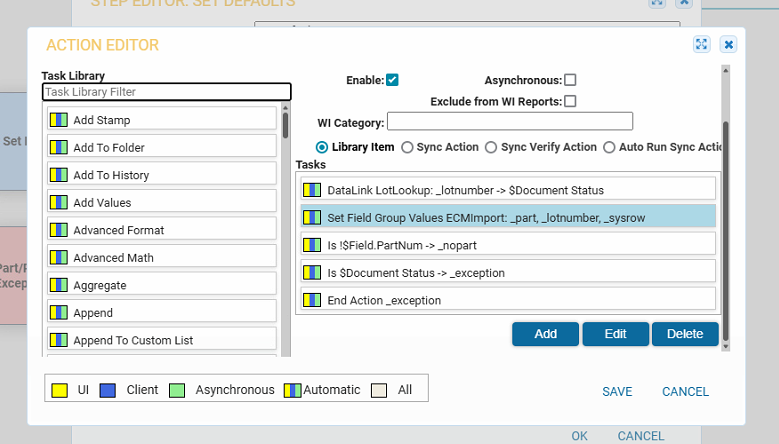
@salderete you can also find the step that this is on in workflow designer and find the datalink yourself and see what may be wrong with it as you can see the parameters it requires.

I think you might be talking about doing a workflow recording. On-prem folks can assign a document to a workflow and the box that pops up has a checkbox for recording. This creates a document of the steps and data at each step.
We use it for similar issues where workflows are not behaving and yet look like they should 
I am probably crossing between the record workflow and the data link logs cause I swear there are also logs for each data link when you create a custom one that is.
I took a quick look around because I don’t recall being able to log just the datalinks - and I can’t find anything. In my old age, it doesn’t surprise me that I may have know and forgot, but I’d like to know if this is a thing - it would have been so much better than the workflow recordings.
Maybe I am imagining haha been a minute