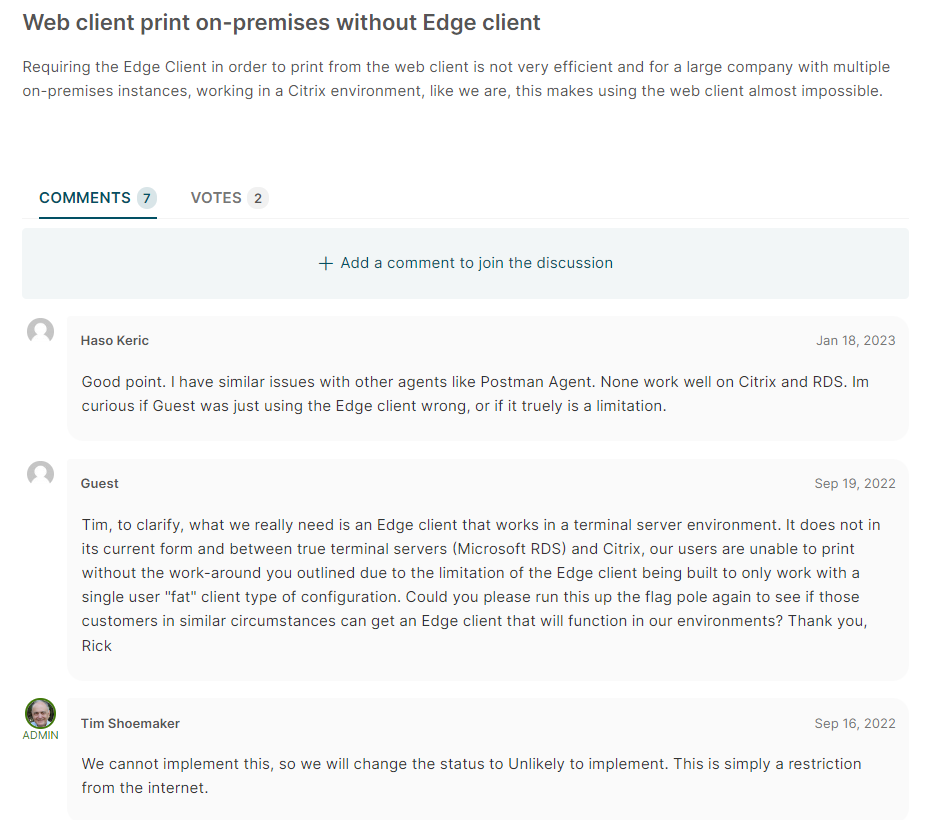
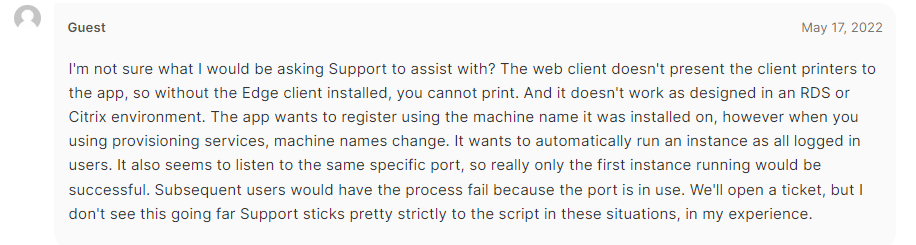
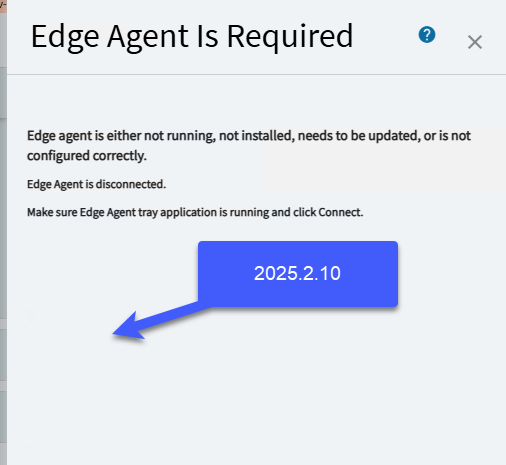
If you are using the Edge Agent for printing, and use RDS or Citrix. Were you able to get it to work for each user, especially if your RDS is load-balanced and each users session can go to any of 50 servers you may have.
It is key for any enterprise customer, it is key Epicor figure out how to implement this. You have already figured this out once with the Sysmonitor. So saying its not doable, is not true… You just need to bring @Rich back to handle the client.
Everything runs in Citrix for us, the users computers turn on to run Citrix. For all we care they can run an empty OS with no shell, ReactOS, Linux, Mac, Android or Chrome Book.
Citrix = Office 365, Chrome, AutoCad etc…
With 12,000+ devices, that is how you manage an Enterprise, for many. When you outgrow Software Center even, you need to find better ways to manage computers breaking, loaners, theft…
I can give you a Loaner Laptop tomorrow, and you are back to where you were 5 minutes ago, nothing lost, nothing to reinstall.
While my team is not doing the Web Client and associated framework, we are responsible for the Edge Agent and we have accepted this issue as a bug. That said, we are in the last few Sprints before code cut of 2023.1 and we will not review this until after the cutoff.
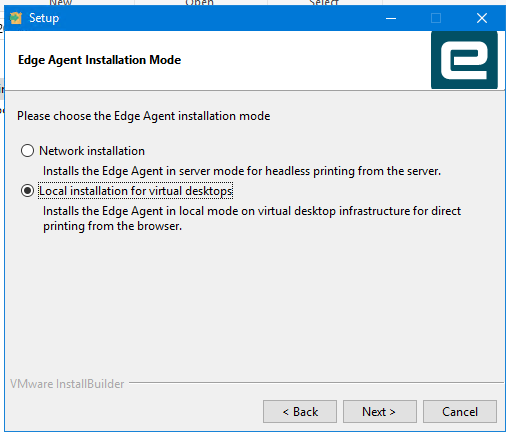
A workaround - and it does not cover all use cases - is to install the Edge Agent as a Network Print Service.
@hkeric.wci - thanks for bringing this to my attention.
Awesome, I just noticed that the Idea said, this would not be implemented and isnt a bug. So I am glad its on your radar! Sweet. That’s all we can ask for sir.
If you install edge agent in network server mode, it will be installed as service. You can then manually add a setting for local mode in its appsettings.json.
Dragging this old cherry up, we have a need for this for transitional purposes.
You mention using the network version and modifying the appsettings.json. Which values in the appsettings.json are you referring to and can you get to launch the classic client in that fashion?
What I have experienced is installing as local client and configuring and starting, logging in a second session as another user to the the same machine (so two logged in sessions) You will get the start-up message stating port 6071 is in use.
When you run something like functions maintenance from the browser in the second logged in instance it actually does prompt to say that the classic client is loading, but it loads in the first logged in instance.
In the second logged in instance we do not see the edge agent sitting in the system tray. Clearly not designed for RDS/Terminal services, but close. It may be I have to install in terminal services install mode and have not had to do that for ages.
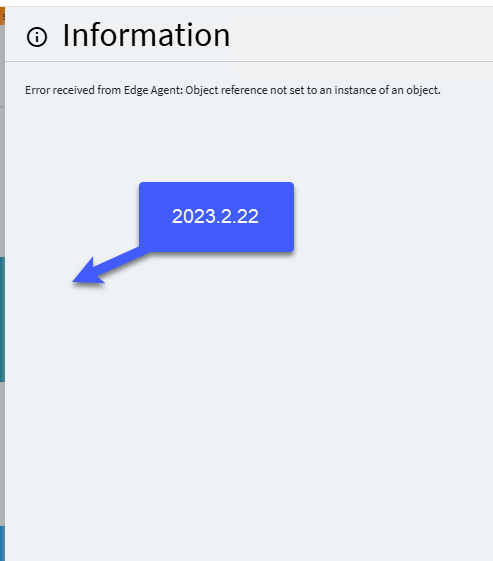
Looking at the latest network install it has the option for virtual desktop, and that appears to make it install as a service, however if I try to run a classic form from the browser I get a null reference. Config file does seem to be correct.
Do you have any suggestions if we can have the best of both the classic client capability and it running as a service to get printing and loading classic clients working.
That may well work for printing, but I need to get the loading of classic menu items working, and this produces these messages when I try it (latest version of the Edge agent 1.2.644)
Using the local install everything works, but of course when you login to another session as a different user, and you try a classic menu it opens in the first session!.. This may be a result of me doing this an a server that is just remote admin sessions and not full RDS, but I am baffled how you could have all sessions connecting to the the edge agent all with the same port… I don’t believe it would ever work. I could be wrong…
I have a case logged after many hours of messing with this.
What is in the log for the tray app and for the service?
Also this type of EA is only working with default browser and not in incognito mode, in case you try it. It relies on cookie to let browser UI know port to use locally, so check the browser console for errors too
I got the logs really nothing out of the ordinary and I attached them to the case… But essentially it looks like attempting to run this on RDS even after installing with the proper RDS install process we arrive at the same result. Second session loads classic screens on the first sessions desktop.
I can share the logs.
And whilst I know that the network version is not for on prem, you can use the network virtual desktop install, it installs a cut down version named the Edge Agent tray, disabling the multisession settings in the appsettings.json makes the tray verson behave the same was as the local version.
Just thinking to the behavior of print preview & publish/subscribe, are the users using the same Epicor UN?
While we do not use TS we have seen somewhat similar behavior when a user is logged into 2 computers, print preview will open on a random one (fun on our shop floor) and publish/subscribe will trigger across all instances.
well, i don’t see the case number here so I don’t know where to look for them
Second session loads classic screens on the first sessions desktop.
That was exactly why RDS version was created - each session should have their own tray app running and opening files and forms in the same session.
And that is why server EA cannot be used in this case - it is just a service without session attached.
Looks like your have simple local installation instead.