bafeurer
January 6, 2021, 7:23pm
1
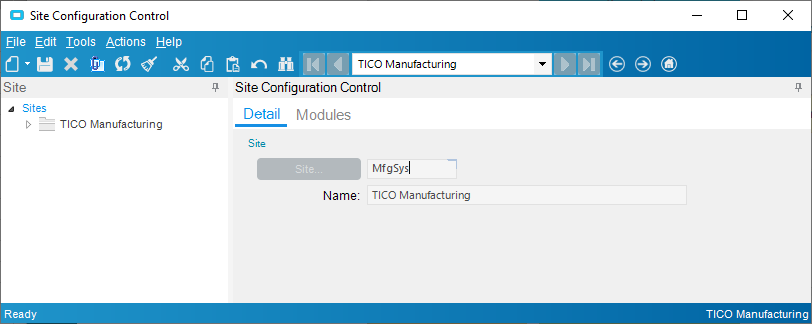
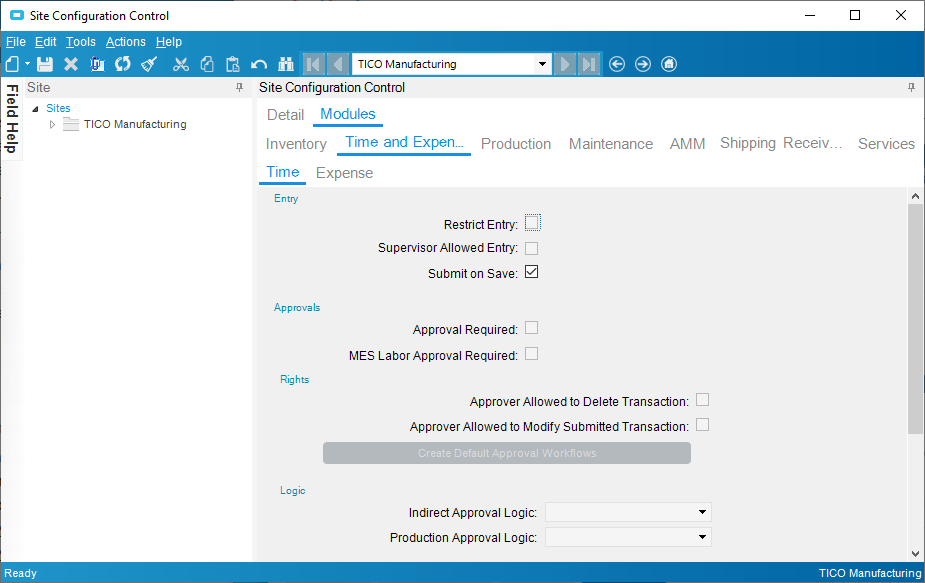
How do I turn off the automatic approval for time. I went into the Site Configuration Module and everything is greyed out.
JasonMcD
January 6, 2021, 7:56pm
2
Did you search for (or type in) your site?
Edit : most of my screen is grayed out, too. I do have that one available, though - and only that one. Maybe this is dependent on what modules your company is paying for?
prash172
January 7, 2021, 4:33am
3
@bafeurer
tsmith
January 7, 2021, 12:16pm
4
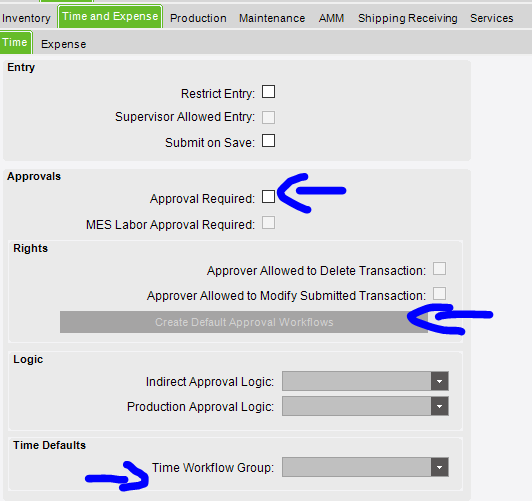
Note that you must have the Time Management module licensed and installed to be able to change these settings:
I dont have expense management, but I have time management. There is also Advanced Job Management. Good chance its Time management that opens it up. But could be Advanced job management.