Not sure where to install the files?
The files are put into the client folder itself.
- Right-click on your Epicor shortcut on the machine you wish to use the DMT and select “Open File location”.
- Paste the DMT files into that folder.
Miguel,
You need to copy the following (3) files to your client directory
DMT.exe
DMT License file
Epicor.dmt.lib.dll
“:\Epicor\ERP10\LocalClients\”Epicor Application Server Name”
Also make sure your test company ID is the same as your production company ID or DMT will not work.
Thank you. both.
Nathan, that link needs access to a site that I dont belong to.
thank you; I’ll run that by our operations team.
Just looking for some documentation, if any has ran by any.
Do you have access to the following on your downloads page?
https://epicweb.epicor.com/products/epicor-erp-10/downloads
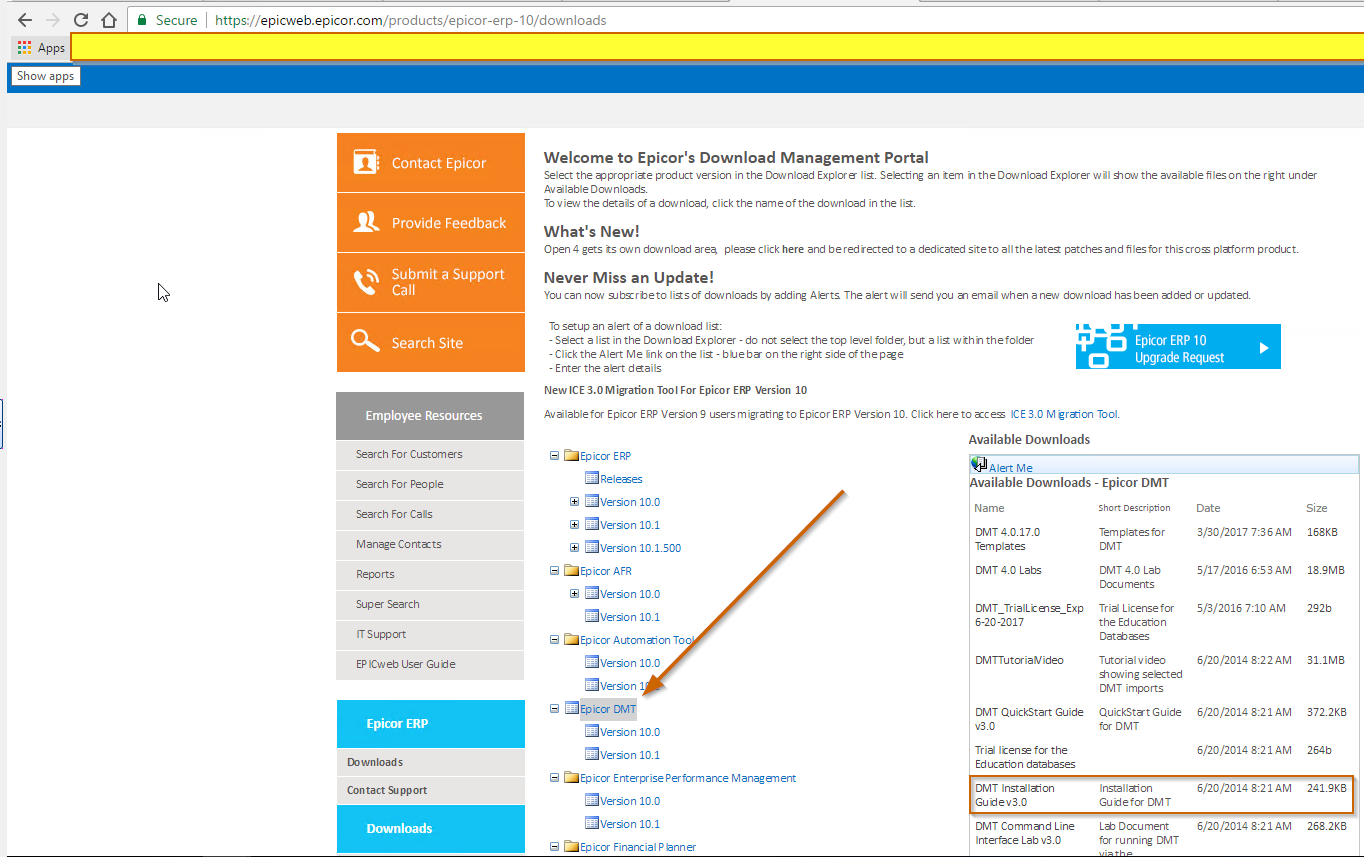
Damn, I swear I looked there. Thanks,