I was missing a step in my test and jumped to set off this alarm too quickly. Please resume your normal duties as assigned.
________________________
EKW problem found - reported as case CS0005551415
I have selected, Reserved and Released Sales Orders in Fulfillment Workbench, I see them in Material Queue Manager.
In EKW I open Outbound Order. I enter a Sales Order number and pick the line from that order. When I’m done that order, I get the prompt ‘Would you like to navigate to picked orders?’ I answer No. I touch the Orders tab. I get the prompt ‘Do you wish to return to entry?’. I answer Yes. I enter a new Sales Order number. I get a message saying ‘No material Queue items found for this order’. I touch the Search button in the Order field. Nothing shows in the search results. I return to the Home screen then open Outbound Order again. I enter that same Sales Order number I just tried, and it comes up. If I touch the Search button in the Order field, I get a list of all of the orders waiting to be picked.
I don’t know why I waited until today to test Outbound Order in EKW! Totally dropped that ball.
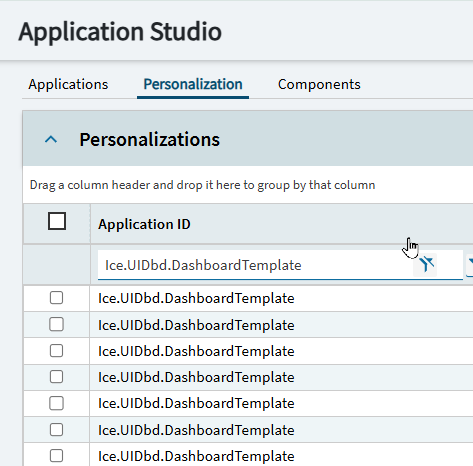
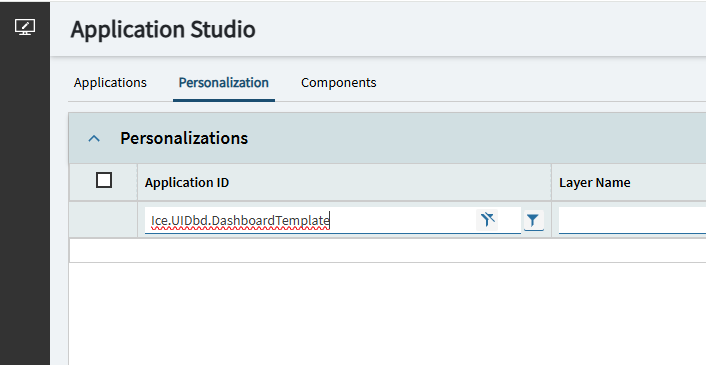
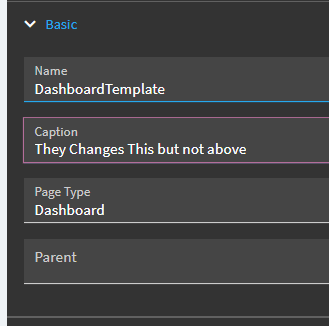
Did you delete the personalizations from the dashboard template? There has been a weird issue for several years where personalizations get attached to the template instead of the relevant dashboard and break dashboards from loading data.
Thanks for the suggestion though! Maybe that’s what I ought to be using. I ended up just recreating pretty much all of ours from scratch. Which is also why I am so confused as to how some are working and some are not.
No you don’t have a template - nobody does. This is just a thing that Epicor personalizations do all on their own. You can find them in app studio as pictured.
Issues I am aware of after the upgrade in cloud: cpve0000 Import GL Transaction Types conversion failed.Company ‘000000’ GL Transaction Type ‘PO Release’ Revision ‘Base Std’: Cannot convert Segment ‘Division’ for Book ABC123 Package Standard: mapping is not defined. Please correct Segments Mapping setup on GL Book Entry and run conversion program again or import Revision for this GL Transaction Type manually. Revision ‘Base Std’ of transaction type ‘PO Release’ company ‘000000’ could not be upgraded automatically. Please see Change Log.
Re-selected Division segment map mapping and re-ran.
Conversion ‘EntityFrameworkCoreFix’ failed
Re-selected file paths on all electronic interfaces due to the linux switch.
Nightly Process taking longer
Mrp went from 35 minutes to 2 hours, production planner process went from 3 minutes to 1.3 hours. Still looking at it.
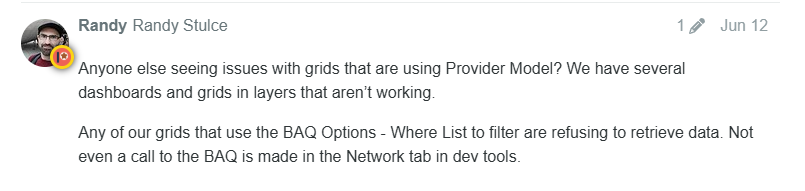
I’ve got a separate thread for this issue open. Just posted in there that I can almost confirm it’s the BAQ Option filters because once I removed them all, a dashboard that would previously not load anything will now load. It appears as though using the Client Filter will work. Not sure how straightforward it is to change to that when there were multiple filters (I had just always used the BAQ Option filters). I’ve updated my EpicCare ticket so hopefully this new info (that @Randy may have already told them) helps them get to the bottom of this
Confirm that I’ve just seen your other thread. I posted your ticket number to the support agent working on our case, hopefully they compare and link the issue.
Nope they break as soon as you add items to the BAQ Where List. Had to rebuild ours to use BAQ parameters instead. I hope they’ll fix there Where List soon.
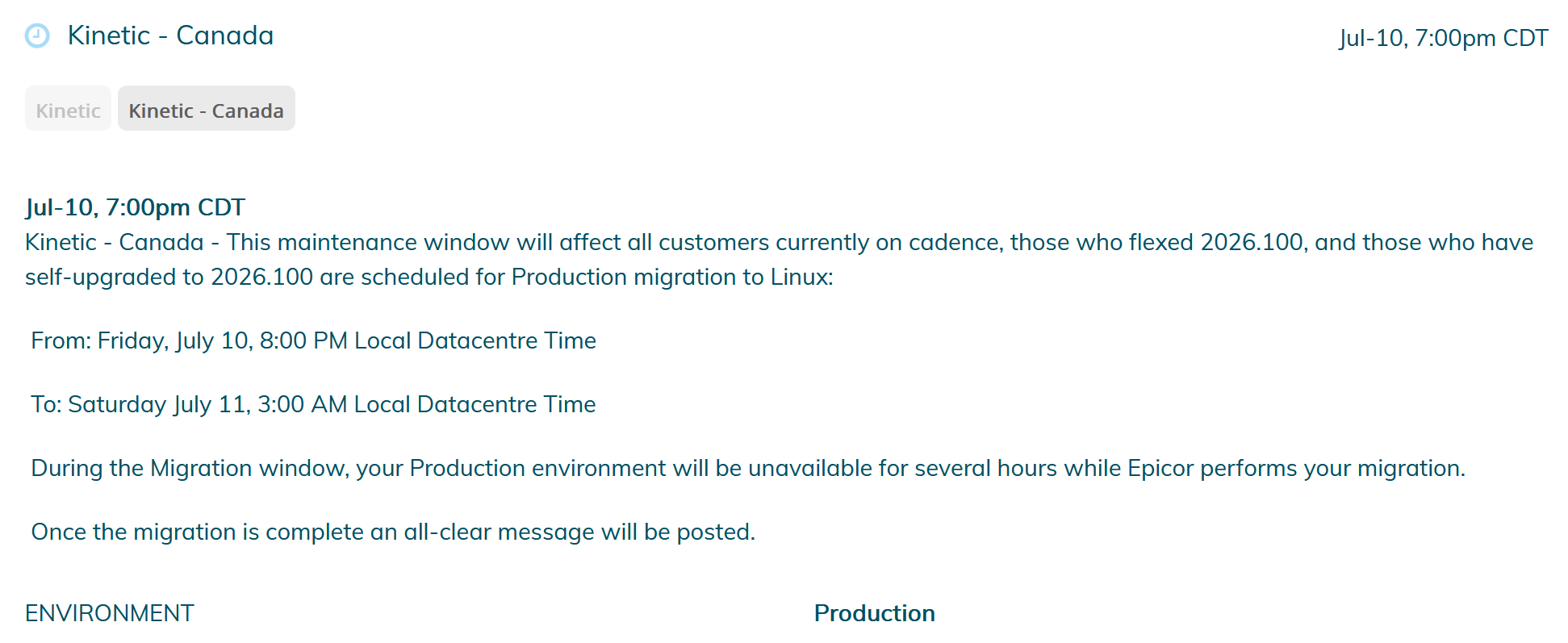

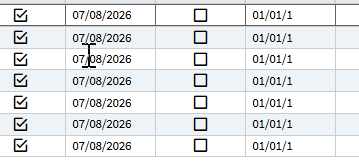
 Case CS0005553837 Opened