Try changing the below highlight in your query to INNER JOIN

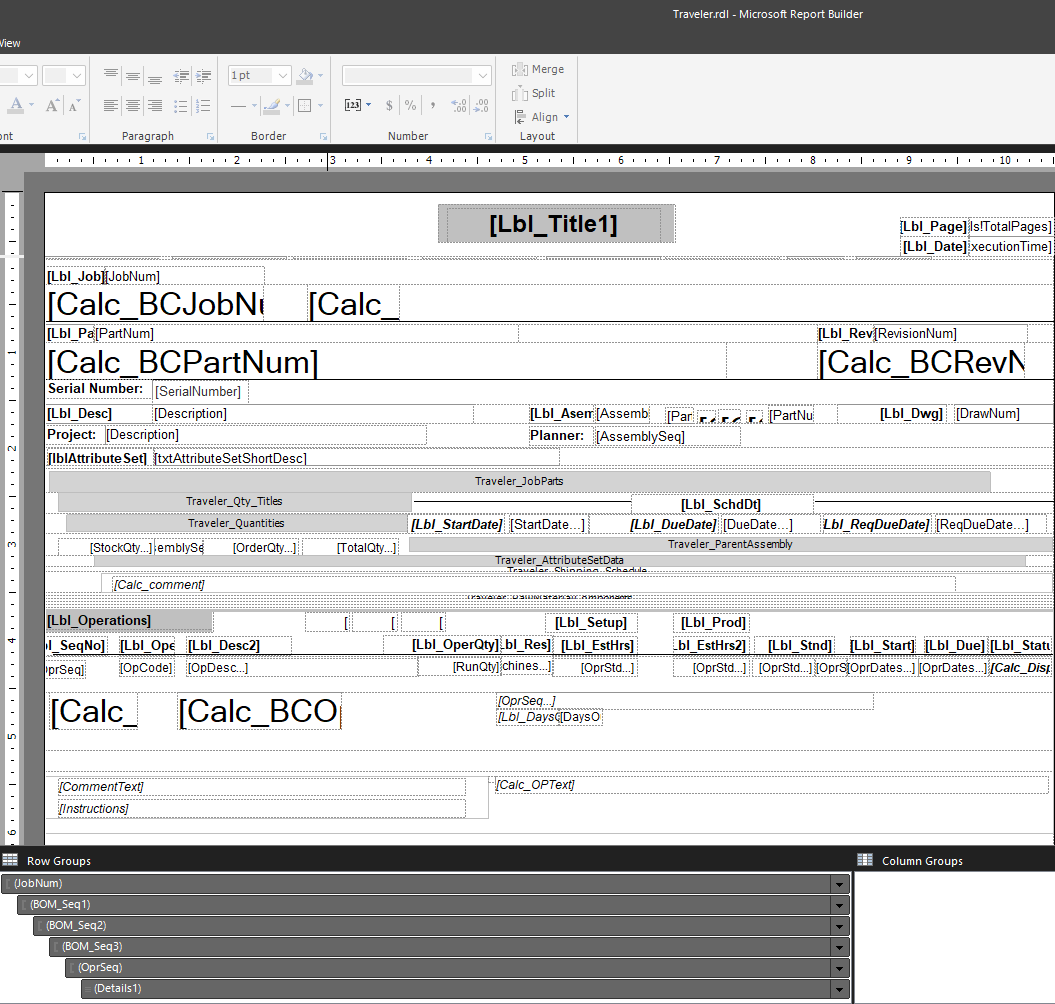
Can you share a screen shot of your RDL with the Row Groups.
Hi David,
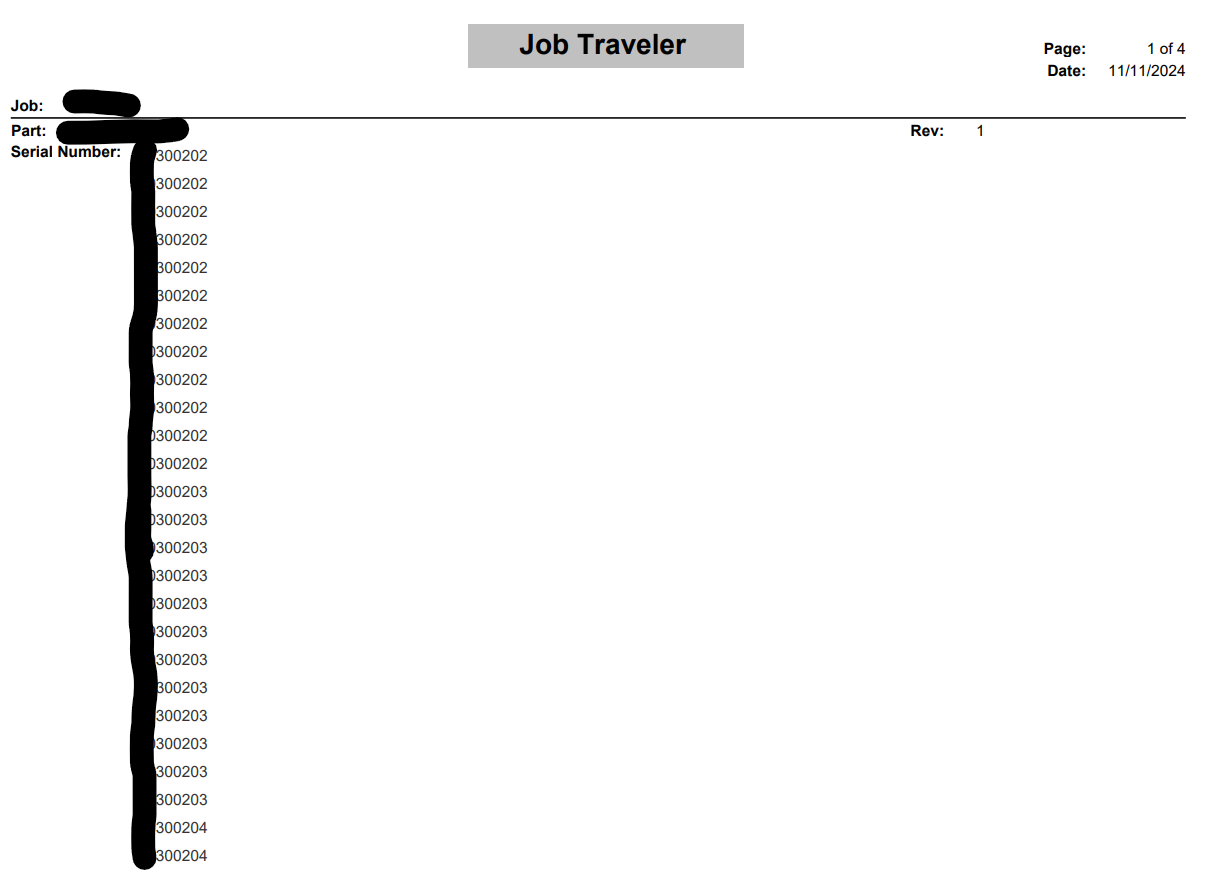
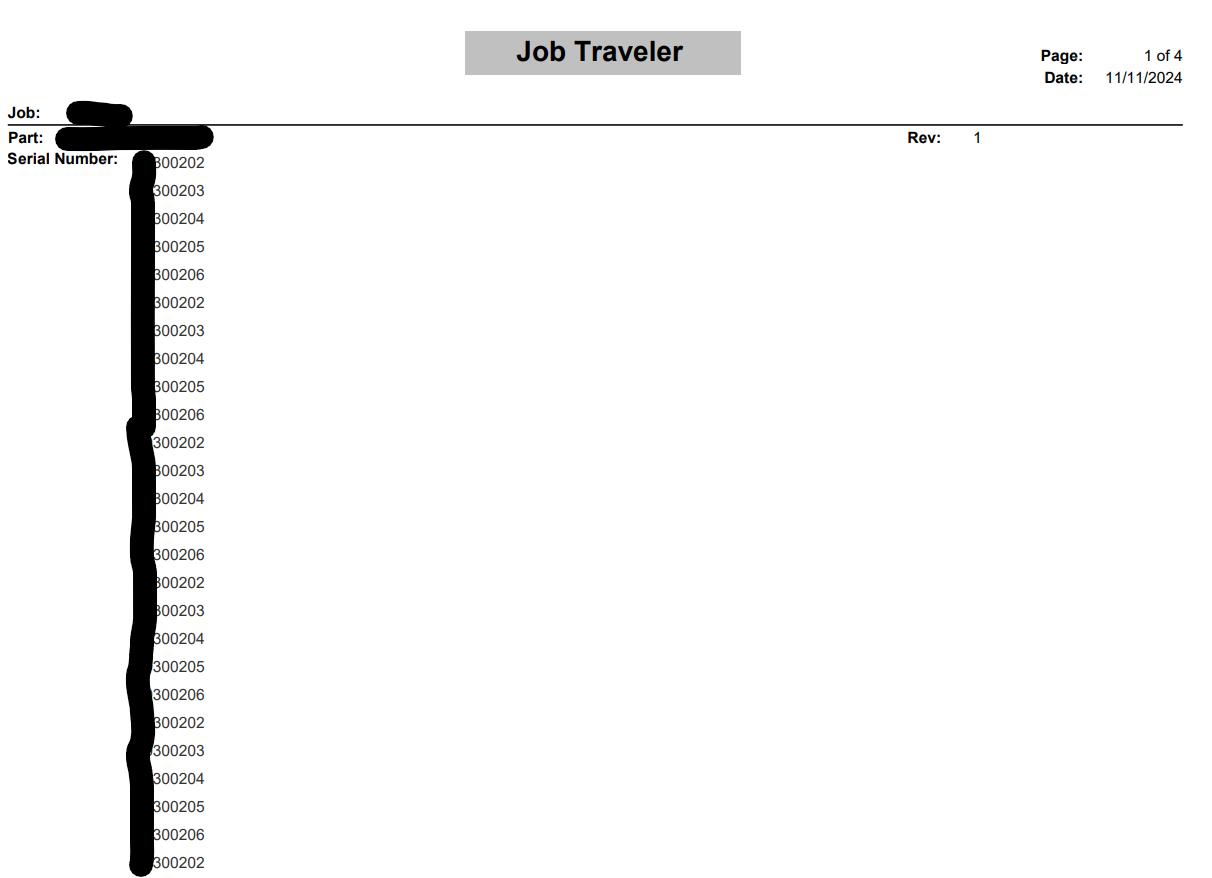
I tried INNER JOIN but it just put the numbers into order. Unfortunately, there is still 12 serial numbers outputting from the report.
INNER JOIN:
LEFT OUTER JOIN:
@jkane I have attached a screenshot of the report design view with the row groups below,
Okay, let’s try this…
I deleted my previous test, so I created a new one real quick and just used “BOMSequence”…
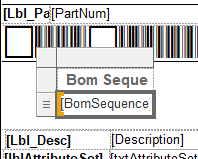
I also added a subassembly to my job to test with more data. The resulting report showed this under Assy 0:
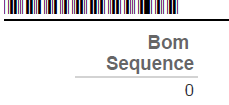
But under Assy 1, I got this:
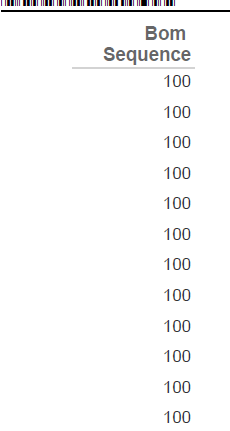
Basically a row for every Subassembly/material where “BOMSequence” = 100.
So… I went back to my rdl.
Click on the new table you added for Serial Numbers, it will have its OWN row groups… go into those Group Properties:
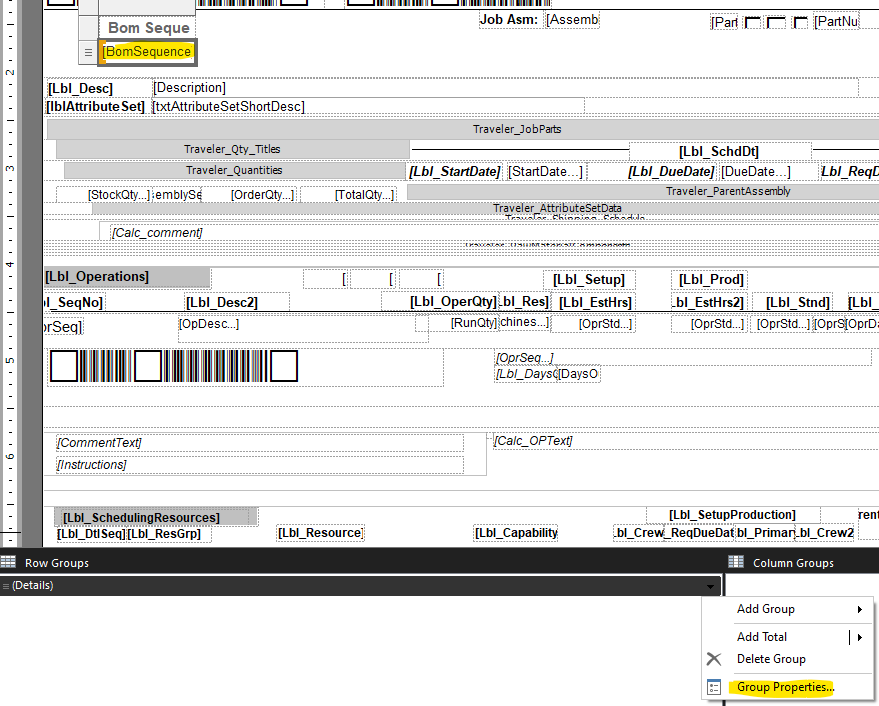
Add BOMSequence as a “Group On”
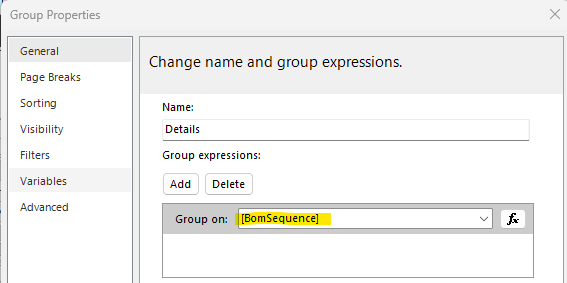
Save, import, test…
I now get this for Assy 1:
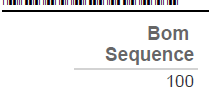
So… I THINK… if you look at the normal Row Groups… the (3) marked below are all “grouped on” BOMSequence.
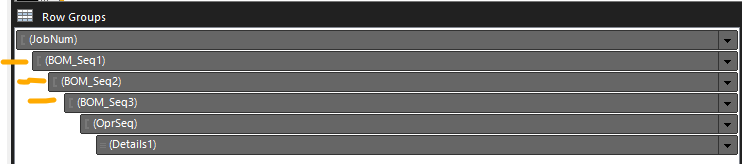
Since we injected another table inside BOM_Seq2… it also needs to be “Grouped On” BOMSequence.
Give it a shot and see if that gets you closer.
Looks like the Serial Number field is in Row Group JobNum, is that right?
Because you are joining a table with 1 record (Asm 0) to a table with multiple records (SerialNo), it is causing the dataset to contain multiple instances of Asm 0.
Let us know if @dcamlin solution works. If not, we can get creative to solve this.
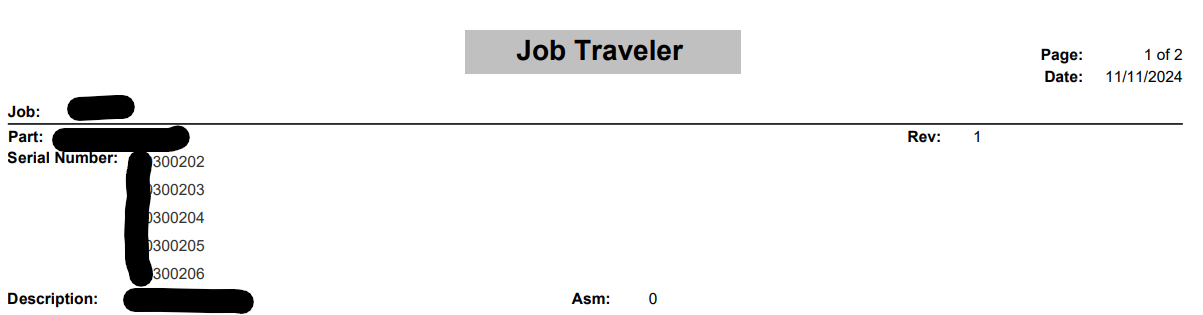
This is helpful to me as well as I need to put it on the Material Traveler! Thank you so much! Glad I found this post!