Kinetic Application Studio - app open with slide out panel how to pass parameter to Filter1

Hello,

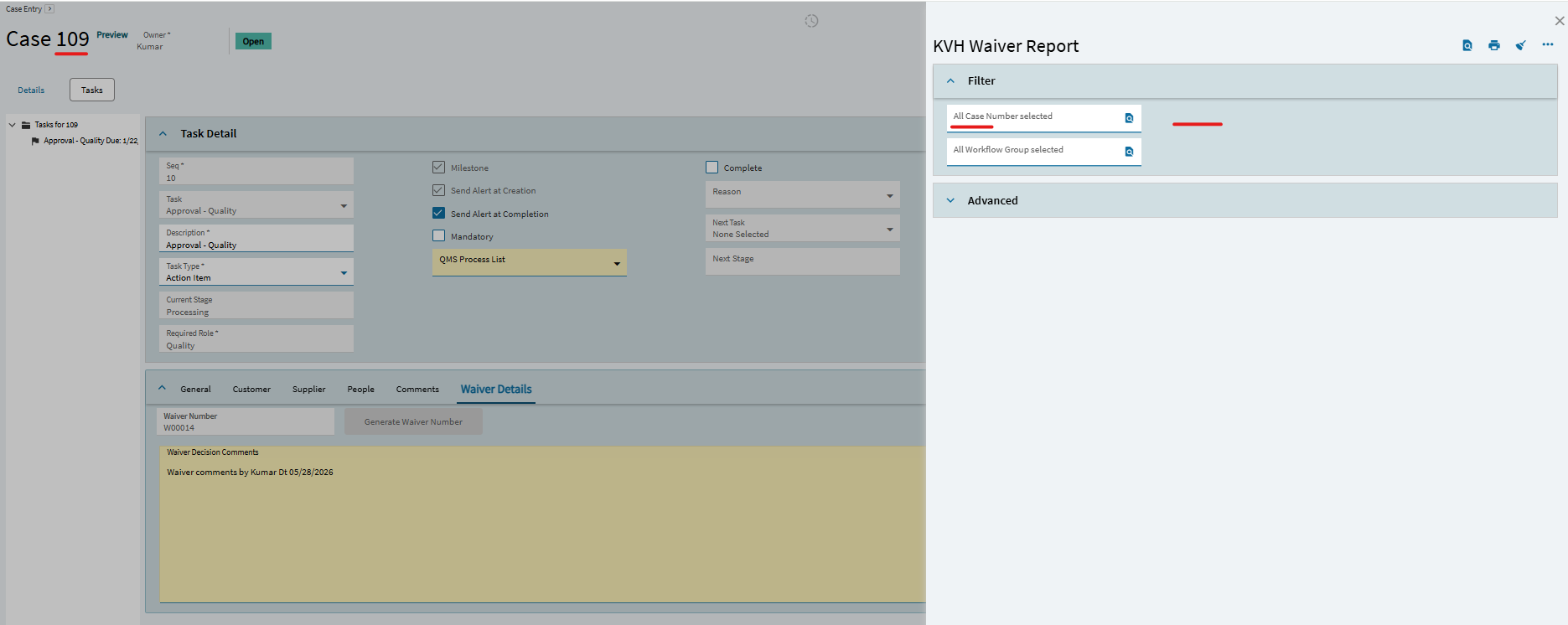
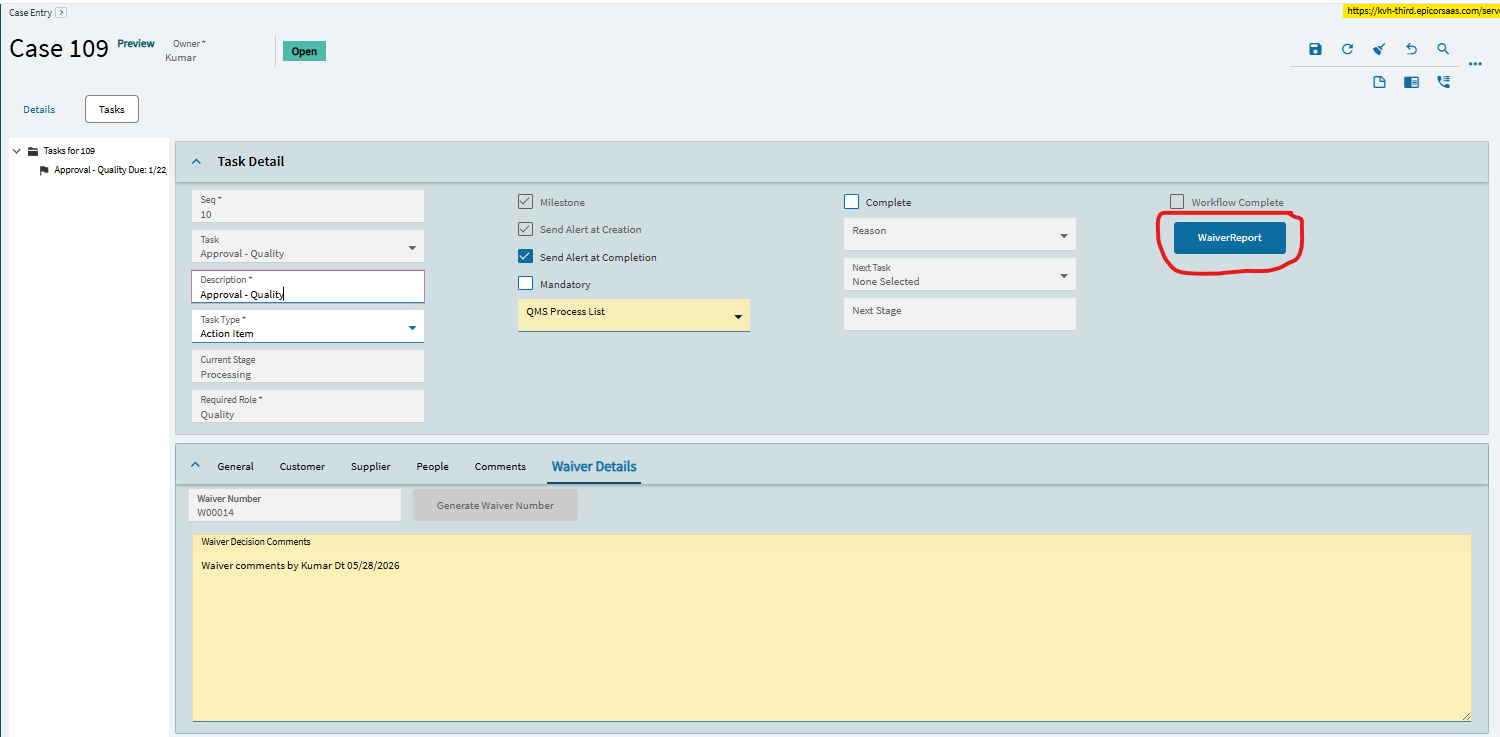
I have created button and added ‘on-click’ event functionality. When user clicks that button ‘app-open’ custom report and show ‘Filter’ parameters. But it isn’t working and I can’t able to pass value to that ‘Filter1’. Please check and help, I greatly appreciate.

layout

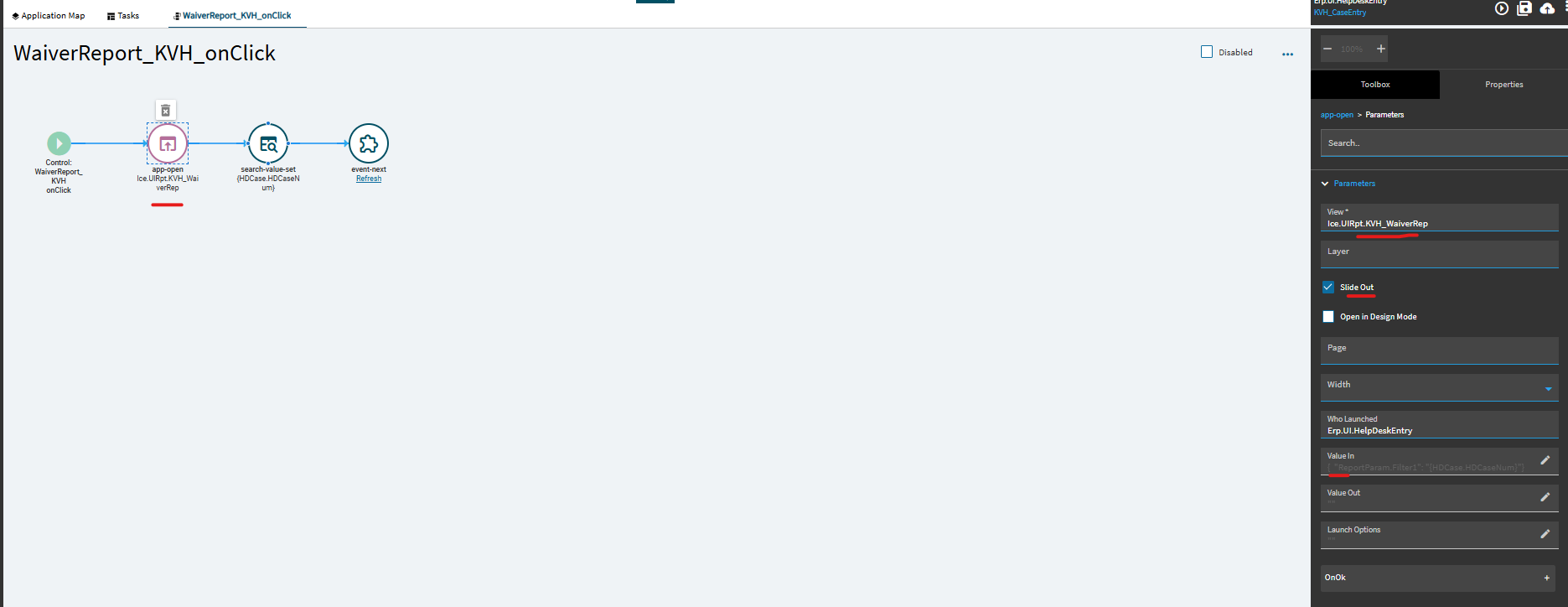
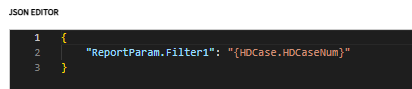
Value In - set as below

image

It isn’t showing parameter or set value. But it opens ‘slide out’ panel without expanding ‘Filter’ parameters. I need to set parameter value on ‘Filter1’ and expand to display on panel.

Thanks,

Kumar

This is a good thread on passing values through app-open.

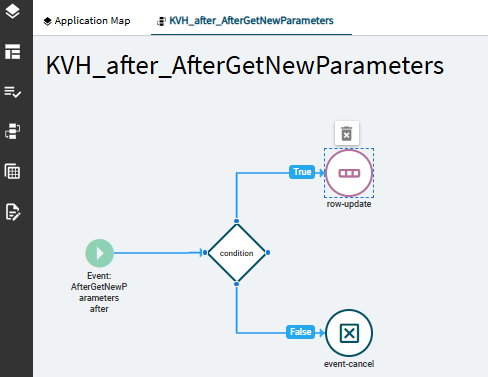
You’ll probably have to handle the ValueIn on the receiving Report form. Perhaps by after Window_onload or AfterGetNewParameters. Your event will check for ValueIn.ReportParam then set ReportParam.Filter1 something so:

    {//snip events.jsonc
      "id": "ce_after_AfterGetNewParameters",
      "trigger": {
        "type": "Event",
        "target": "AfterGetNewParameters",
        "hook": "After"
      },
      "actions": [
        {
          "type": "condition",
          "param": {
            "expression": "context && context.initialValueIn && context.initialValueIn.ValueIn && context.initialValueIn.ValueIn.ReportParam",
            "onSuccess": [
            {
              "type": "row-update",
              "param": [
                {
                  "columns": [
                    {
                      "epBinding": "ReportParam.Filter1",
                      "value": "%session.context.initialValueIn.ValueIn.ReportParam.Filter1%"
                    }
                  ]
                }
              ]
            }
            ] 
          }
        }
      ]
    }

“It takes two to make a thing go right.”

  • App-Open Event to call the app and pass the value(s).
  • Receiving event on the target app to accept the passed value(s) and plug them in where you need them.

Otherwise…

episode 9 GIF

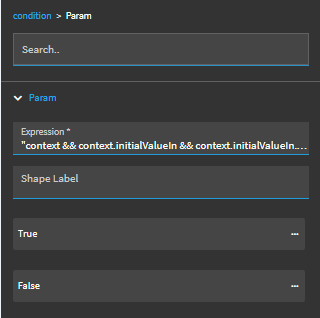
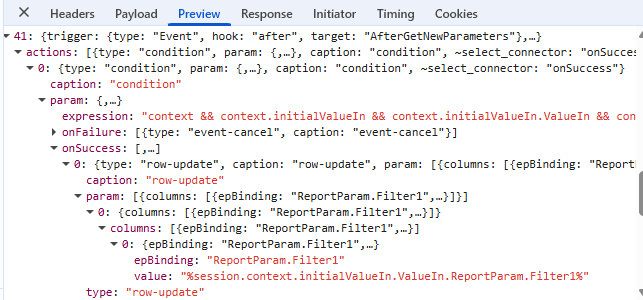
I tried at receiving report to add/update below event and ran it. Nothing set parameter.

condition

“context && context.initialValueIn && context.initialValueIn.ValueIn && context.initialValueIn.ValueIn.ReportParam”

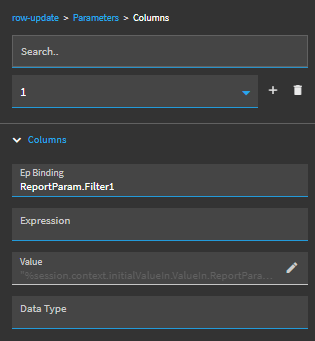
row-update - true

value

image

Anything missing on receiving report side?

Thanks,

Kumar

Remove the quotes around your condition’s expression.

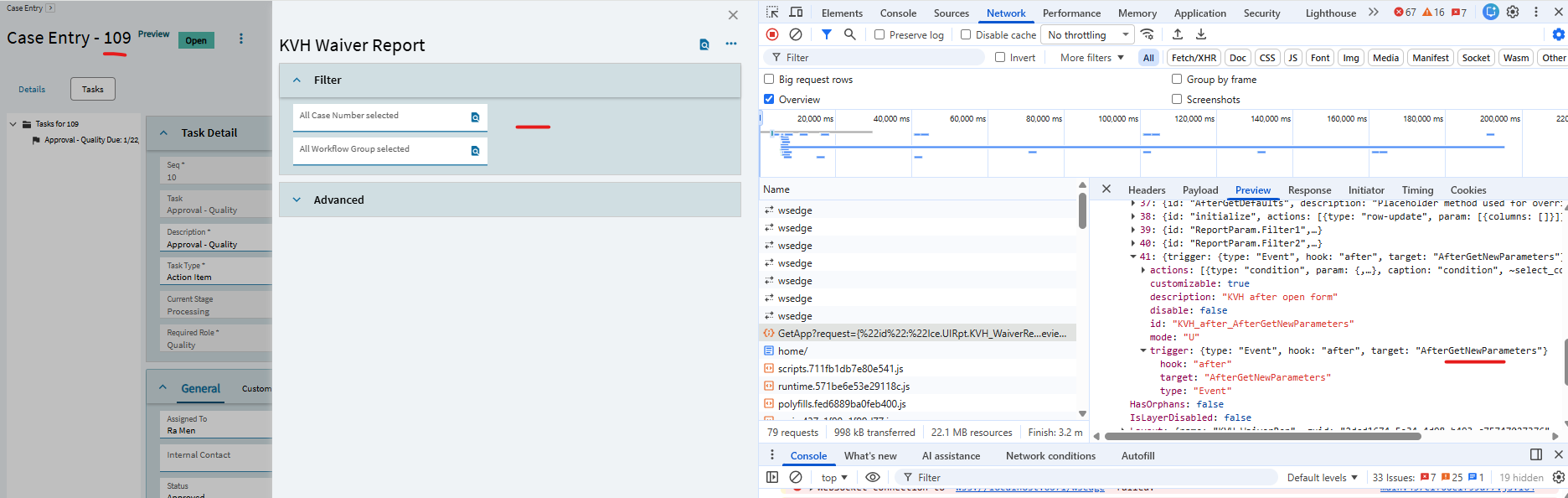
I removed quotes and tested. It isn’t setting parameter. I debugged and listed screenshot.

Thanks,

The ReportParam.Filter1 might be confusing JS with that extra period, try sending over just Filter1 and see if that works?

also, activate epdebug (ctrl + alt +8) and show us your console tab.

sending side changed and tested. Nothing changed.

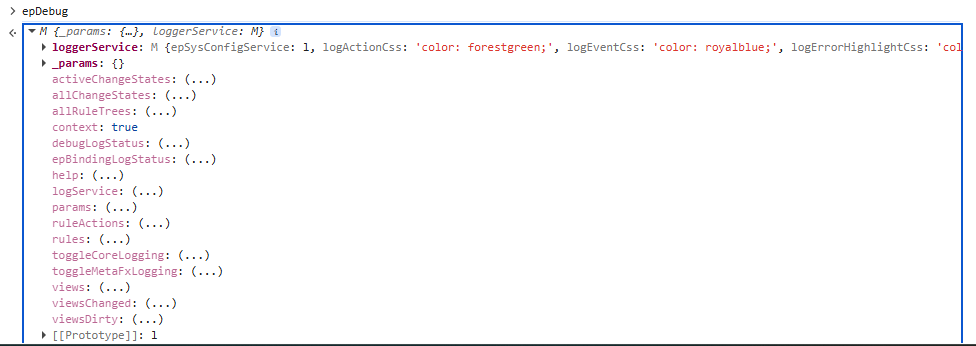
enabled ‘epdebug’, where to check

Thanks,

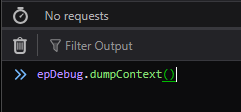
Type epDebug.dumpContext() into the console and expand initialValueIn.

there is no ‘initialValueIn’

Thanks,

you may have to toggle debug with a console-write as first action in your Report slider event like so:

Make sure debugging is enabled and type what I showed into the console. I think you just typed epDebug and are looking at the function definition on the object, not the actual results of the dumpContext() function.

Now I can see ‘InitialValueIn’

Yeah, you’d see a “valueIn” under initialValueIn if the screen successfully received it.

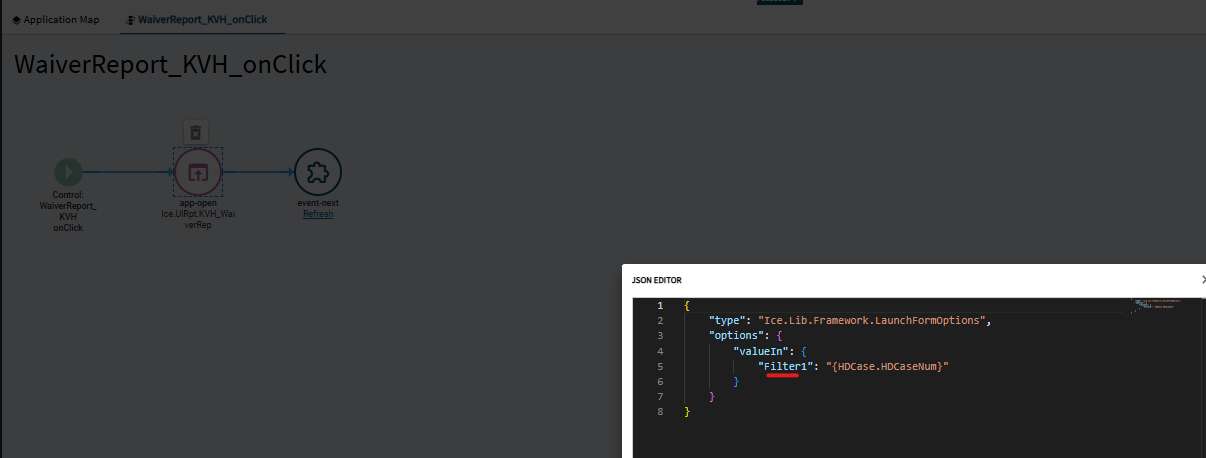
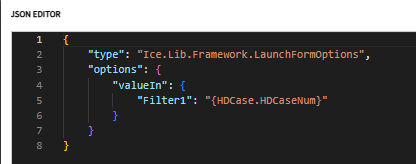
From the sending side, you don’t show if you put the JSON in Value In or Launch Options. If it’s in Value In, try moving it to Launch Options.

Also it looks like thats the context of the main form not the slider see ‘who launched’

try this:Kinetic Application Studio - app open with slide out panel how to pass parameter to Filter1 - #13 by jbooker

I moved code from ‘valueIn’ to ‘launch options’ section. Still not showing ‘valueIn’ at ‘epdebug.dumpContext()’

sending side - launch options

epdebug.dumpContext()

Thanks,

Kumar

Do what Josh mentioned, setting the debug log status to enabled in the receiving screen when it starts up. I would also add another console-write after with the following expression:

#_epDebug.dumpContext()_#

That way, you can be sure you captured the correct context.