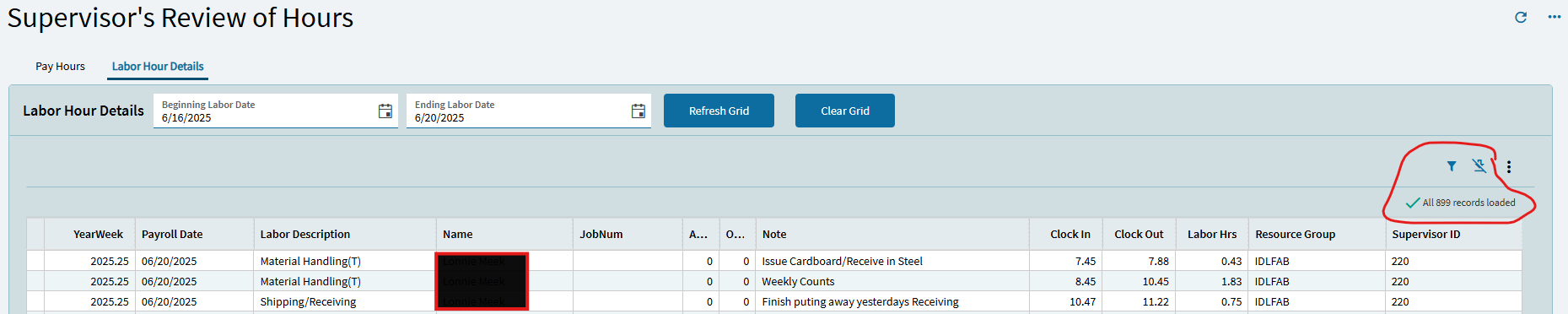
Notice that there should be 899 records loaded. But when I scroll down, I do not see all 899 records. The grid stops displaying after 80 rows. When I scroll down, I also can no longer see the top column headers.
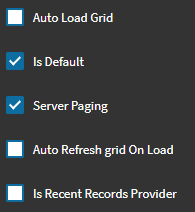
On the Provider Model:
Turning off Server Paging obviously worked for you… but in some grids where there are a TON of records (thousands for example)… turning off Server Paging can really impact the time to load your form/grid.
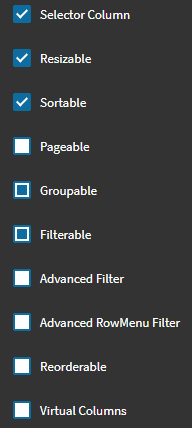
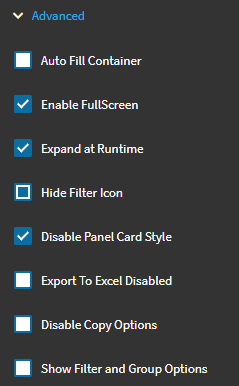
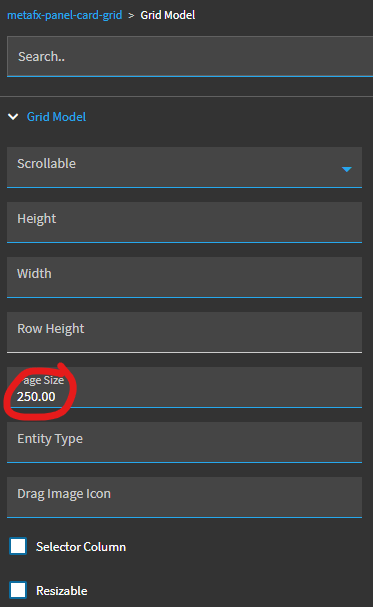
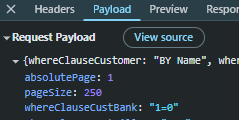
Just tossing out an alternative… You can change the default Page Size under Grid Model.
I believe the default is 80… but you can up that to whatever default you want.
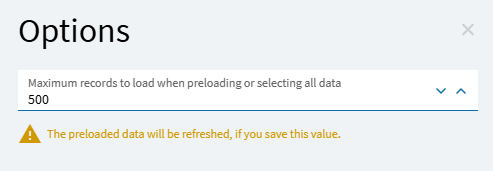
Also… there is a setting in the grid overflow menu, under “Options”… here you can set the default number of records to load when you click the “Get More” icon. That defaults to 500 I think. So each time you click the “Get More” button, it downloads 500 more records. You can increase/decrease that value to whatever you want. I think this is more a user personalization though…