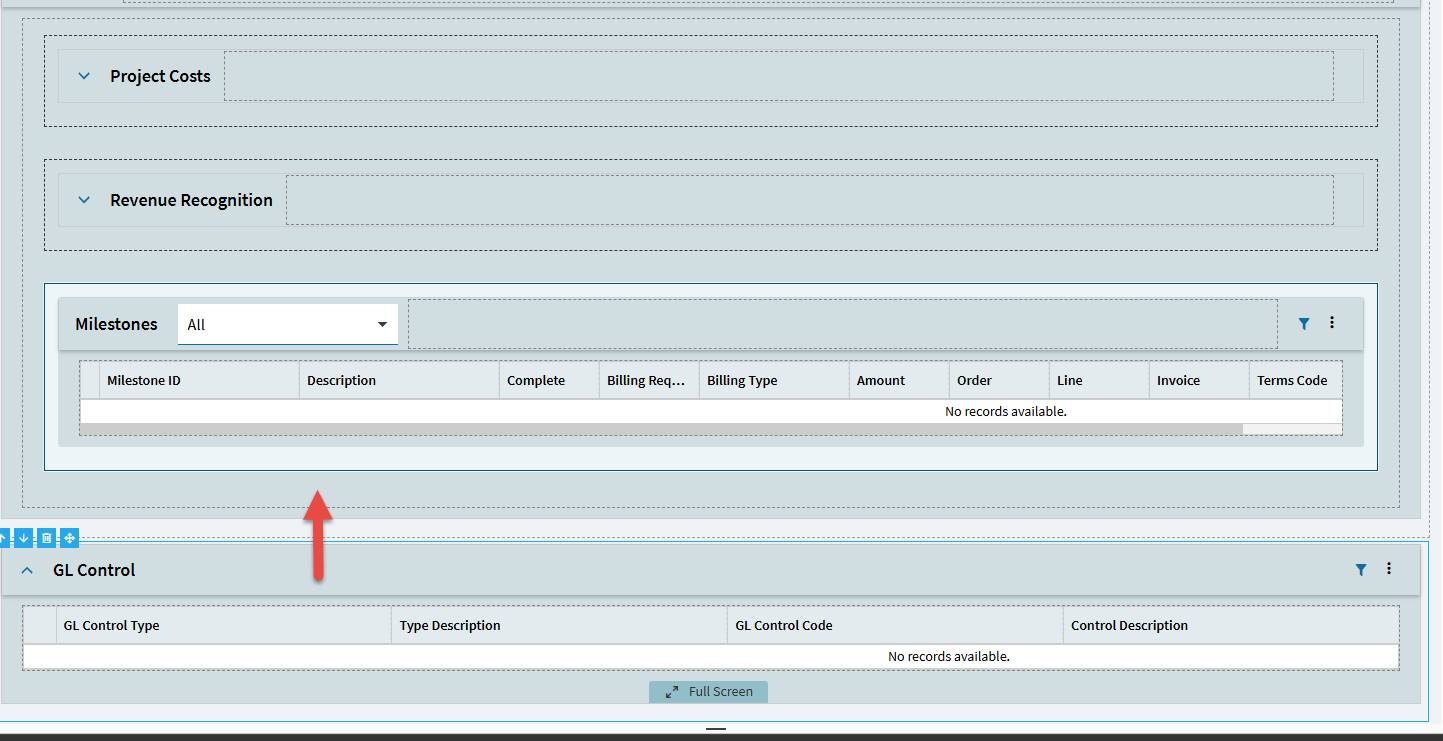
I’m working on a Kinetic customization in Project Entry > Details using Application Studio, and I’m having a hard time moving the GL Control panel card.
What I’m trying to do is pretty simple:
I want to place the GL Control panel card inside a new Panel Card, next to the Milestones section.
The problem is that the GL Control panel card just won’t drag into another Panel Card.
It feels like it’s locked or has some kind of structural restriction. I can move other components without issues, but this one refuses to dock inside a Panel Card.
I attached an image showing the current layout and where I’m trying to place it.
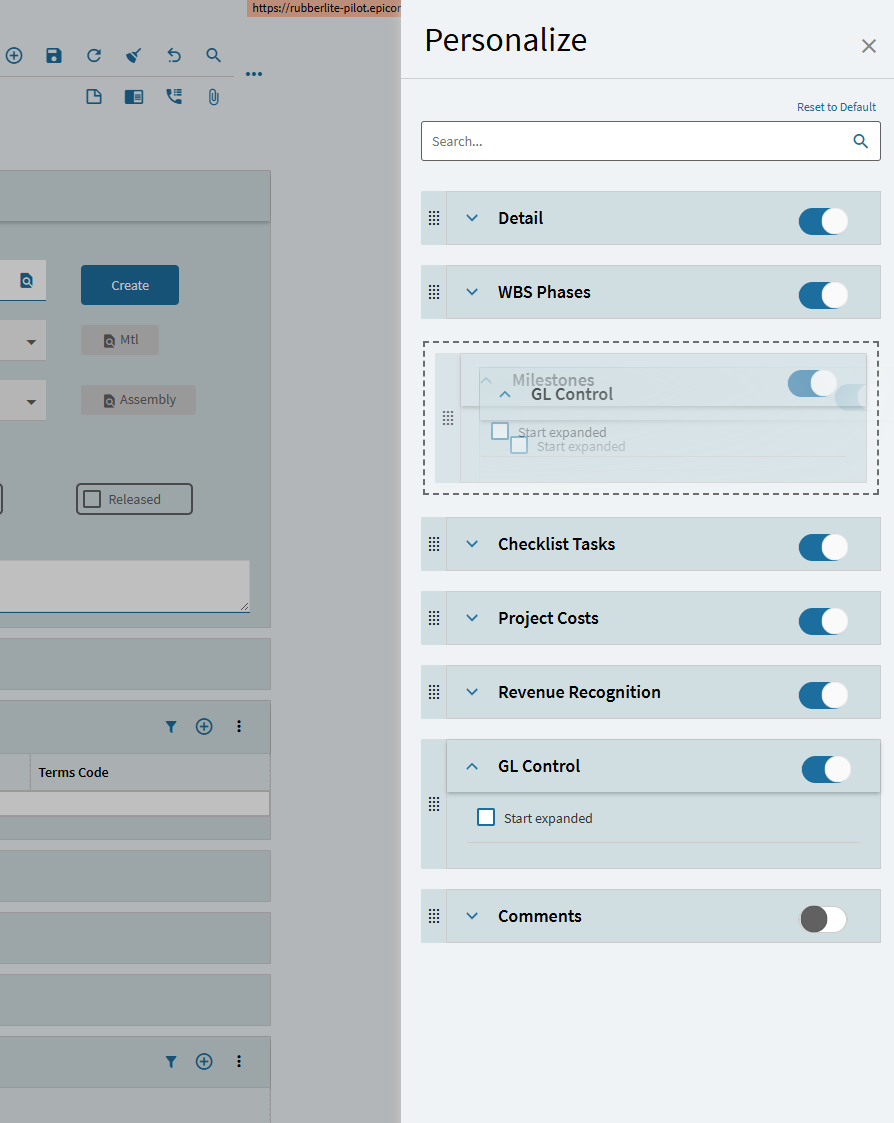
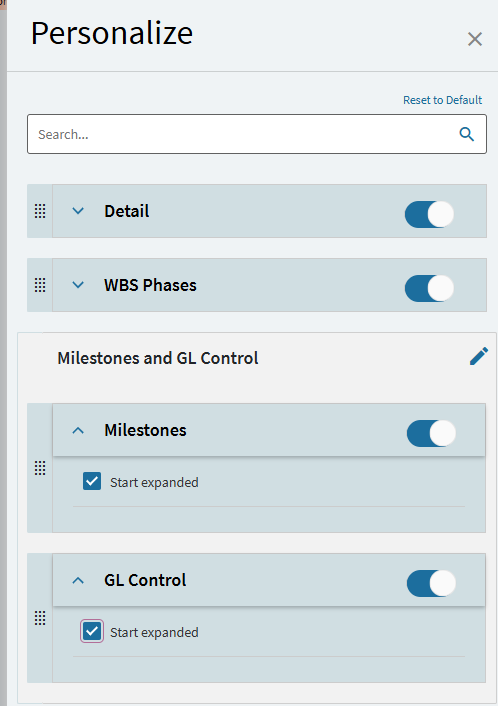
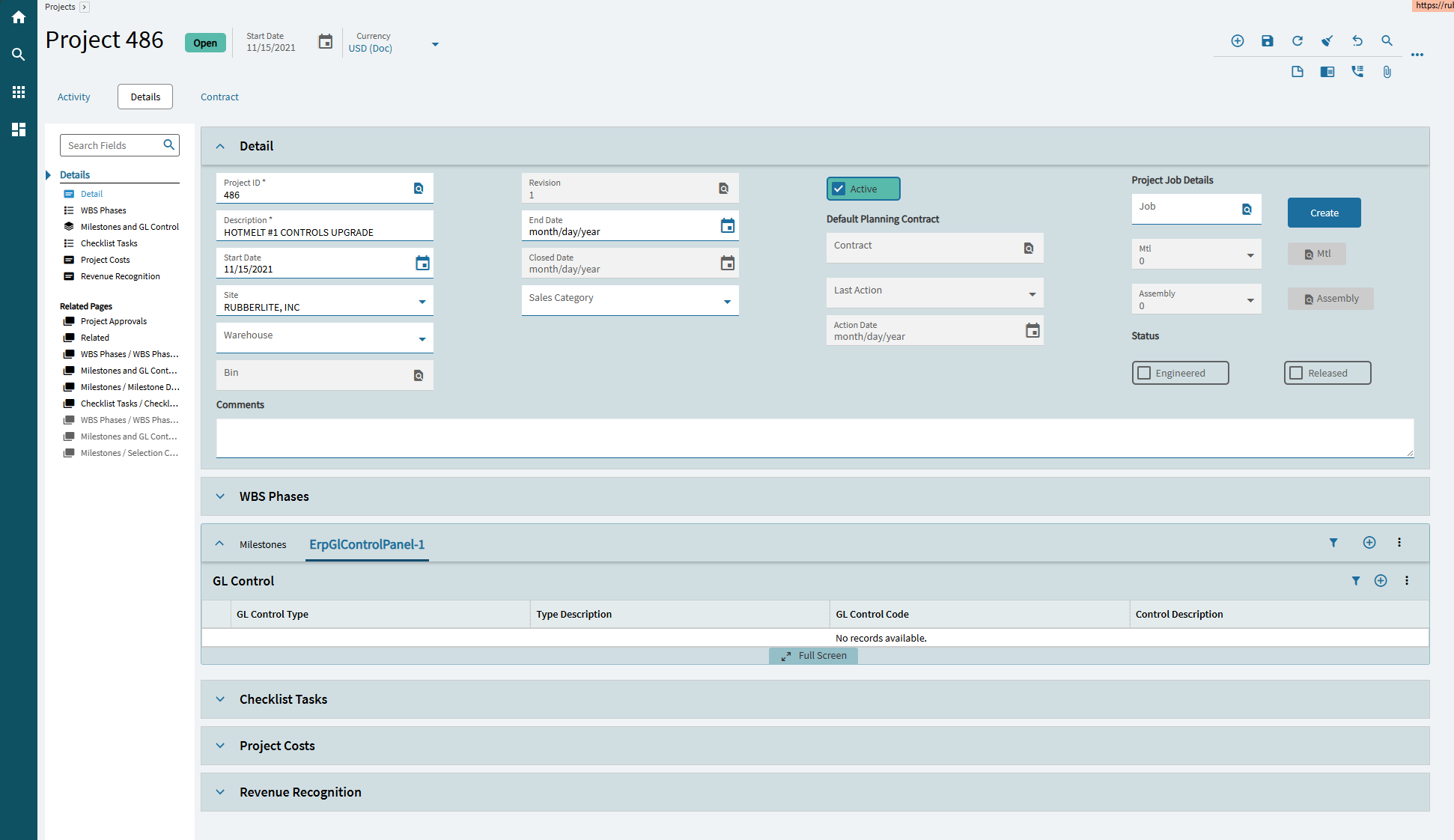
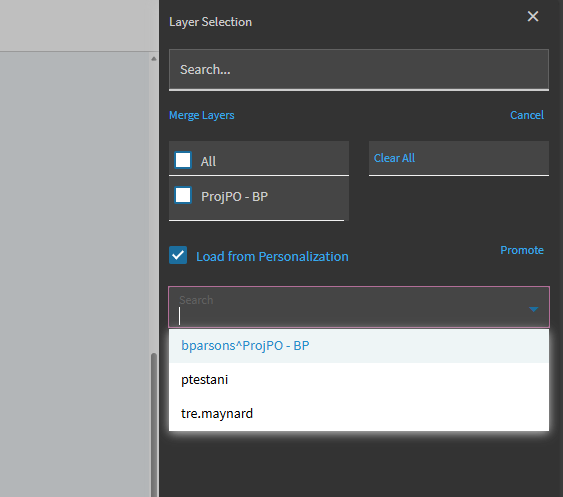
You should be able to then upgrade that Personalization to a layer and merge in App Studio, however I have never successfully done this. I attempted to in Pilot just now and maybe I did something wrong, but it did not merge with my custom layer already created:
I know it sucks, but we’ve had a dashboard or two that we’ve had to connect to everyone’s machine and do it for them (or send an email on how to themselves). Might just have to be a Personalization.