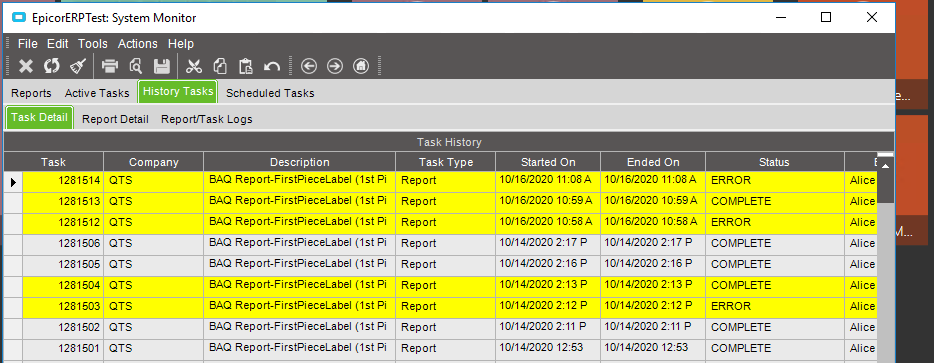
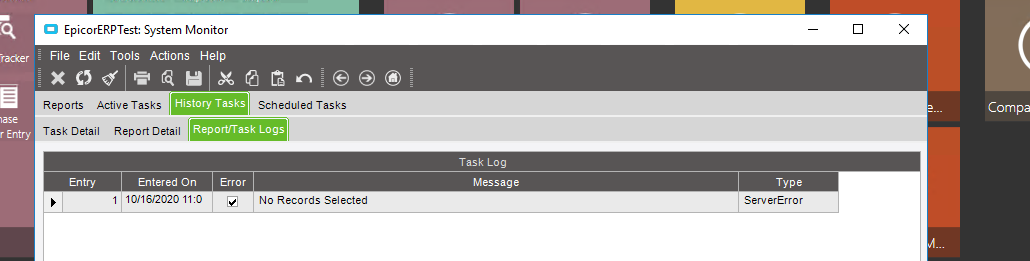
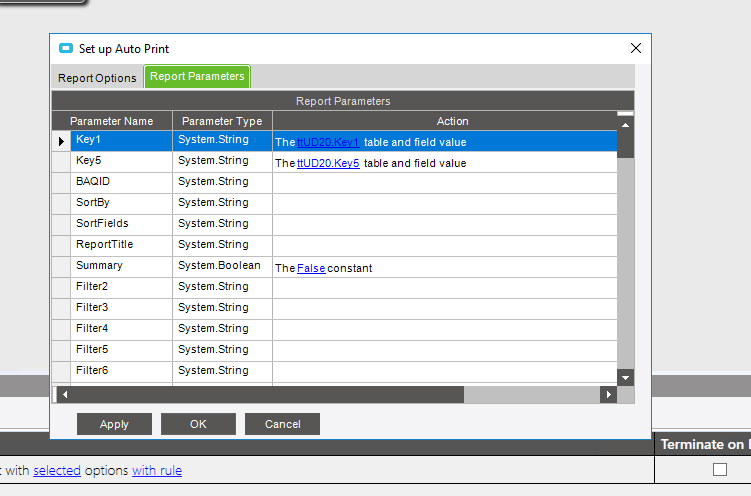
I have a BAQ report (a label), that I have setup to print from a dashboard with a checkbox. It works fine. Sometimes. Other times, frequently, when I trigger the report, I get a “no records selected” error. There doesn’t seem to be any rhyme or reason to it.
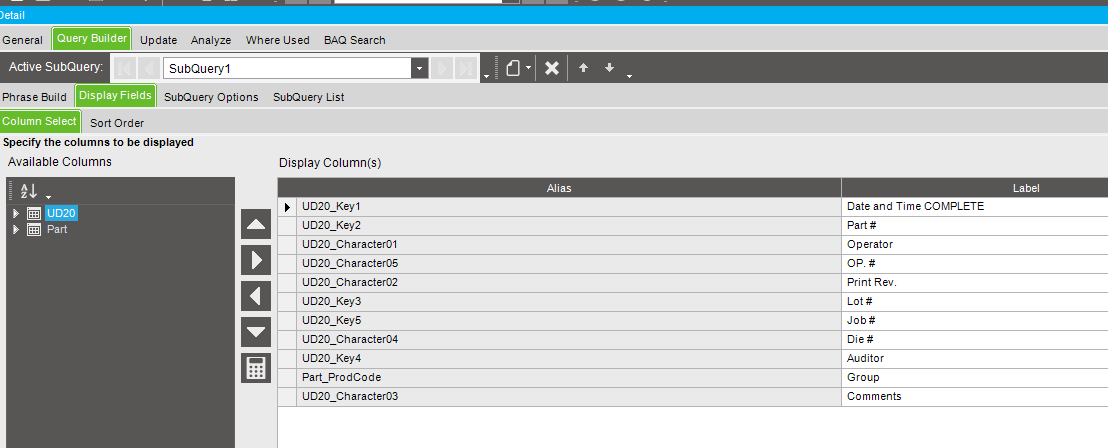
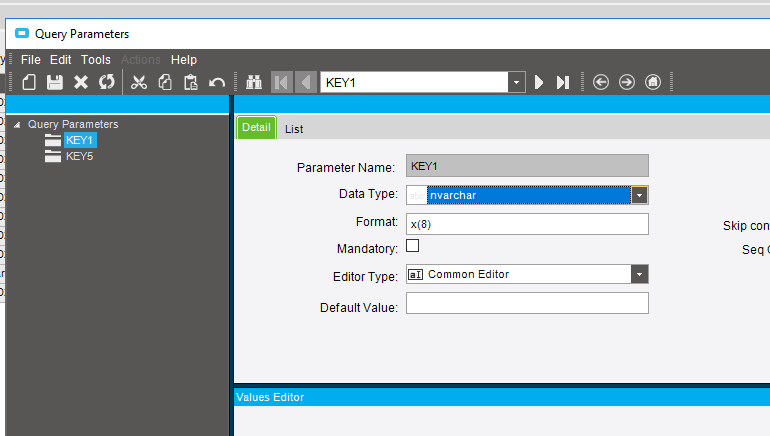
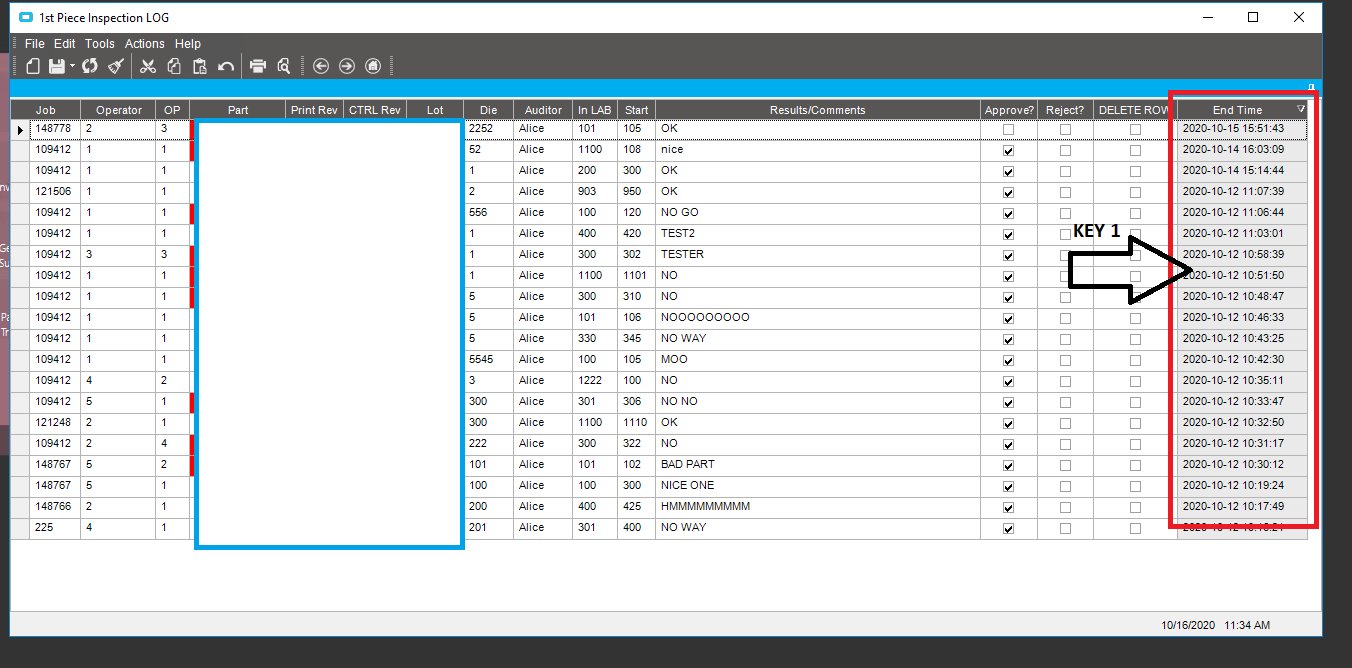
I actually feel like I should be able to make this work with one parameter, as I had originally thought. KEY 1 is a datetime stamp that is set by BPM when a new record is added to UD20. Since they are all unique vales, am I right in thinking this should pass the dashboard line to the report every time?
Neither were checked. KEY 5 is jobNum which should also pass a value every time. But really, I dont see why I need more than one parameter. I just took off KEY 5 and am trying to troubleshoot with KEY 1 only. The report will generate for a line (or not) and then the same one wont generate if I come back 2 minutes later. Its a conundrum, as I was hoping to go live with this next week. But its wobbly.