That’s such a tedious way to do it and you can’t preview changes. This works for simple tweaks like logo changes but for something complex or a totally new report this is a non-starter.
PowerShell 7.5.3
PS C:\Users\mwonsil> dotnet new SSRSReport
>> Based on Current Report? OrderAck
>> Report Style? SSRS
>> Modify RDD? Yes
>> RDD Based On? OrderAck
>> New RDD Name? OrderAck2
>> New Repository? Yes
>> Repository URL? htts://github.com/kineticize/reports/OrderAck2
>> Deploy to Environment? Pilot
>> Ready(Y/n)? Y
The template would use REST to:
create a new report style
copy down the SSRS RDL, import it into GitHub
Duplicate the RDD
Create a GitHub Action that upon COMMIT will deploy the SSRS to Pilot (extracting the SSRS from the repo, zipping it up, upload, execute the report with known parameters)
So, every time you commit, it performs all the steps that @brendanphilbin outlined above. Time could be saved if the test run used a known GUID with pre-loaded test data.
Printing the report as “Generate For Design”, then using “Design SSRS” in System Monitor was a great method but doesn’t work currently in Kinetic and Classic was working but started throwing errors when trying to publish.
Oh wait, I forgot about the part where I did the pull-request and it took the last commit and published it to production. Now I have a full history of all changes I made and can easily publish to any instance. Even the test data could be in the repo…and there was even more…
It seems everyones env has different symptoms. FWIW, mine is working in Kinectic Browser all except publish. But I can zip and upload via Report Style - still kinetic.
2025.1 or before was like:
Kinetic report > generate for design
Sys Monitor (classic) > Design SSRS Report
SSRS Report Design (classic) > DL ( DL and launches MSReport Builder in one step)
Edit n save RDL
SSRS Report Design(classic) > Preview (launches pdf w changes)
2025.1 (back in may, after edge agent update not sure which patch) was like:
Kinetic report > generate for design
Sys Monitor (Kinetic) > Design SSRS Report
SSRS Report Design (kinetic) > Download (Downloads n unzips - via Edge Agent)
SSRS Report Design (kinetic) > Design (launches MSRptBuilder w RDL**)
Edit n save RDL
SSRS Report Design (kinetic) > Preview (launches pdf in local browser w changes)
SSRS Report Design (kinetic) > Publish > ERROR
Report Style > Upload .zip > SUCCESS
Just tested and that’s still the story in our env. So we can do all things in Kinectic. Publish isn’t single click but preview is working.
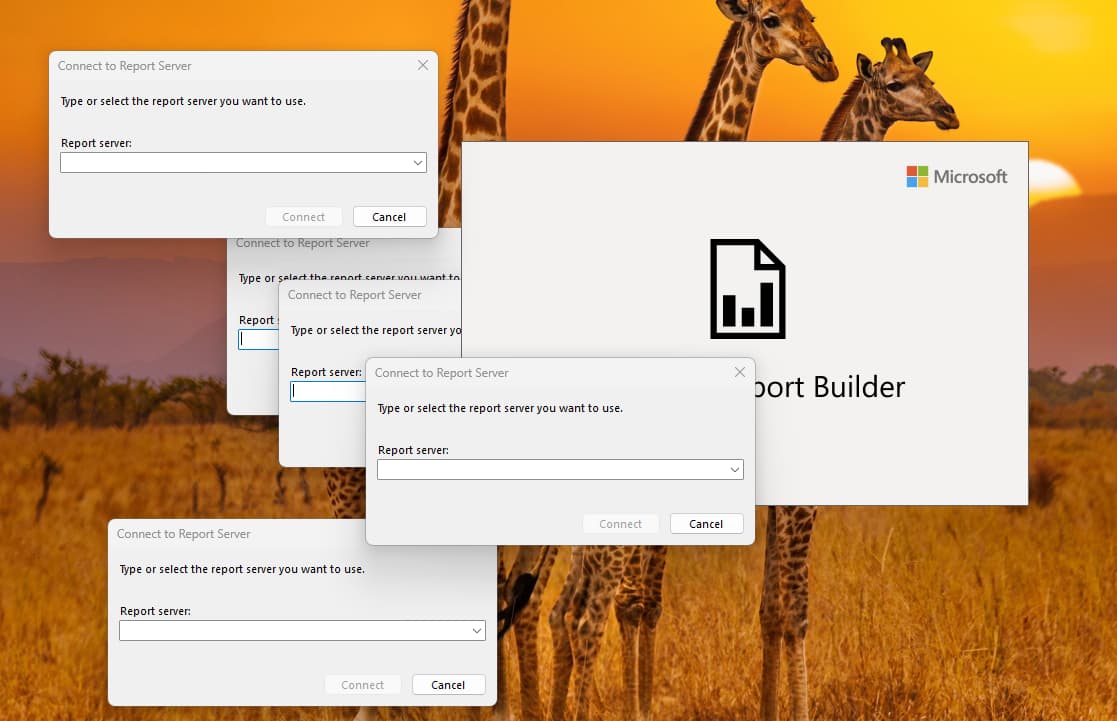
**PS - This is the worst part - behind every window on some random monitor. LOL
Just got this from support for cloud customers:
We no longer can use custom report names (e.g. JobTravCoV2), have to use the names that were downloaded in the zip. You have to make a copy of the out-of-box report style and use that download as a starting point.
If you need to add a subreport, create an EpicCare ticket. The subreport name shouldn’t have special characters (e.g. CoPartDataSub, not CoPartData-Sub)
Hope that helps others - it’s been a bit of a frustrating journey for us.
Jenn
And when an RDL mysteriously stopped changing/uploading, I created a new report style and changed the folder name within Custom Reports on the popup in Report Style, per suggestion from Epicare. In this case, I was working with an order acknowledgment, so I changed the folder from SalesOrderAcknowledgment to SalesOrderAcknowledgment2. It has worked since.
Note that I copied from the standard base style and then changed the RDD and RDL names accordingly. I can’t say if that’s significant.
 :
: