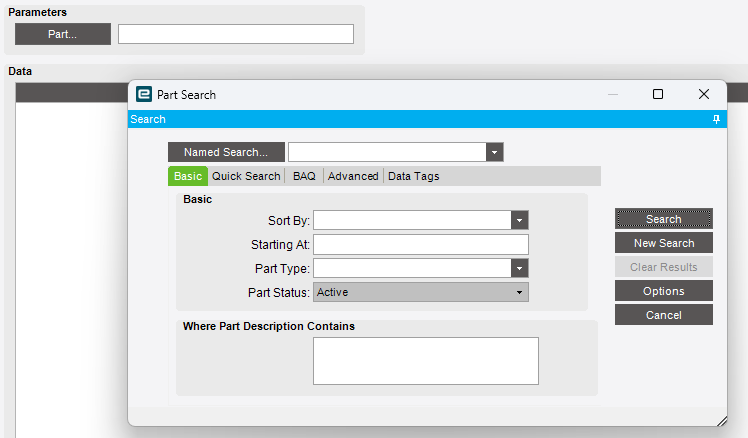
I am currently trying to trigger this same Epicor built in Part Search menu, seen below in classic, from a button in a Kinetic Screen in order to let the user search our Part Numbers and fill in a field with the number they choose. I cannot seem to find how this is done in Kinetic.
In your button onClick event, call search-show with Part.PartNum in the Like field. The selected PartNum will be in the searchResult dataview for you to retrieve and put into your Part field.
There is also the Enable Search feature on text boxes (in Properties, under Advanced), which enables a search button within that box. The event you’ll use in that case is On Search Click (in Properties, under Behavior)