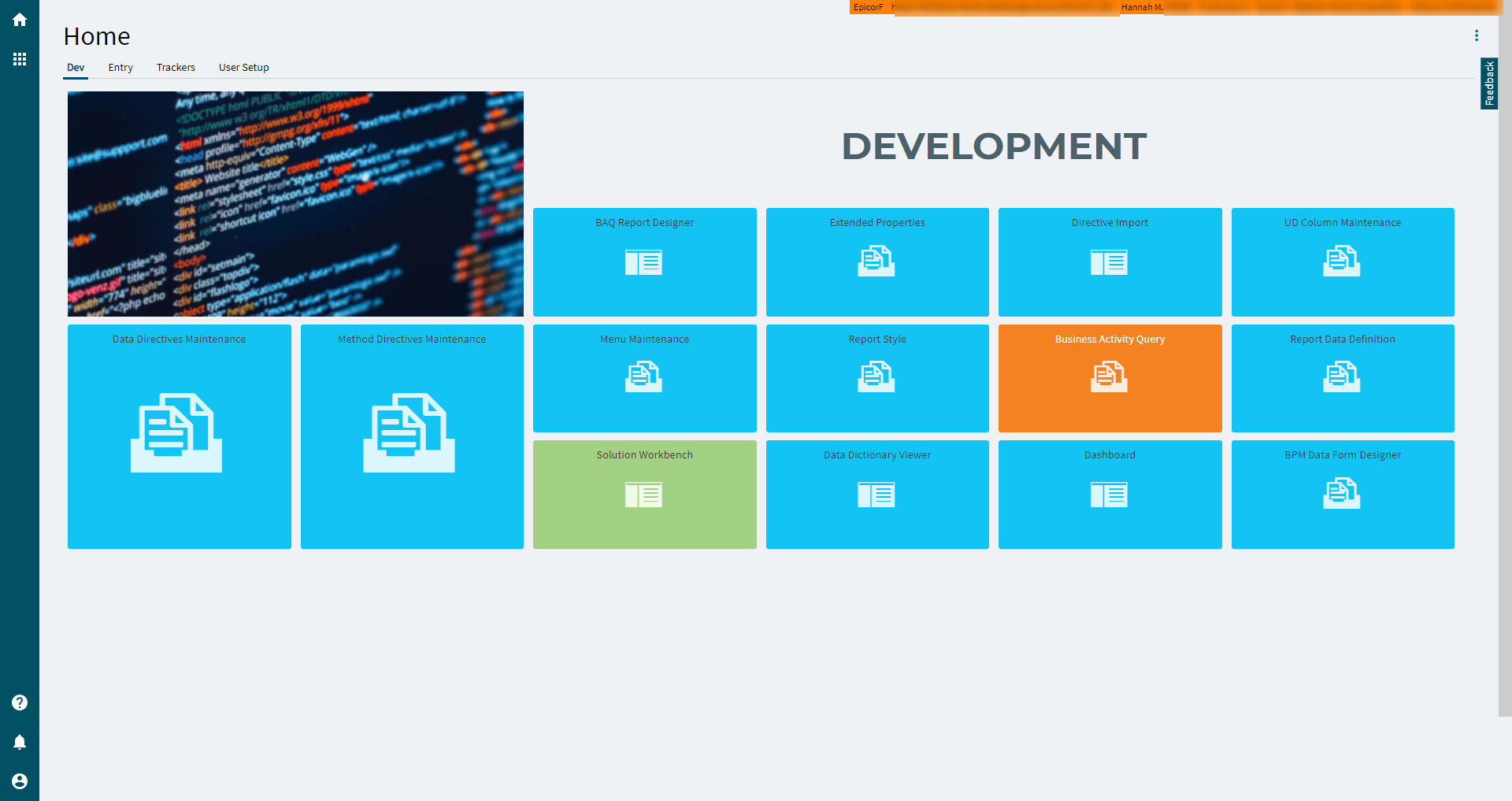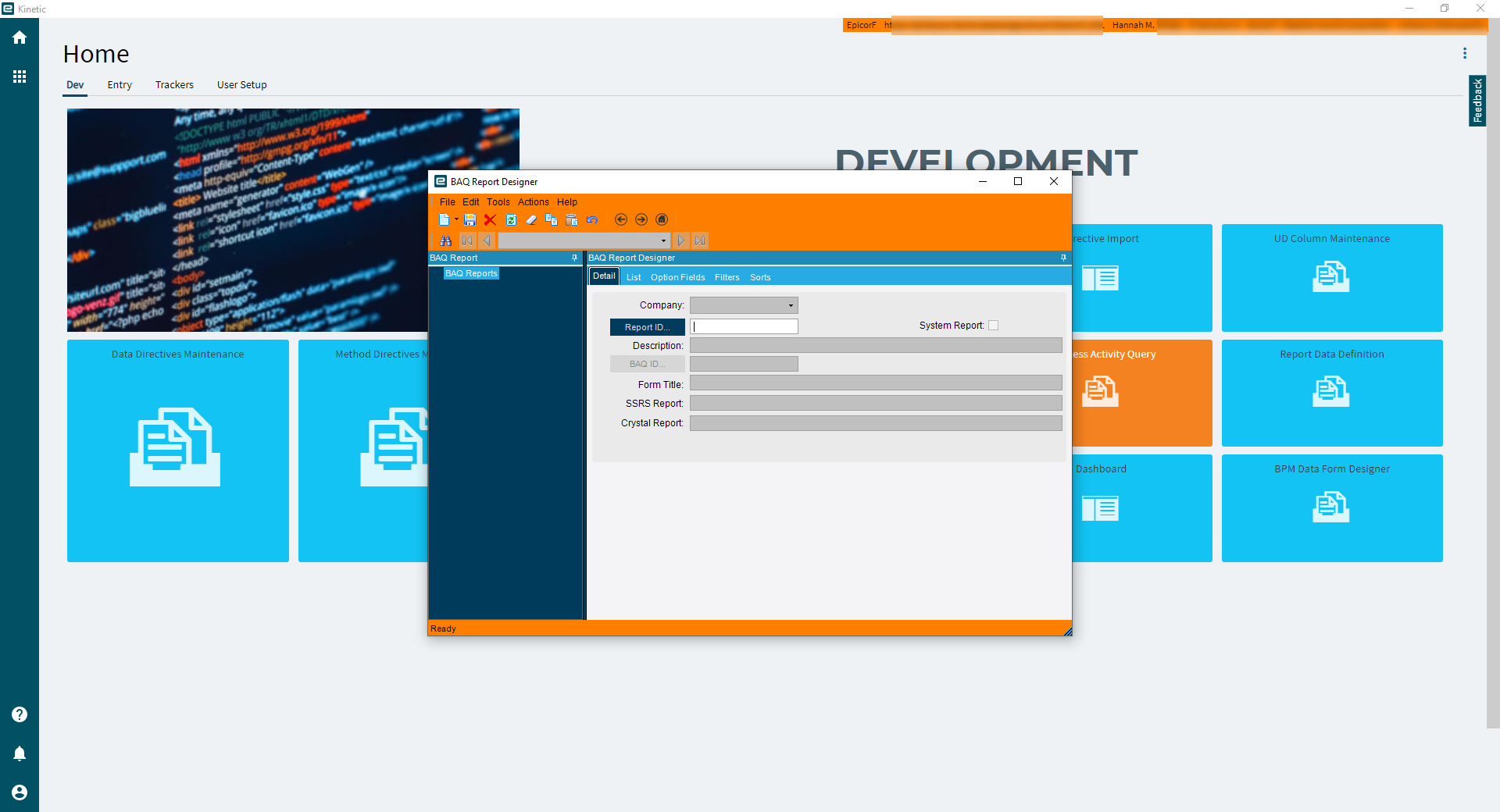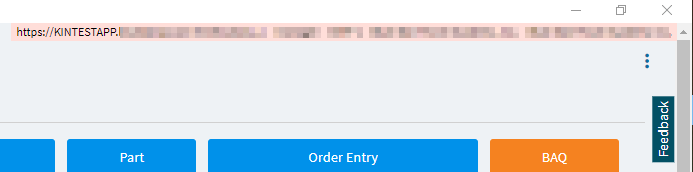
Should this be pink? I’m doing testing on 2021.1
I thought it might be something with SSL but I changed protocol back to .net tcp and there was no change.
I suppose it could still be a certificate issue. We’re using .lan instead of a .com
Thanks. Our production environment on 10.2.600 has no color, so I was assuming something was not working correctly.
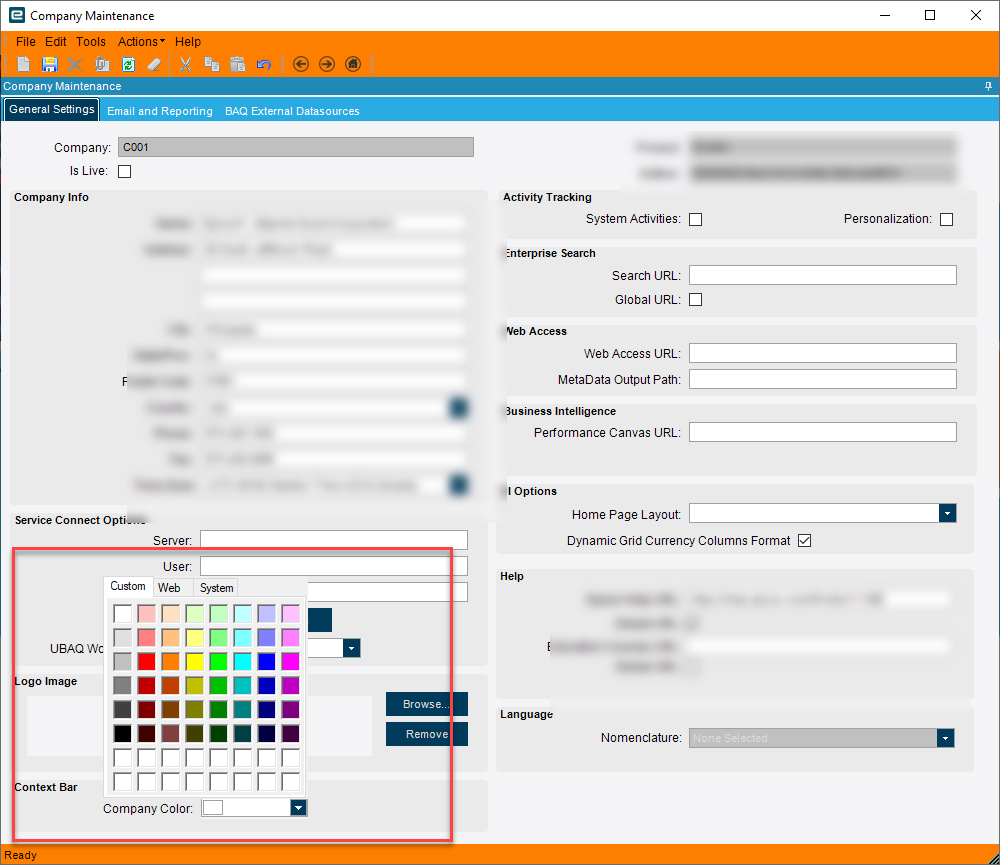
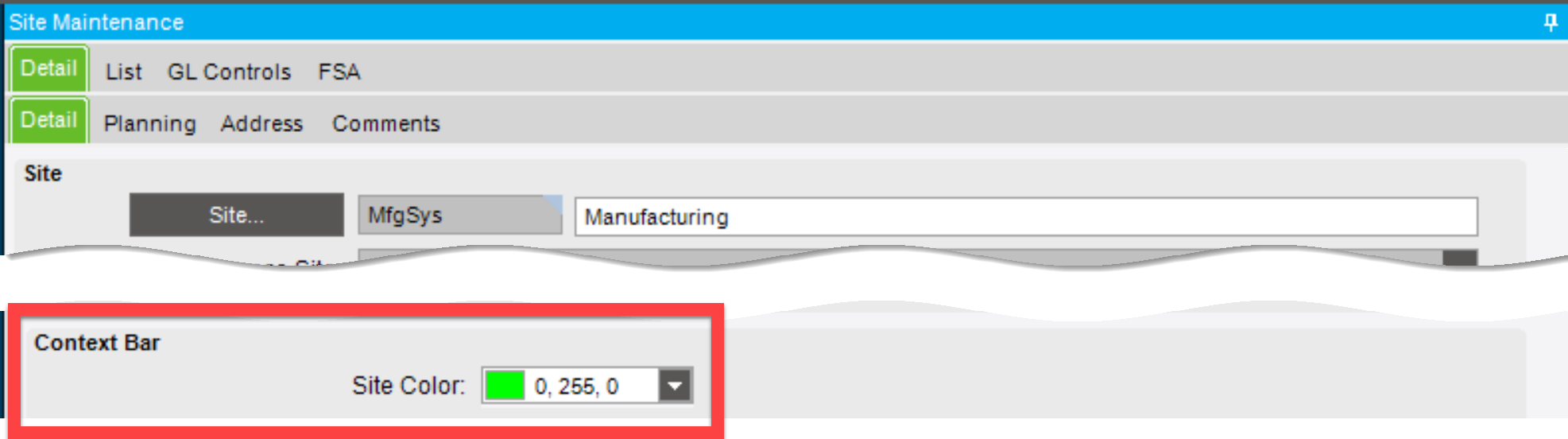
Colour is set on System Setup>Company Maintainence
Interesting–I didn’t know that. Thanks for expanding my information @Vinaykamboj.
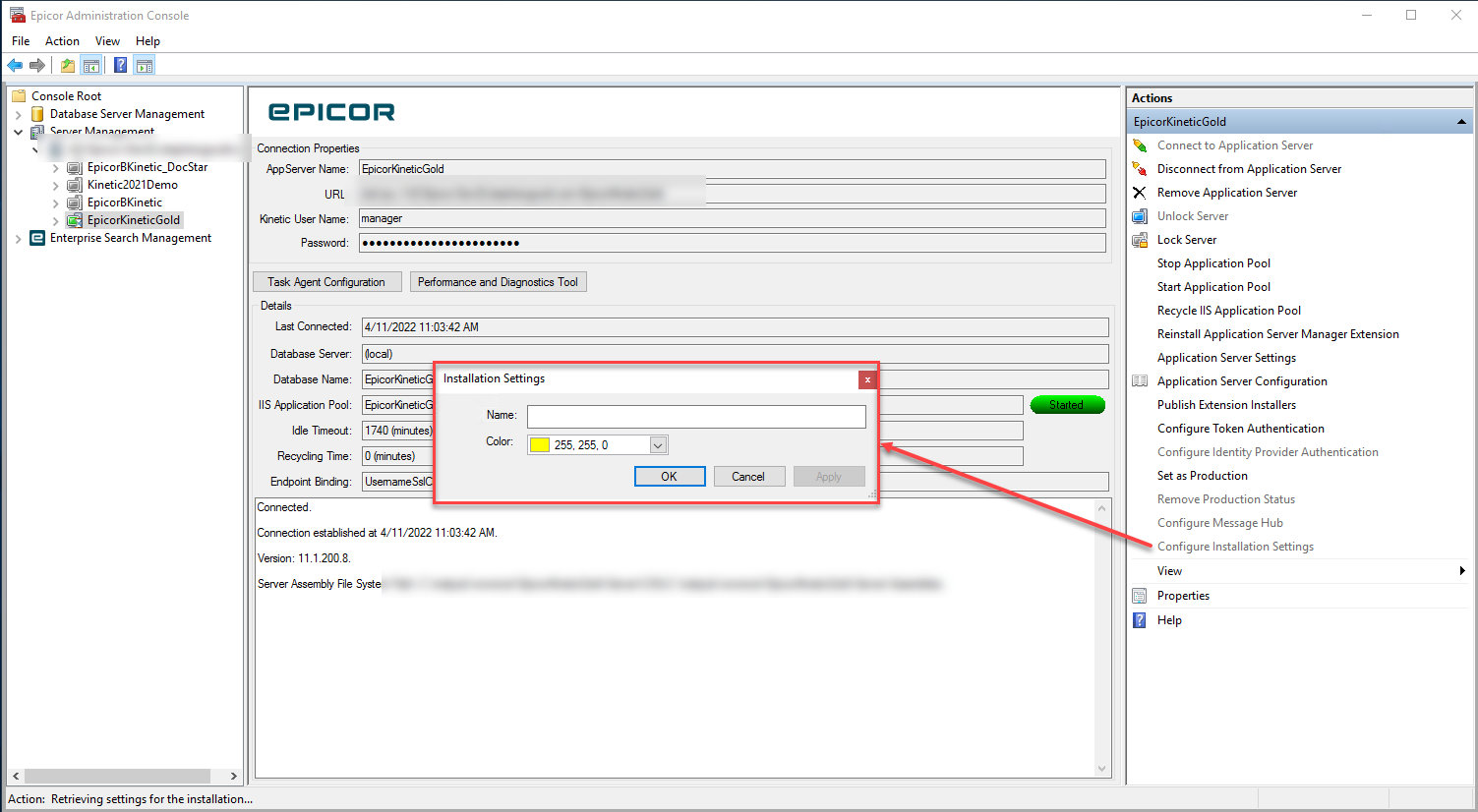
For anyone else looking EAC or Company Maintenance:
No dice for classic view. I usually change the Theme to something bright green. Works great on all the Kinetic UI forms.
you are welcome @hmwillett
Ryan,
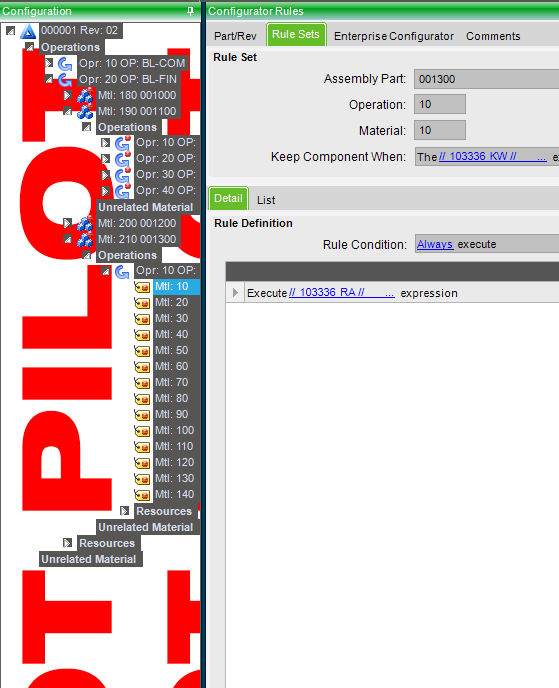
Can you share the steps you did to add the PILOT background to the tree view?
Hi Brian,
We’re using 10.2 so I have no idea if something similar can be achieved in Kinetic.
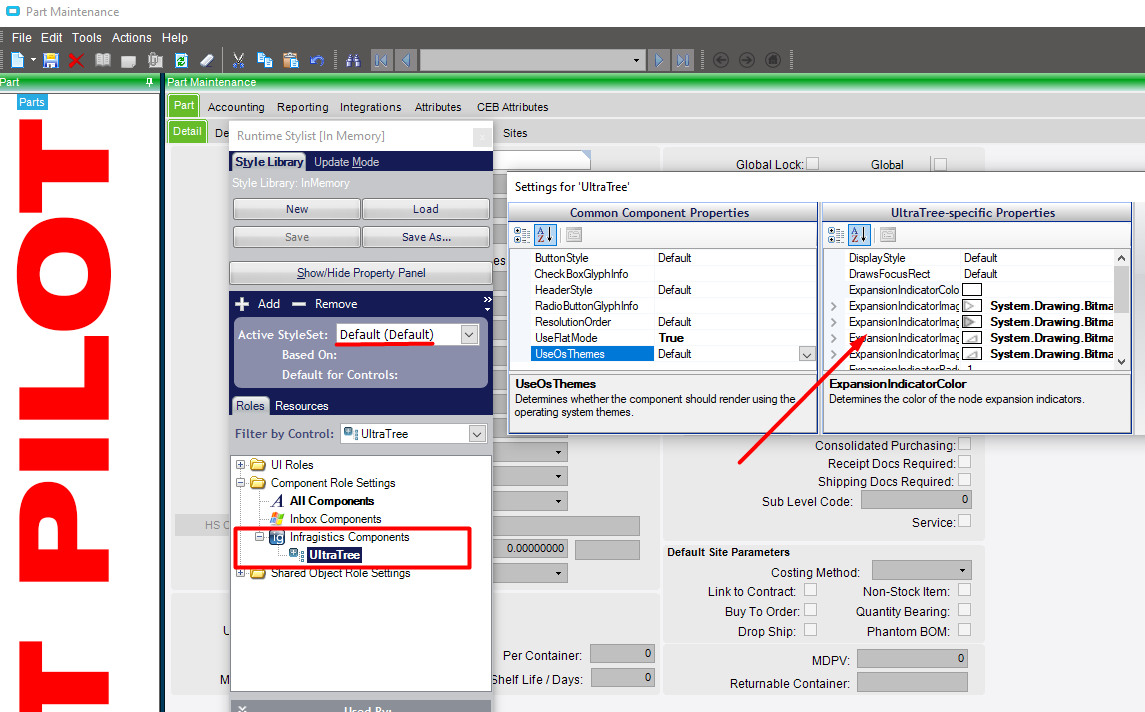
In 10.2, open settings and, under Form Styling, select Runtime Styler.
If you want the same across all company/sites make sure your active styleset is set to Default.
Select your UltraTree component and you have access to its properties. It’s been a while since I made our styles so I can’t remember if you need to change one specifically or all of the System.Drawing.Bitmaps. I created a jpg in a paint program for our background. I’ve had company logos in the Production environment but a few users complained that it made the tree too difficult to see so I opted for different coloured bars for each company and site instead.
Thanks!! I would never have looked in “Installation Settings”.