Does anyone know how to get the buttons in Planning Workbench enabled? My usual in-house E10 resource has the day off, and for the life of me I can’t figure this out.
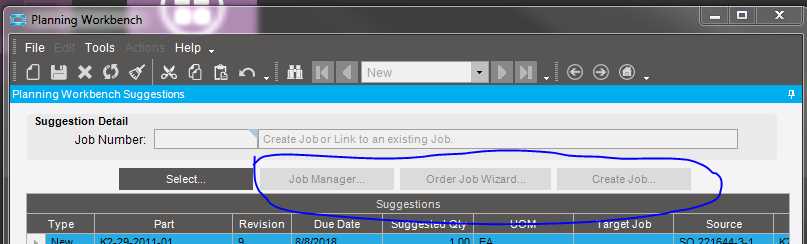
I assume that their is a process or something somewhere that I need to give the user permissions on, but I didn’t see anything related to this under Processes in Menu Maintenance. Anyone have any other ideas?