I’m attempting to add an editable field to the AR Posted Invoice Update application, that is linked to a UD Column on InvcHead. The UD field is not related to Epicor’s posting logic, it is only for reporting purposes.
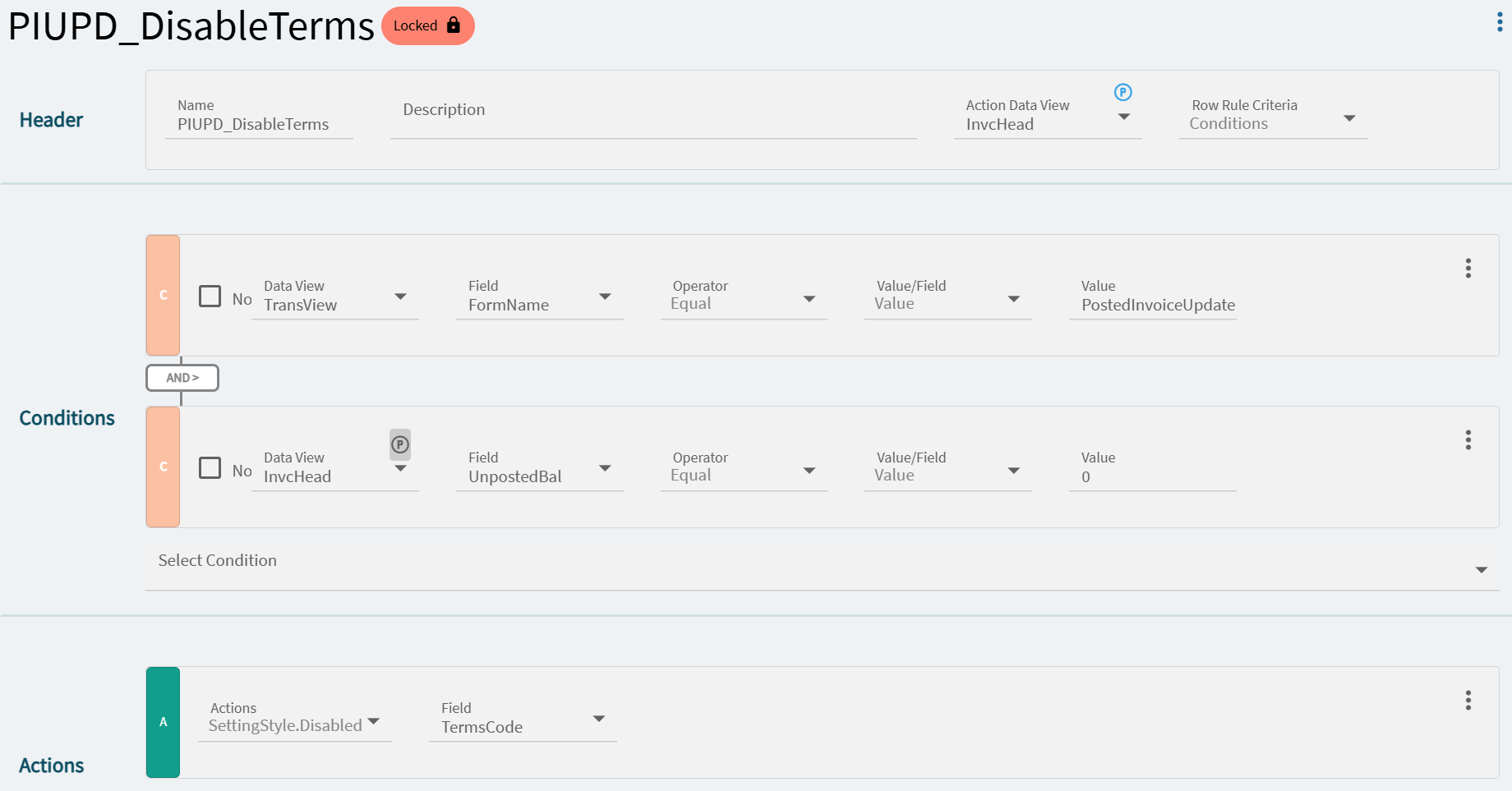
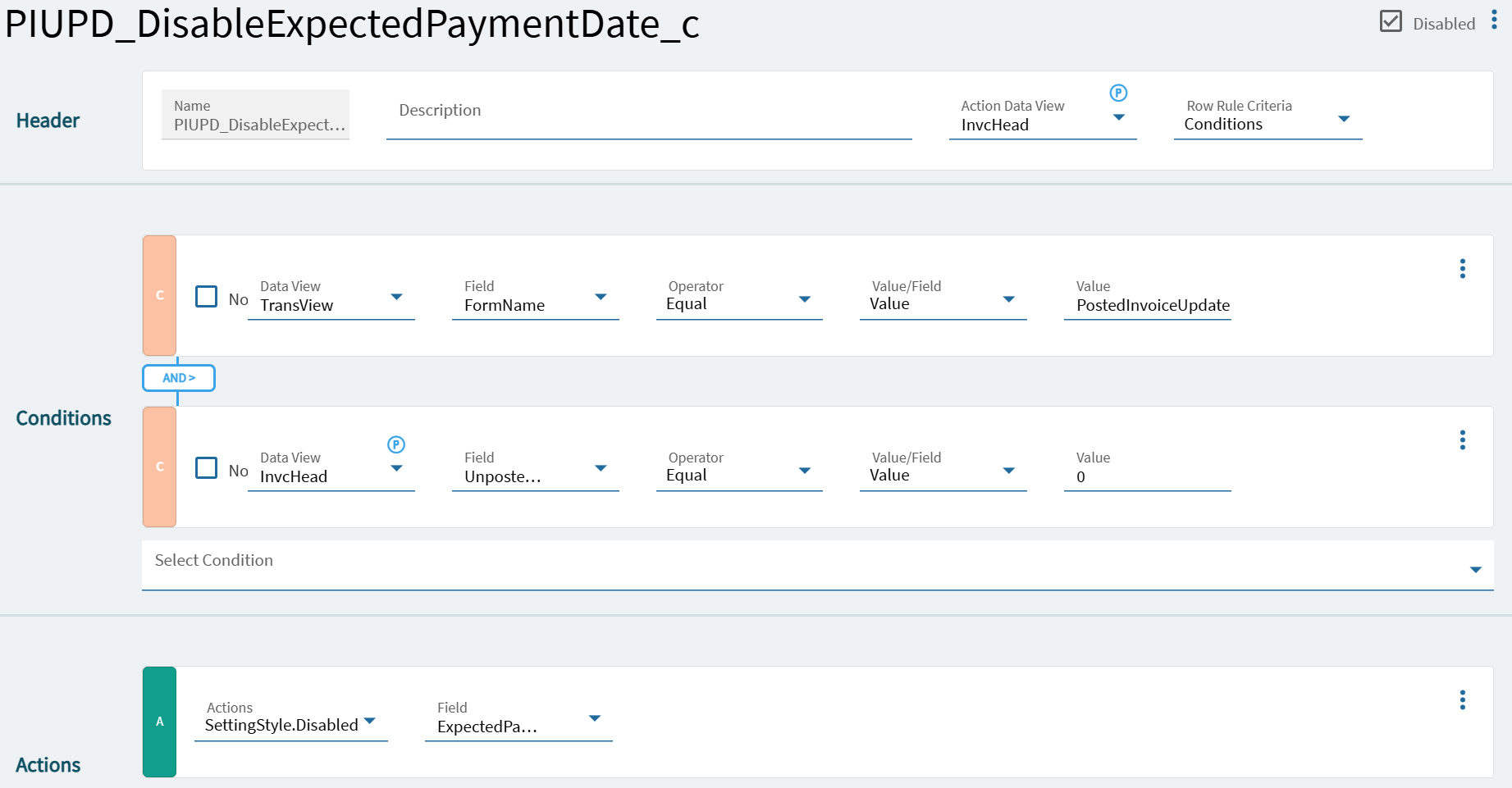
So far, the editor I have added is always disabled. I tried copying one of the built-in Row Rules that controls the disabled state of a standard editable field (TermsCode), and editing it to reference my UD field. The field is still always disabled.
The pattern is that there is usually a row disable, and it’s partially editable so you can add extra columns to the “except” list. I haven’t tested it because I don’t have a UD field, but seems to exist in the right format in this UI app too:
This looked like it was going to be a slam dunk, but it doesn’t have any effect on the disabled state of the fields. I’m wondering if this is one of those ‘black box’ items that you can’t actually affect via Application Studio alone.
I tried this approach with both my UD fields, and also a standard field (FOB). In both cases, the fields stay disabled. So I’m not sure if that Row Rule is effective at all.