We’re on 9.05.605 – I’m trying to create a modified report data definition to use for EDI, to filter out child lines on sales kits.
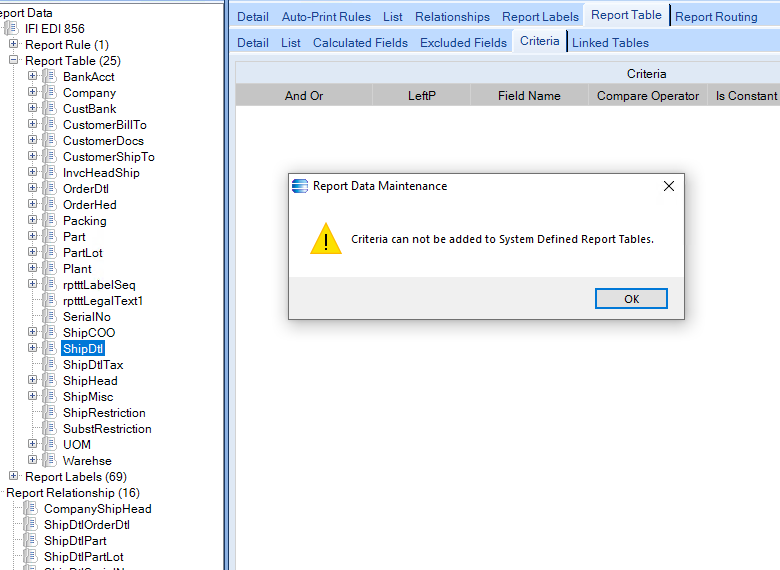
I’ve duplicated the Epicor default EDIPckSl Report Data Definition, but when I try to add a Table Criteria to the ShipDtl table, to filter out those lines with parent products, I get this error:
Criteria can not be added to System Defined Report Tables.
I found an alternative that avoids deleting and recreating the system-defined table.
Haso’s approach works, but deleting the table means rebuilding its configuration manually such as its parent relationship, linked fields, included fields and any other table-level setup that was present in the original RDD.
Two ways to change it:
Create an Updatable BAQ against RptTable and update IsSystemTable from true to false for the relevant RDD and table.
Export the RDD, modify the XML, then import it again. Search for the RptTable section and confirm you have the correct RptTableID, then look for the IsSystemTable field and change the value from true to false.
After the change, Epicor allows a criteria to be added to the table.