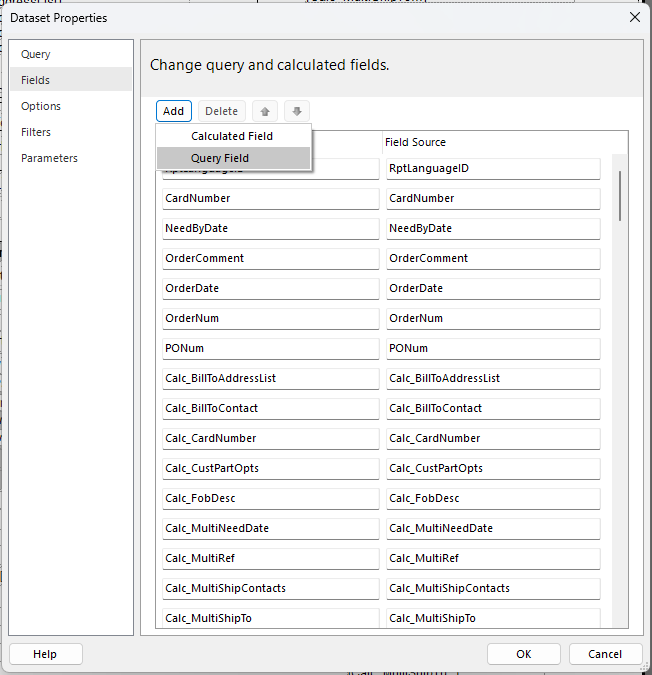
Hi everyone, so recently, I tried to duplicate a Report Data Definition
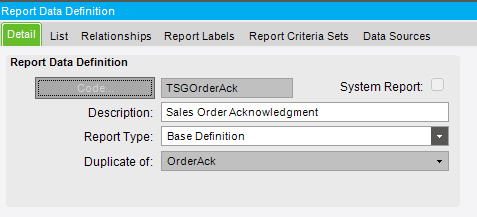
into this…
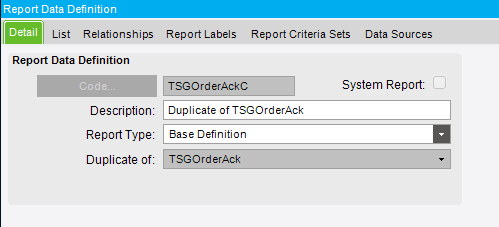
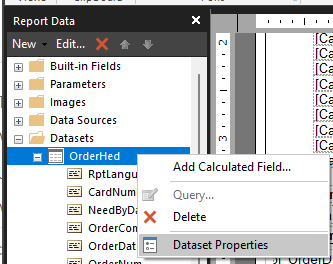
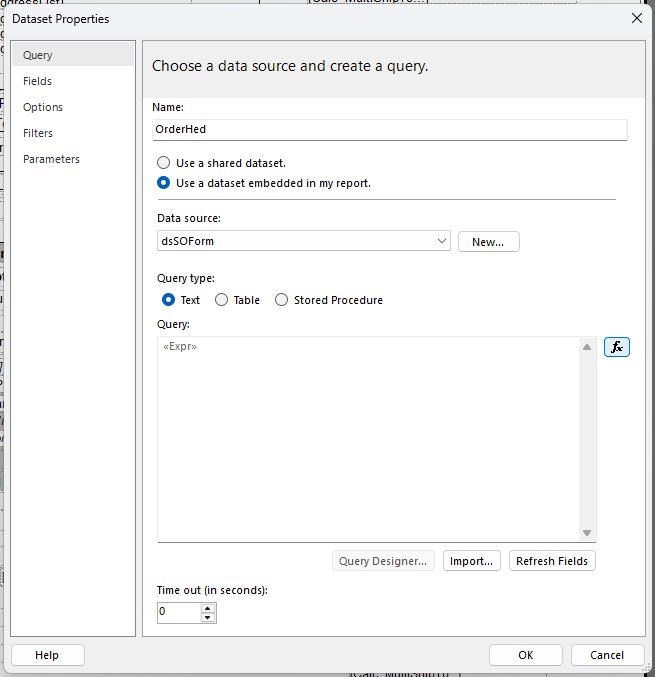
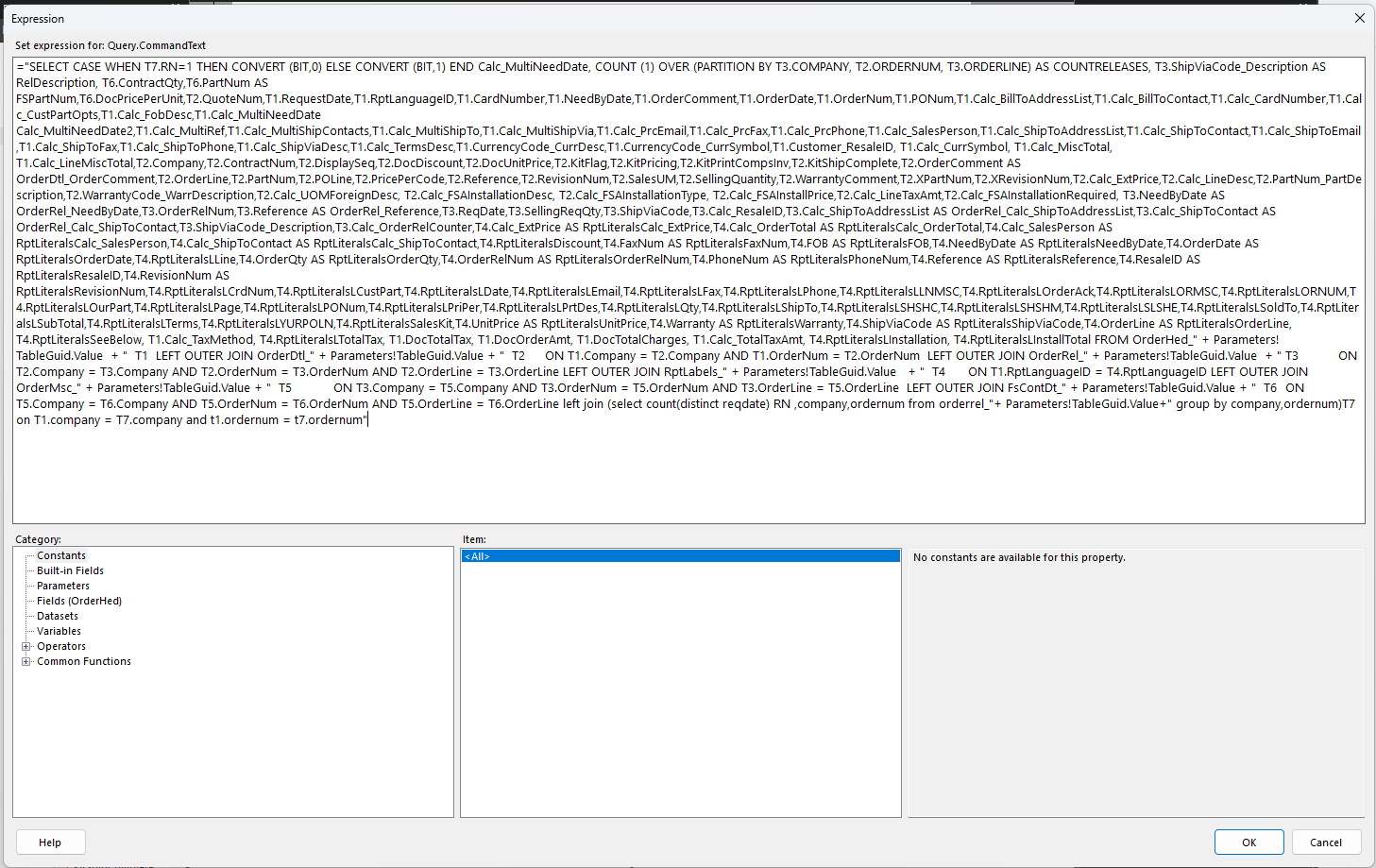
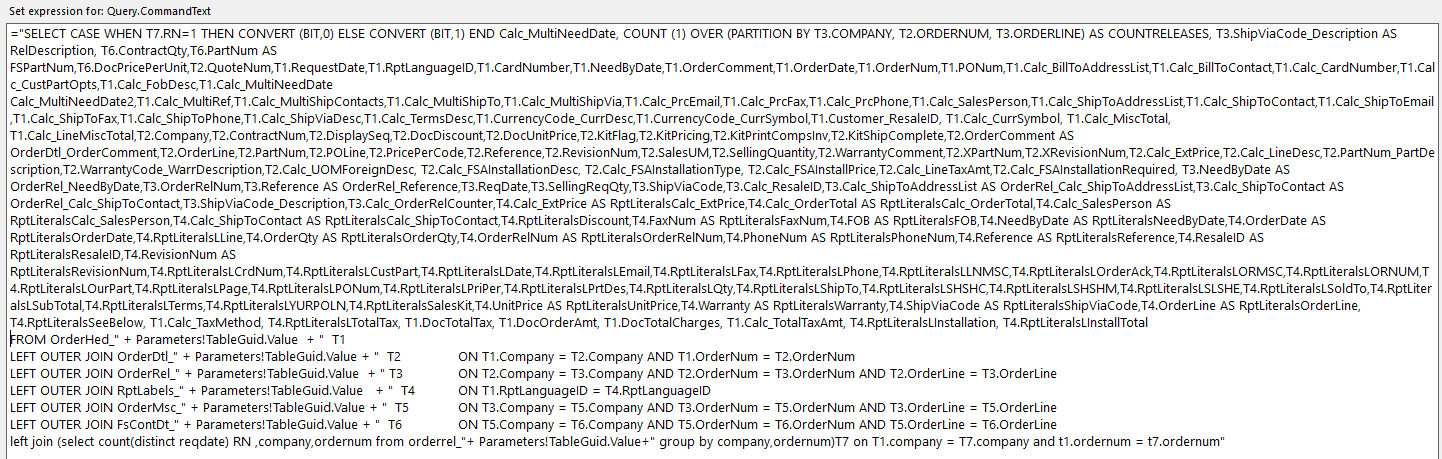
and just excluded one field in one of the tables.
I went into Report Style Maintenance, and changed the data definition in the original report style from TSGOrderAck (shown in this pic) into TSGOrderAckC (the duplicate I created above)
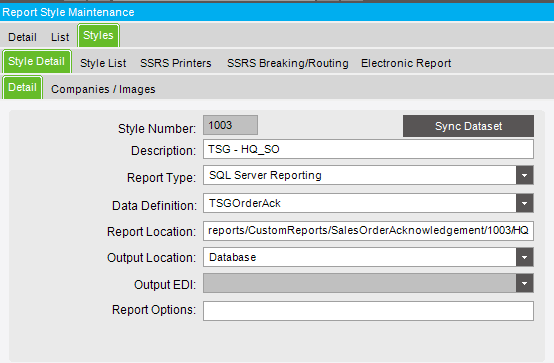
I tried syncing dataset and got the following message
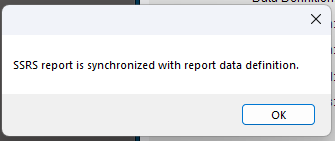
But then my report wouldn’t print. In the system monitor, I got the error message shown at the end.
I’m really a novice when dealing with reports from Epicor, any help is greatly appreciated !~
Thank you so much for your help!
ERROR MESSAGE :
Program Ice.Services.Lib.RunTask raised an unexpected exception with the following message: RunTask:
System.Web.Services.Protocols.SoapException: An error has occurred during report processing. —> Microsoft.ReportingServices.ReportProcessing.ProcessingAbortedException: An error has occurred during report processing. —> Microsoft.ReportingServices.ReportProcessing.ReportProcessingException: Query execution failed for dataset ‘OrderHed’. —> System.Exception: For more information about this error navigate to the report server on the local server machine, or enable remote errors
at System.Web.Services.Protocols.SoapHttpClientProtocol.ReadResponse(SoapClientMessage message, WebResponse response, Stream responseStream, Boolean asyncCall)
at System.Web.Services.Protocols.SoapHttpClientProtocol.Invoke(String methodName, Object parameters)
at Ice.Core.SsrsReportService.ReportExecutionService.SetExecutionParameters(ParameterValue Parameters, String ParameterLanguage) in C:_Releases\ICE\UD10.2.600.12FW\Source\Server\Internal\Lib\TaskLib\Web References\SsrsReportService\Reference.cs:line 497
at Ice.Core.SsrsReporting.SsrsRendererBase.ConfigureReportServerForReport(String reportPath, ParameterValue parameters) in C:_Releases\ICE\UD10.2.600.12FW\Source\Server\Internal\Lib\TaskLib\SsrsReporting\SsrsRendererBase.cs:line 169
at Ice.Core.SsrsReporting.SsrsSingleDocumentRenderer.<>c__DisplayClass1_0.b__0() in C:_Releases\ICE\UD10.2.600.12FW\Source\Server\Internal\Lib\TaskLib\SsrsReporting\SsrsSingleDocumentRenderer.cs:line 49
at Ice.Core.SsrsReporting.SsrsRendererBase.TraceReportRendered(String printProgram, String ssrsRenderFormat, Func1 timedAction) in C:\_Releases\ICE\UD10.2.600.12FW\Source\Server\Internal\Lib\TaskLib\SsrsReporting\SsrsRendererBase.cs:line 88 at Ice.Core.SsrsReporting.ReportProcessorBase.RenderReport(String ssrsRenderFormat, String printProgram, Boolean ignorePageSettings) in C:\_Releases\ICE\UD10.2.600.12FW\Source\Server\Internal\Lib\TaskLib\SsrsReporting\ReportProcessorBase.cs:line 247 at Ice.Core.SsrsReporting.ReportProcessorBase.RenderReportForPreviewOrGenerate(RenderedSsrsReport renderedReport) in C:\_Releases\ICE\UD10.2.600.12FW\Source\Server\Internal\Lib\TaskLib\SsrsReporting\ReportProcessorBase.cs:line 408 at Ice.Core.SsrsReporting.ReportProcessorBase.ProcessReportPart(String reportLocation) in C:\_Releases\ICE\UD10.2.600.12FW\Source\Server\Internal\Lib\TaskLib\SsrsReporting\ReportProcessorBase.cs:line 163 at Ice.Core.SsrsReporting.StandardReportProcessor.ProcessReportParts() in C:\_Releases\ICE\UD10.2.600.12FW\Source\Server\Internal\Lib\TaskLib\SsrsReporting\StandardReportProcessor.cs:line 31 at Ice.Core.RoutingAndBreaking.ReportPersister.Persist(ReportInstanceInformation reportInstance, Func 2 reportsRenderer, Action1 fillSysRptLstRow, Action 2 processReport, Func3 filterTableAttachmentsFunc) in C:\_Releases\ICE\UD10.2.600.12FW\Source\Server\Internal\Lib\TaskLib\RoutingAndBreaking\ReportPersister.cs:line 58 at Ice.Core.RptBase.ReportSsrsDatabaseBuilder.RenderUnroutedSsrsReport() in C:\_Releases\ICE\UD10.2.600.12FW\Source\Server\Internal\Lib\TaskLib\RptBase\ReportSsrsDatabaseBuilder.cs:line 304 at Ice.Core.RptBase.ReportSsrsDatabaseBuilder.RunSsrsReportIfEnabled() in C:\_Releases\ICE\UD10.2.600.12FW\Source\Server\Internal\Lib\TaskLib\RptBase\ReportSsrsDatabaseBuilder.cs:line 228 at Ice.Core.RptBase.ReportSsrsDatabaseBuilder.ProcessReportWithDataInPlace(Func 2 executeCommand, Func2 executeReader, SqlObjectsCreated sqlObjectsCreated) in C:\_Releases\ICE\UD10.2.600.12FW\Source\Server\Internal\Lib\TaskLib\RptBase\ReportSsrsDatabaseBuilder.cs:line 111 at Ice.Core.RptBase.ReportDatabaseBuilder.XMLClose() in C:\_Releases\ICE\UD10.2.600.12FW\Source\Server\Internal\Lib\TaskLib\RptBase\ReportDatabaseBuilder.cs:line 93 at Ice.Core.RptTaskBase 1.XMLClose() in C:_Releases\ICE\UD10.2.600.12FW\Source\Server\Internal\Lib\TaskLib\RptBase\RptTaskBase.cs:line 229
at Erp.Internal.OM.SalesOrderAck.RunProcess(Int64 instanceTaskNum, String outputFileName) in C:_Releases\ERP\UD10.2.600.12\Source\Server\Internal\OM\SalesOrderAck\SalesOrderAck.cs:line 619
at Ice.Core.TaskBase`1.StartProcess(Int64 instanceTaskNum, String outputFileName) in C:_Releases\ICE\UD10.2.600.12FW\Source\Server\Internal\Lib\TaskLib\TaskBase\TaskBase.cs:line 83
at Ice.Hosting.TaskCaller.InnerExecuteTask(IceDataContext newContext) in C:_Releases\ICE\UD10.2.600.12FW\Source\Framework\Epicor.Ice\Hosting\TaskCaller\TaskCaller.cs:line 117
at Ice.Hosting.TaskCaller.ExecuteTask() in C:_Releases\ICE\UD10.2.600.12FW\Source\Framework\Epicor.Ice\Hosting\TaskCaller\TaskCaller.cs:line 59
at Ice.Lib.RunTask.BpmFriendlyTaskLauncher.Run(String sessionIdPrefix, IceContext db, Action taskRunner) in C:_Releases\ICE\UD10.2.600.12FW\Source\Server\Services\Lib\RunTask\BpmFriendlyTaskLauncher.cs:line 63
at Ice.Services.Lib.RunTaskSvc.InnerRunTask(Int64 ipTaskNum, Boolean suppressTransaction) in C:_Releases\ICE\UD10.2.600.12FW\Source\Server\Services\Lib\RunTask\RunTask.cs:line 452