Happy Twos Day!
We are experiencing an issue where a saved dashboard layout does not retain the collapsed state of grouped rows.
When we first apply a Group By, save the layout, and refresh the dashboard, the grouped rows correctly remain collapsed (as expected).
However, after closing and reopening the dashboard, the Group By is still applied, but the collapsed state is no longer retained, and all groups load expanded.
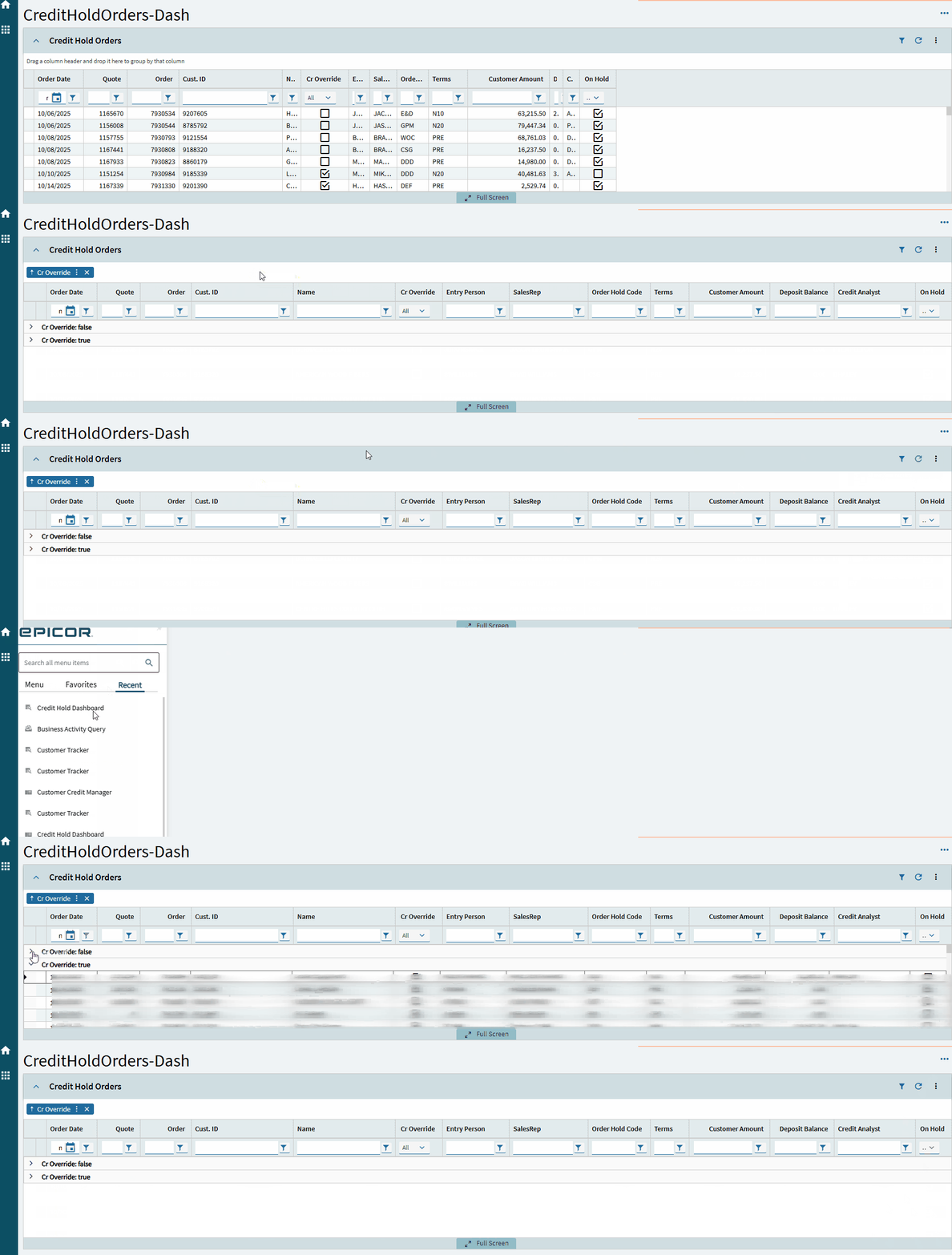
To try and trouble shoot we looked through some App Studio settings reviewing: Panel Grid > Advanced > Exapnd at Run Time and Panel Grid > Data Grid Model > Collapse Groups
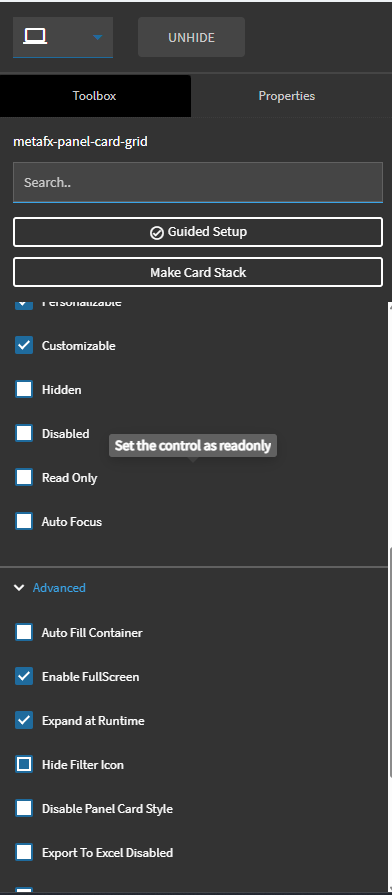
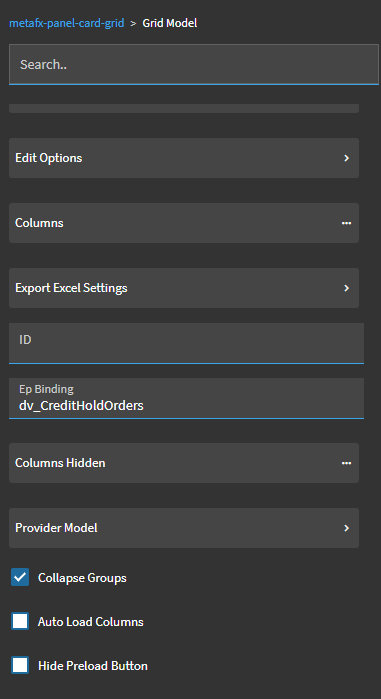
We found that when we unselect ‘Collapse Groups’ the intial Group By (before saving the layout) is expanded. Is this setting half baked??
Epi Users Article - Kinetic Grid Groups expand all/collapse all seemed promising but did not work in our intial pass through.
Has anyone else encountered this or have suggestions on how we can reach our end goal of having the Group By remain collapsed?

