Can someone spot check something in their environment for me?
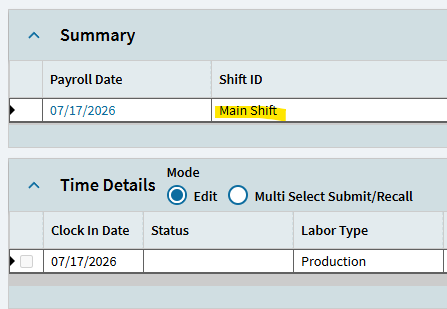
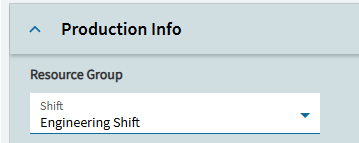
When manually adding a time detail within Time Entry, it seems to be defaulting to a different Shift ID than what the employee is set up as. As far as I’m aware, it started occurring this week.
PRB0319213
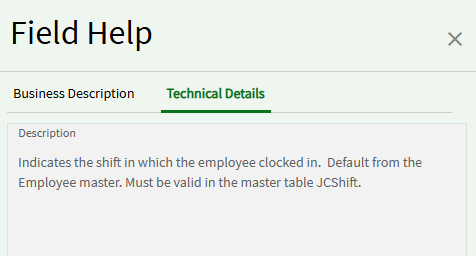
Time Entry, when creating a new labor transaction, the “Shift ID references invalid value.” error triggers due to no Shift ID being populated even though the employee has indeed a shift selected.
Reproduction Time Entry.
Select the employee created from the list.
Under the “Time Details” card, click New.
Select Labor Type > Indirect. Select the Indirect Code created previously.
Click save. ERROR “Shift ID references invalid value.” --------> BUG: Notice on the Summary card, that the Shift ID is defaulting to “1” (If user doesnt have the shift 1 in the db it will error)
In your case because you have Shift ID 1, you are being defaulted but its the same PRB and a known Bug introduced sometimes last month.
It was introduced when they fixed ERPS-283894 and they may need to revert that fix, its breaking alot more than they thought.
This is going to be a big issue for us, a lot of our users use Time Entry to input hours and they are going to have to keep an eye out for the shift otherwise they will get lunch and break deducted incorrectly (have users in different time zones or have different workflows for breaks).
I’m surprised we only noticed this issue with this weeks time entries. I’m going to have to go back a month and see if we missed anything.
Going to put a ticket in and start logging it but yeah we may end up having to do a BPM like you suggested. I just hate the idea of adding BPM’s to the LaborHed or LaborDtl table.