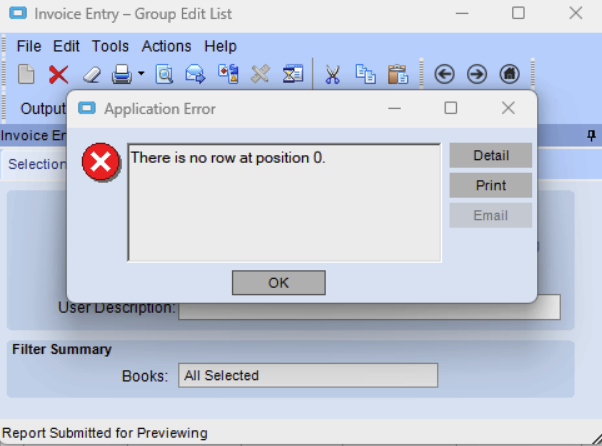
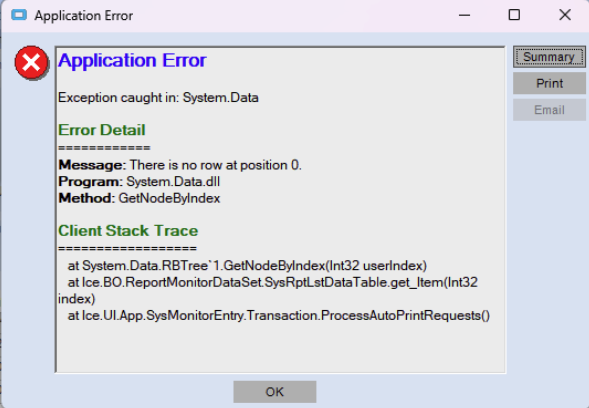
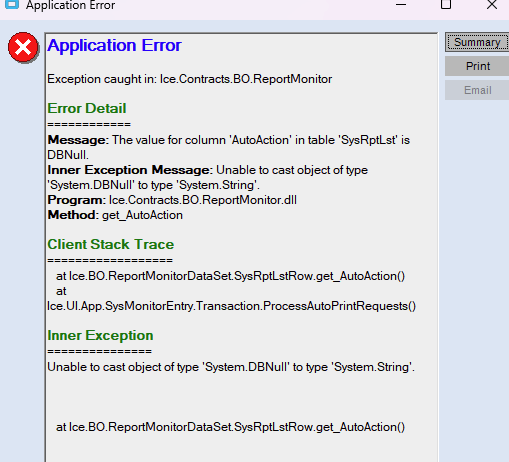
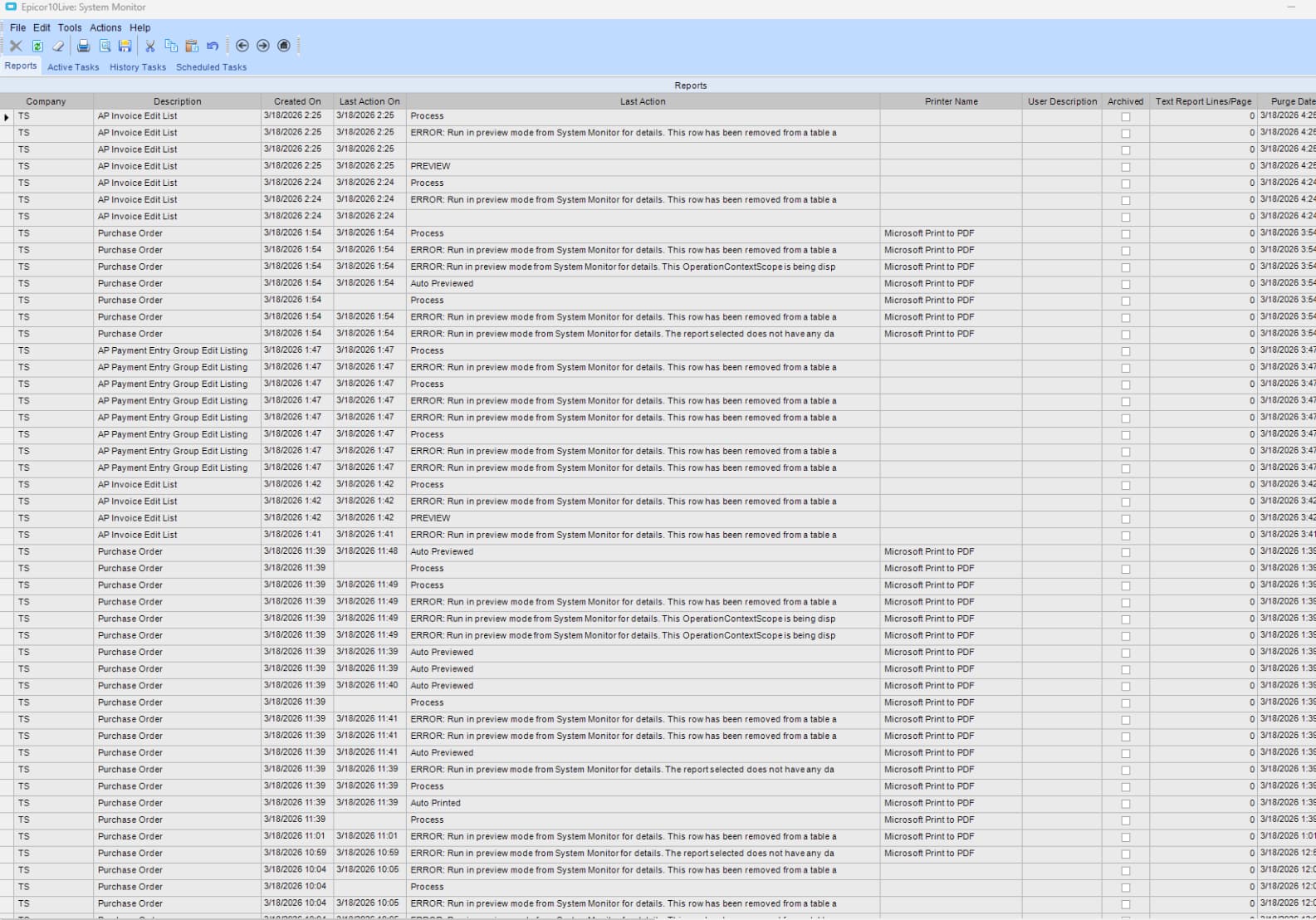
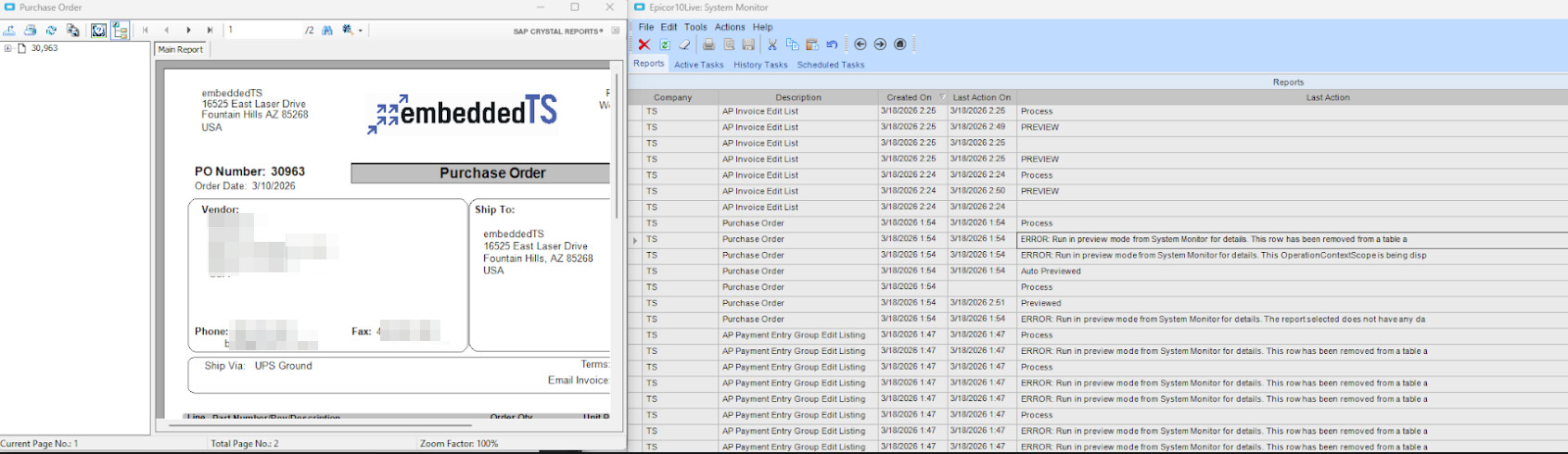
A user reports an intermittent printing issue(print preview and print to pdf), that is some days she can print fine and others she has to print 10 times before it works. She reported it’s not a single report but rather many reports. Oddly no other users are reporting this issue. Below are some screenshots of the errors she is encountering. Any pointers on how to troubleshoot this would be greatly appreciated!
If she highlights a row that says ERROR: Run in preview mode from System Monitor for details… She sees the report she was trying to print with no errors.
I would start with having the user login to epicor on a different PC and see if the same errors show doing the same steps that cause it on their PC.
Then try having someone login on the PC of the user getting the errors and see if they get the same errors.
This will tell you if it’s an Epicor user account problem or something wrong with their PC. Sometimes I’ve had to either create a new user for weird stuff like this or ended up clearing the cache folder on the PC at the Install location of their client, which would be something like c\users\appdata\local\epicor\cache or c\programdata\epicor\cache. I can’t remember the exact path but these are close.
I have a feeling it’s either user corruption or something going on with their client install. Doing the first two steps I mention will help you isolate it.
-B
PS you posted this in the Kinetic section but your screenshots look like Version 10.
it will be named after the server/port of your application, e10 tcp is servname-808 and kinetic is servname-443. the edgeagent cache also is here if installed - delete the entire directory.
Local App Cache: C:\Users%USERNAME%\AppData\Local\Epicor
You will see the .EXE name in the folder, delete the entire directory.
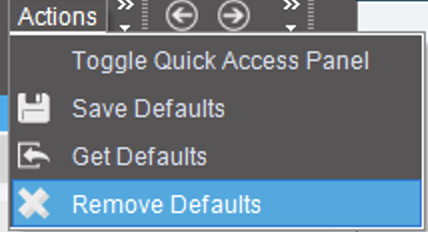
Also, try this step, as the classic screens get stuck information: Actions → Remove Defaults and Tools → reset to base