As having done “Questionable yet still using my interpretation of Best Practices for upgrades outside of Epicor”…
I suggest…
- Adding in a snake handler with the priest and the rabbi.
- A good supply of chickens.
As having done “Questionable yet still using my interpretation of Best Practices for upgrades outside of Epicor”…
I suggest…
Live fast, die young, leave a mostly working ERP behind 
Epicor and the Furious: One Last Ride
Feel like we need a car emoji

Ok, a supply of live and pilot chickens.
Make sure they aren’t in Linux containers. 

Chickens As A Service
I’m in the middle of a trial upgrade from 2023.2.15 to 2525.2.16. My OS/SQL stack wasn’t certified for 2025.2, so I’m starting with a clean OS/SQL installation. Ran the installation and installed the Demo database as a smoke test to make sure my environment was ok. Then restored my production database to the new server, attached it to the Database Server, upgraded the database, added a new app server for it and then let it update the database on the first launch.
Conversion workbench mostly had warnings about changes in syntax. Had some errors in Functions to address. Some were self-inflicted since I forgot to put a couple needed dlls on the new server. One was because a BO was changed and needed additional parameters. I have some BPMs from EBizCharge that converted with warnings that they are going to have to address. That’s probably the primary reason to do a test install – to make sure third party integrations/customizations are working. Support on those things over a weekend isn’t always readily available.
So far, I only had one customization with custom code that I had to fix. I’m sure when the testing starts – we’ll probably find some other issues.
Good luck.
Good luck!

Hi Mike, We’re in the same situation, however are completely moving db server and App server. We have a few old crystal reports out there and thanks to your guidance Crystal is working. However, we have to run the 64 bit kinetic client for it to run. Is this what you had to do too or are you able to use it in the 32 bit kinetic client? Thanks
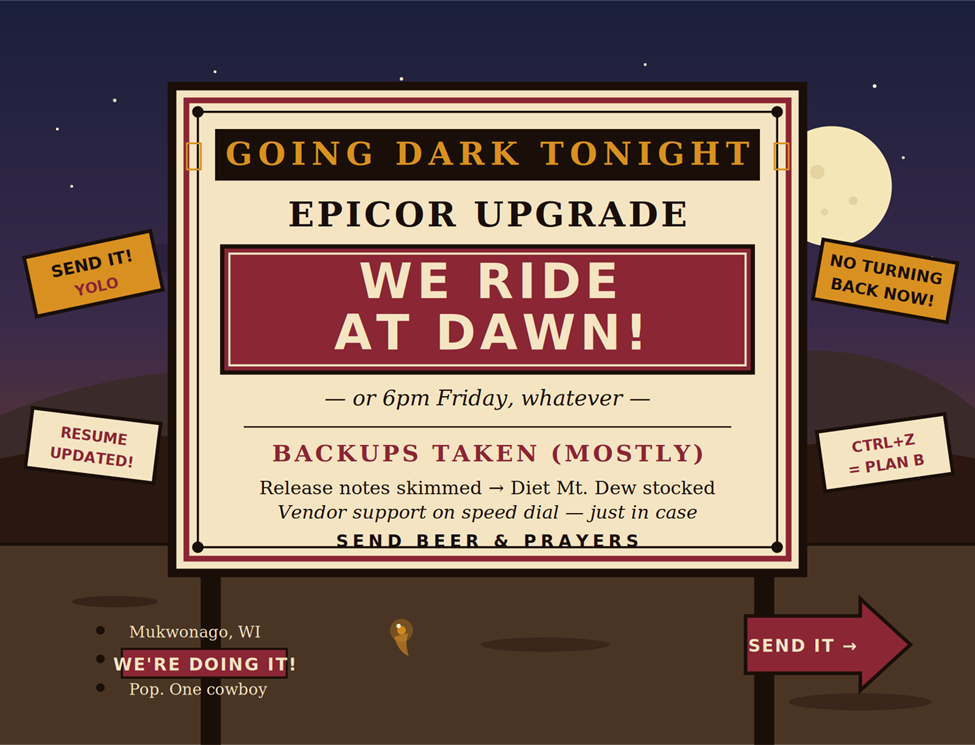
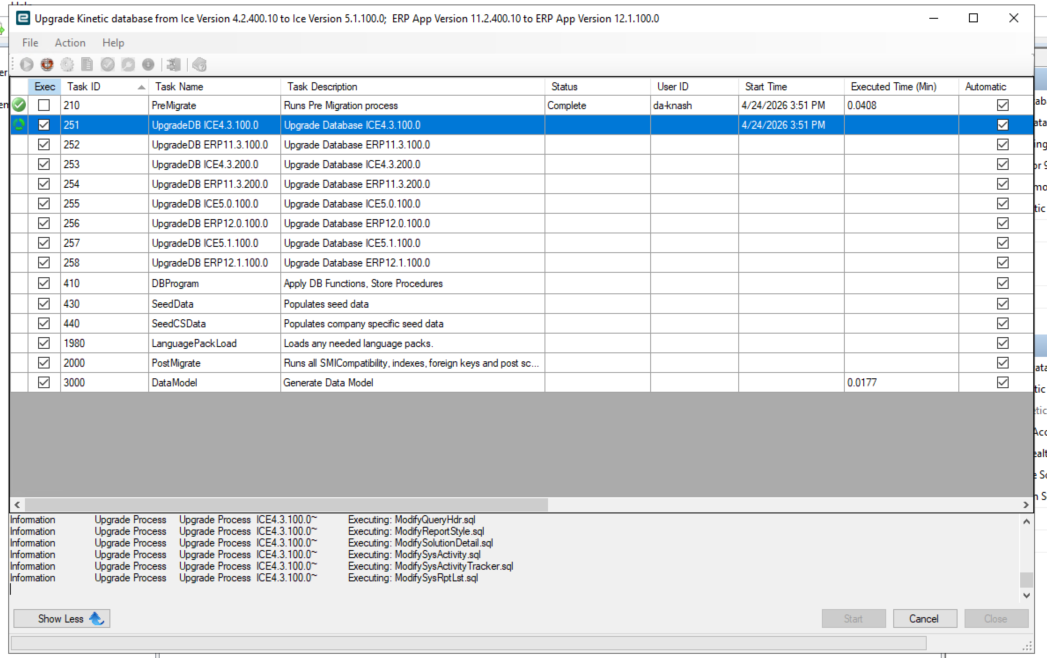
Users have been warned. Prod has been informed of its impending transformation.
Friday checklist:
Install files: downloaded (twice, for luck)
Rollback plan: unplug the server and fake my own death
Cases of Diet Dew: procured
Backups: done, done again, doing it one more time tonight
Start the upgrade: 6pm sharp
Open beer: 6:01pm
First panic attack: estimated 8:47pm
Existential crisis: 3am Saturday
Smoke test: Sunday afternoon (optimistically)
Triumphant all-staff email: Monday 7:59am, Monday 8:01am, or Tuesday 2pm (we’ll see)
My wife asked what time I’d be home this weekend. I laughed. She did not.
As Otter said, this is a situation that absolutely requires a really futile and stupid gesture be done on somebody’s part, and we’re just the guys to do it. It’s 106 miles to go-live, we’ve got a full tank of Diet Dew, half a pack of release notes, it’s dark, and we’re wearing sunglasses. Hit it.
Gentlemen, you can’t fight in here; this is the server room.
Thoughts and prayers appreciated. DMs open for moral support and/or job leads.
If this goes sideways, I’ll be the guy at the bar Monday night staring at his beer. First round’s on whoever says “told you so” last.
See you on the other side.

Everything will go fine and you’ll be celebrating at David Alan Alan’s Smokehouse by Sunday afternoon. BTW, if you do go to DAA’s let me know I’ll come join you and I’ll buy you a round  .
.

Aye, that might have been a typo on my part. I confirmed with my folks who did the distribution/clean up and they ended up doing the 32 bit versions. It started out as a problem with another application we have and we thought we could do 64 bit Epicor/Crystal to get around it.
Best of luck my brother - Reach out if you need help. I can’t guarantee I’m not already ‘at the bar’ when you call - I’m still recovering from our upgrade.


HELPP!!!
Things are stalled. Getting the following error. when trying to connect in EAC
Not Connected.
Application Server version has not been verified. Review the Error Message below to troubleshoot your connection issue. It may indicate you need to manually install a newer version of the Administration Console to connect or that it is not supported.
Error Message:
An error occurred while sending the request.