I don’t know much about Epicor, but I am taking steps step by step, referring to the instructions, to create a new UD column.
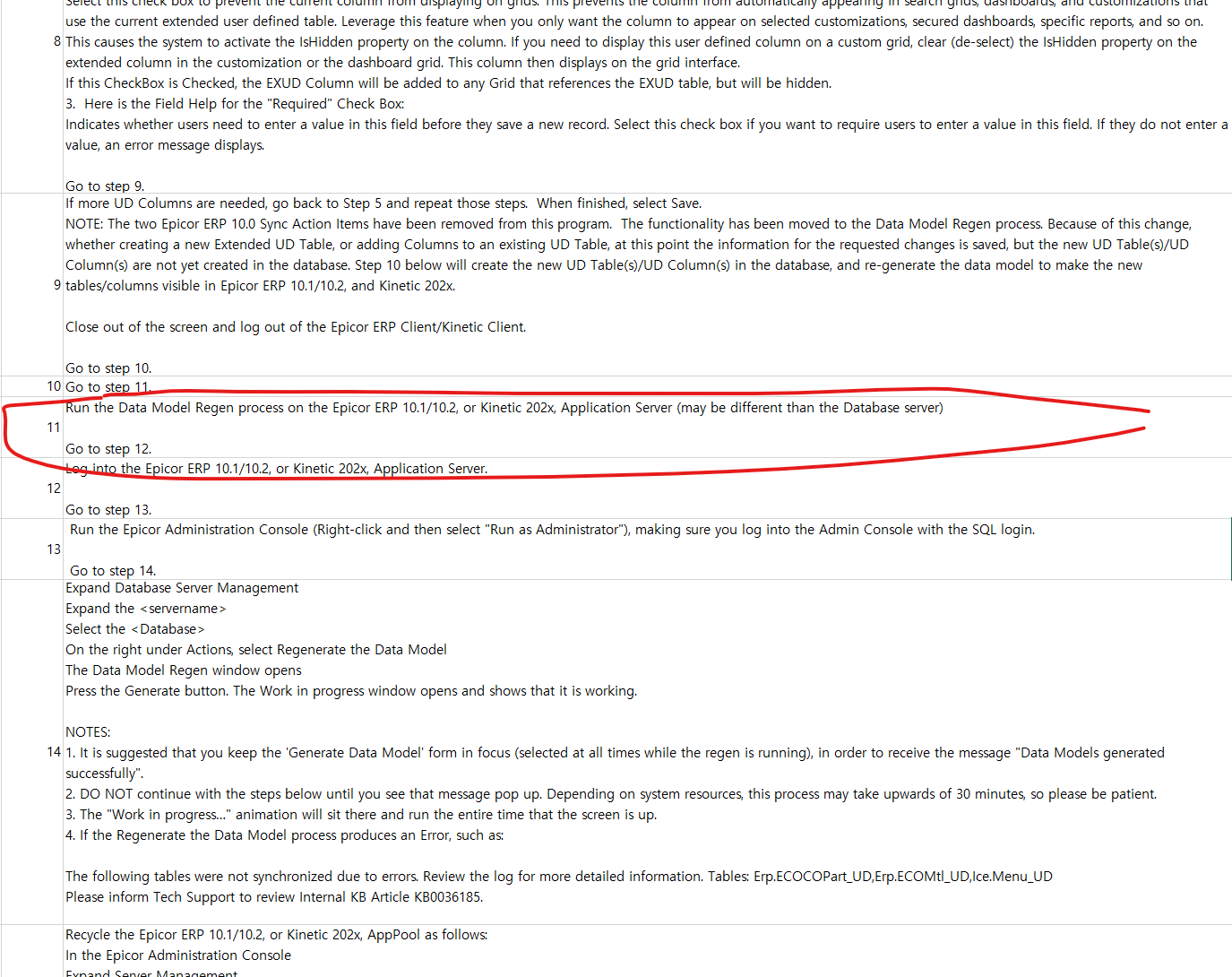
But as you can see in the steps below, I got stuck at step 11. I created a new column in UD Column Maintenance, but I don’t know where the Data Model Regen process is.
I’m on Kinetic 202X.
For the next step, can you please tell me where it is?
Thanks in advance!
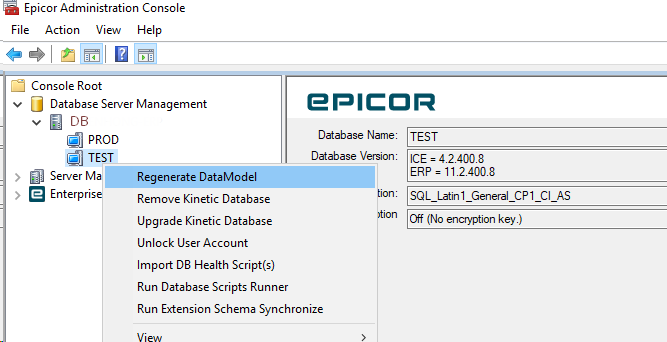
if this is the first time you are running this process, not in all versions of the console, but when you click the regenerate item you may see a busy status popup saying “generating” or something like that. The first time I saw that I said “ok process is running” and I waited a good 30 minutes before realizing this was a false busy message and you still needed to click the start/ok button. I have had clients experience the same confusion the first time.
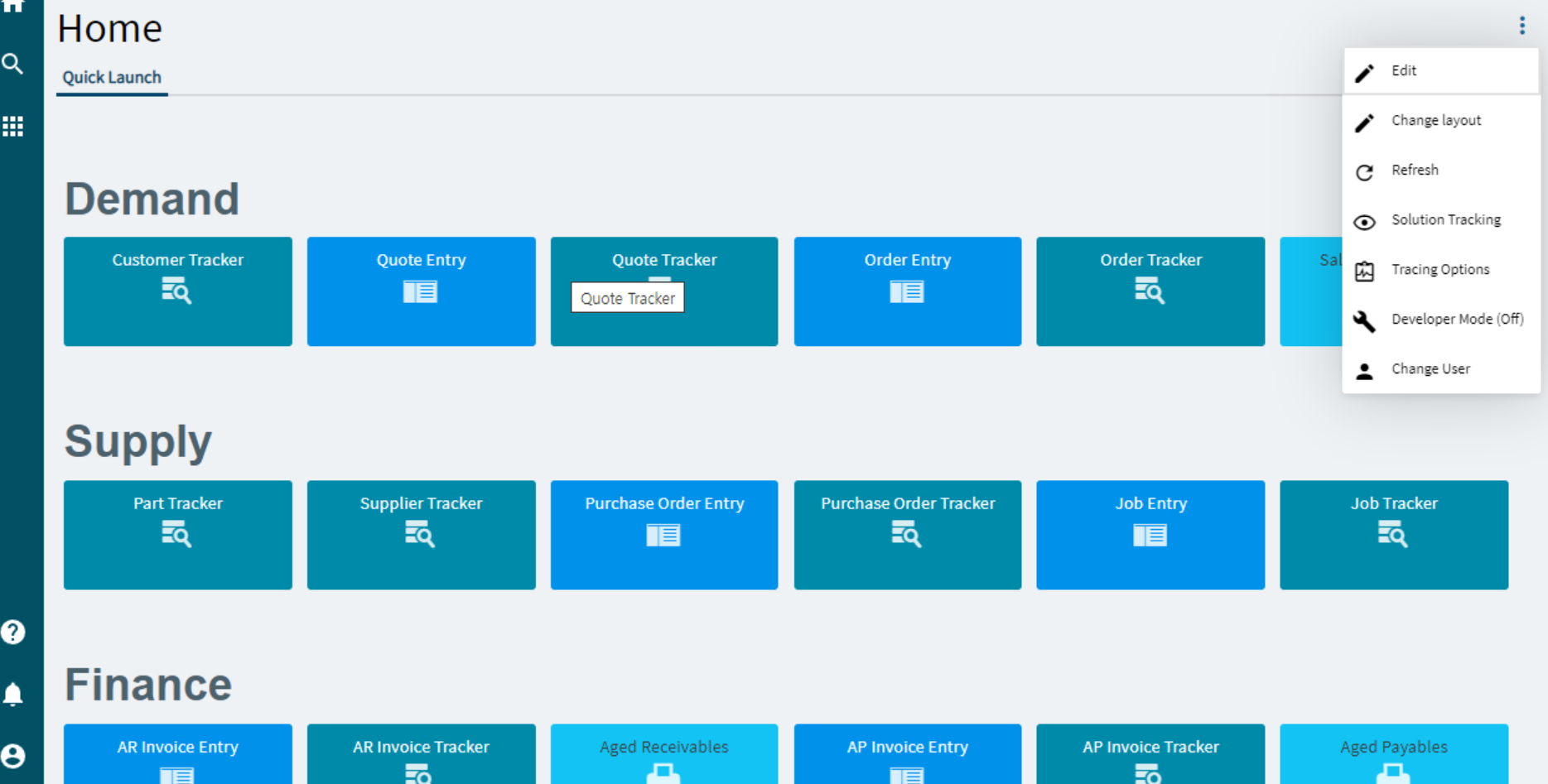
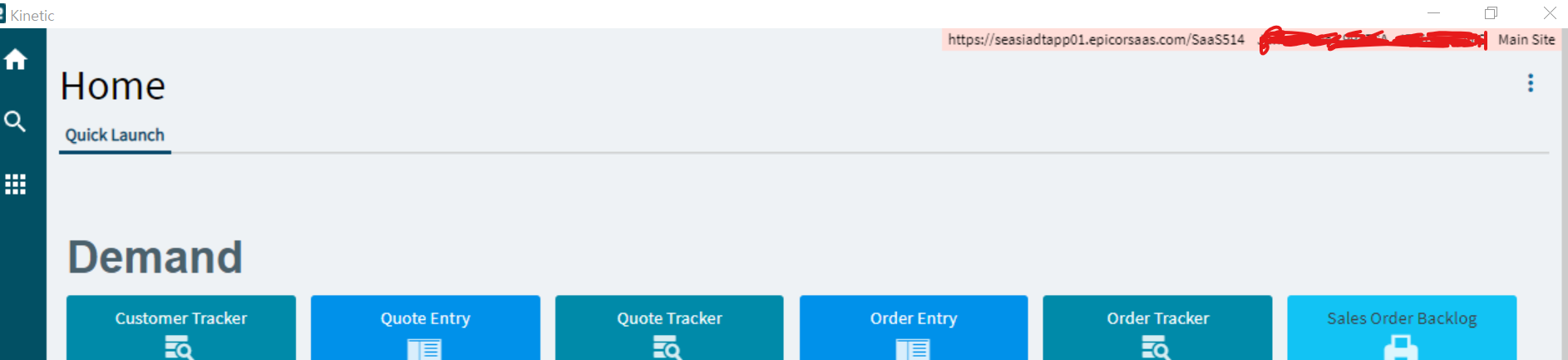
Go to the app server that kinetic/epicor is installed on. If you aren’t sure where it is you can find it in the upper right-hand corner when you are logged into epicor.
Login to the server then type in epicor administration console.
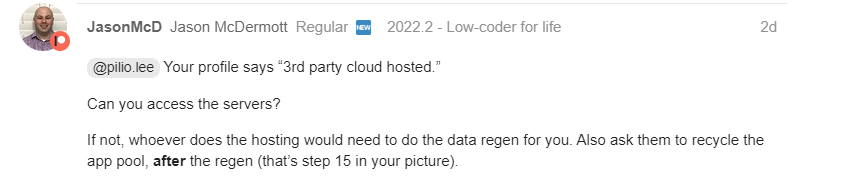
@pilio.lee Your profile says “3rd party cloud hosted.”
Can you access the servers?
If not, whoever does the hosting would need to do the data regen for you. Also ask them to recycle the app pool, after the regen (that’s step 15 in your picture).
By the way, those instructions from Support are very confusing. “Step 11” says “Run the Data Model Regen,” and then “Steps 12-14” explain how to do step 11.
So step 12 is not really after step 11; it’s the beginning of how to do step 11.
Are you on the cloud? If so, you need to do as Jason mentions and have the hosting party do the data regen for you. RDP is remote desktop connection, if you have never used rdp you probably don’t have access to the server, you IT department might unless its cloud.