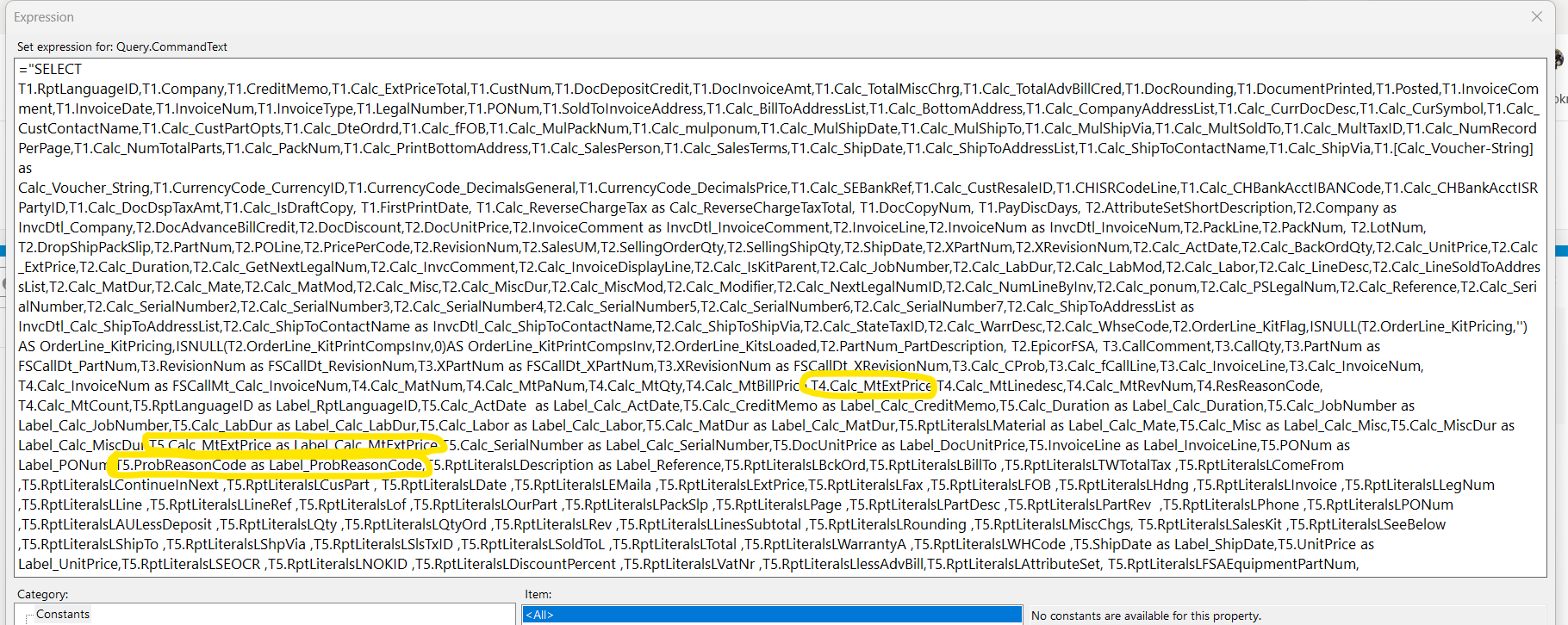
I am removing them from the SSRS report using MS Report Builder
The non modified report runs fine, I only ran into the issue if I had made my own style.
It was a pain to do, easy to make a mistake. I’d advise backing up the RDL then doing the removal then uploading it back up to Report Styles
What I did
- Selected the style in report styles - The ReportID is ARFom
- Actions → Download SSRS Report
- Go to the folder it downloaded to. Backup the RDL files
- I edited ARForm.rdl with Microsoft Report Builder
- Select Datasets → ARForm
- Right click ARForm, select Dataset properties
- You will see Query . Click the Fx button to edit the Expression
- Remove the three fields manually.
- Save
- Go back to Epicor, Report Styles. You should still be on the same style
- Upload in Report Styles with Actions ->Upload SSRS Report