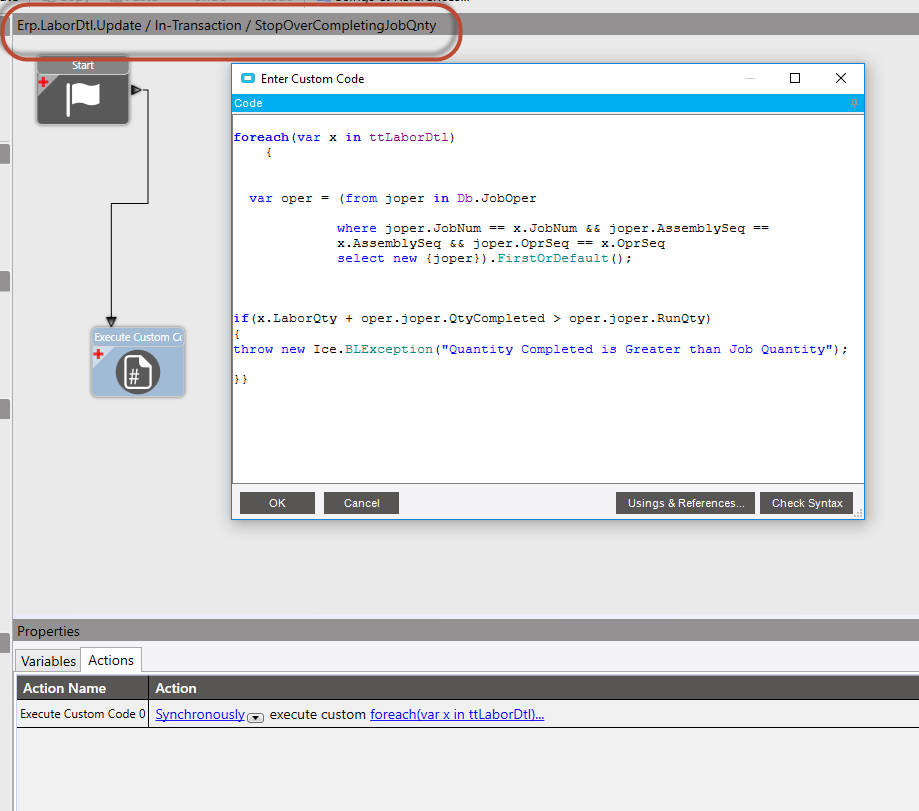
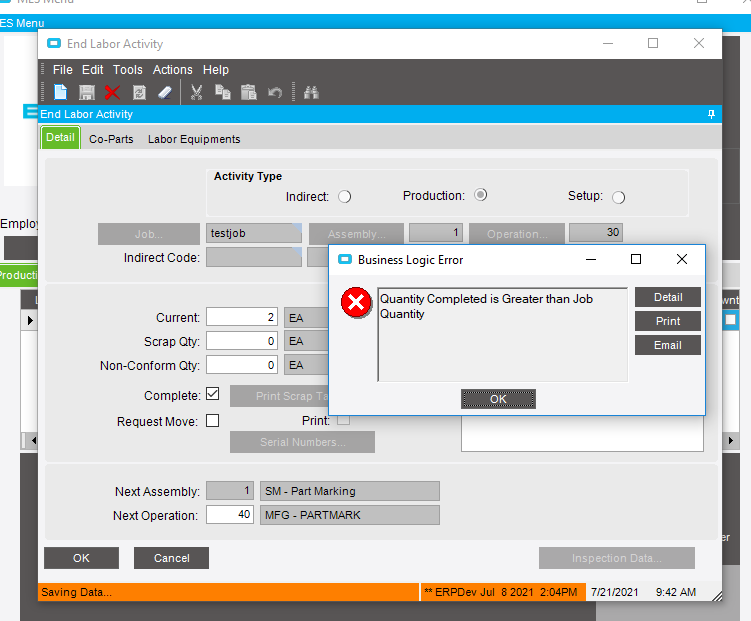
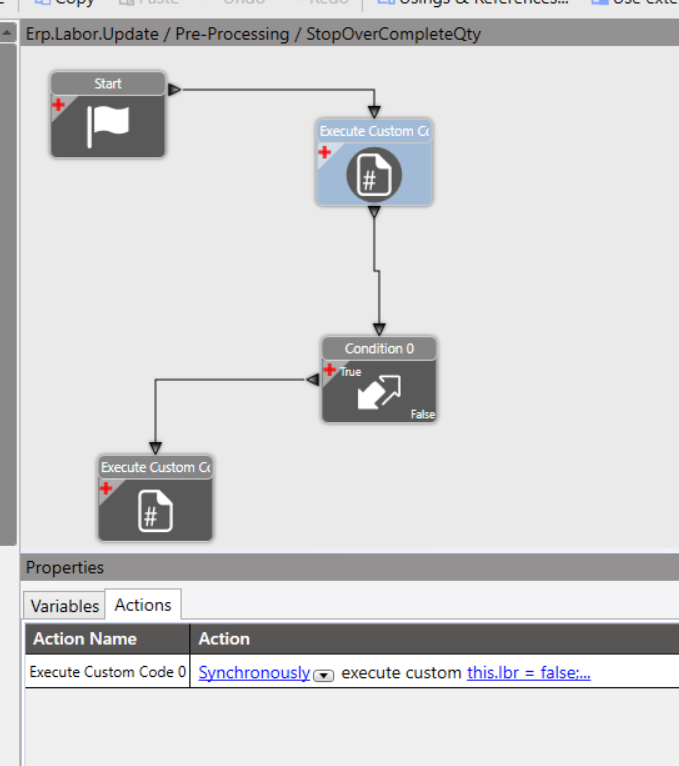
My goal is to stop allowing users to over complete labor quantity. For some reason this BPM is triggering anytime the LaborQty is greater than 1.
What is wrong with my code?
foreach(var x in ttLaborDtl)
    {


  var oper = (from joper in Db.JobOper

             where joper.JobNum == x.JobNum && joper.AssemblySeq == x.AssemblySeq && joper.OprSeq == x.OprSeq
             select new {joper}).FirstOrDefault();


if(x.LaborQty + oper.joper.QtyCompleted > oper.joper.RunQty)
{
throw new Ice.BLException("Quantity Completed is Greater than Job Quantity");

}}
one solution would be to convert your second query into an “.any” query… it will return a TRUE if it finds the condition and a false if not…
Also, you are doing the foreach tt record… it is possible to have two of those… one unmodified and another modified. best to filter out only the modified version by looking for a non-blank RowMod.
ALSO you didn’t have a company filter on the second query (bad practice… slows query).
You will notice that in my query, i am letting SQL do the math, so we dont have to bring back the entire record to do the math… saves time.
var ttLDtl = ttLaborDtl.Where(x => x.RowMod != "").FirstOrDefault();
bool QtyExceeded = Db.JobOper.Any(x =>
    x.Company == ttLDtl.Company &&
    x.JobNum == ttLDtl.JobNum &&
    x.AssemblySeq == ttLDtl.AssemblySeq &&
    x.OprSeq == ttLDtl.OprSeq &&
    ttLDtl.LaborQty + x.QtyCompleted > x.RunQty);

    if (QtyExceeded) {
        throw new Ice.BLException("Quantity Completed is Greater than Job Quantity");
    }
}
foreach(var x in ttLaborDtl)
    {


  var oper = (from joper in Db.JobOper

             where joper.JobNum == x.JobNum && joper.AssemblySeq == x.AssemblySeq && joper.OprSeq == x.OprSeq
             select new {joper}).FirstOrDefault();


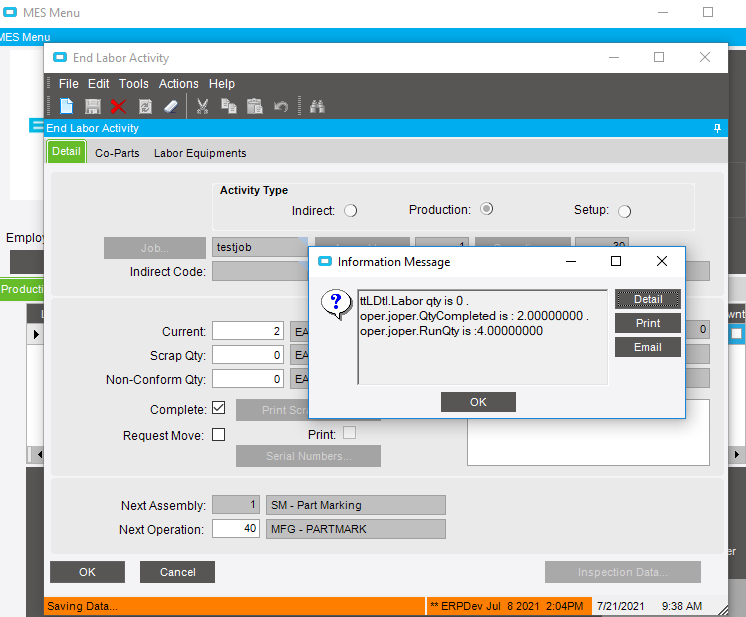
InfoMessage.Publish($"x.Labor qty is {x.LaborQty} . oper.joper.QtyCompleted is : {oper.joper.QtyCompleted } .  oper.joper.RunQty is :{ oper.joper.RunQty}");
if(x.LaborQty + oper.joper.QtyCompleted > oper.joper.RunQty)
{
throw new Ice.BLException("Quantity Completed is Greater than Job Quantity");

}}
Something like that (I can’t remember if it’s InfoMessage or Infomessage, so you have to check the context on that)
Yup. Data directives are kind of a last resort when placing BPM’s. If you can do a method directive, they generally behave better. The one caveat is that it’s possible a table will be updated by another method directive so you might not catch everything.
If you want to continue with the data directive, start showing more info in those messages. Check the row mod on the tt record, because there is probably an unchanged and changed row in there, and obviously something else if you are getting 6 rows.
The comparison is probably failing and giving you a false with the .any. If you look at what’s coming out in the message boxes, it looks like LaborQty is an Int and the others are decimals, so I would guess it’s a type issue. Make sure you case all of those fields as decimals to make sure it evaluates correctly.
I just tried it with a quantity of 1 and it went through ok, it did do 4 pop ups though.
Would that rule out a Type issue?
Im leaning towards just making this a method directive.
I know i have done something very similar to what you are requesting, but I didn’t do it with a DATA directive… instead I did it with a METHOD directive. you will need to run a trace, but if i remember correctly, it was something like Labor.ReportQty or something like that. When you do it from there, you know that you are only looking at one record.
Doesn’t the Work Queue process more than one at a time? I remember one of our BPMs not working for one of our companies when they were processing 80 jobs at a time. Maybe it was the receipt part and not the labor part. I can’t remember.
Trace log shows that the only method making a change to the LaborQty was Update.
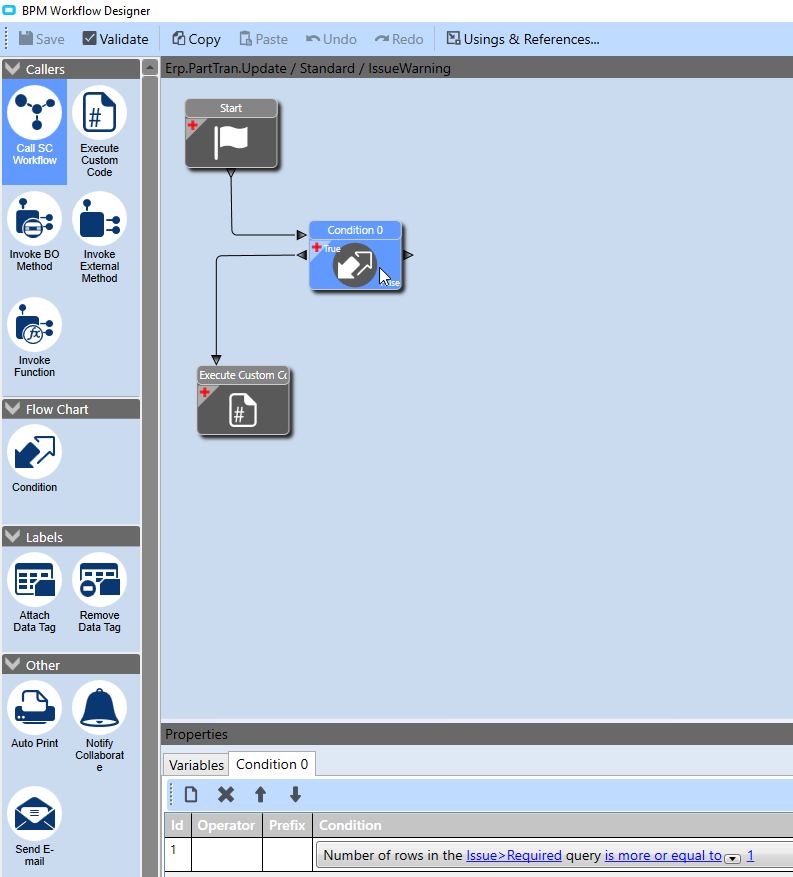
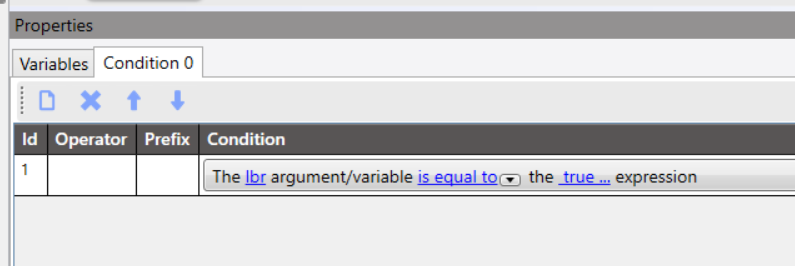
I created a BPM on that method using a bpm variable to limit when this is fired.