In Office 2016, you have to do this to get your data into Excel:
Workaround:
In order to have the CopyToExcel function load into a separate instance, perform the following:
· Create the source grid in EPICOR that you wish to export your data.
· RClick on the grid to make the CopyToExcel menu appear
· Click on the ‘Copy To Excel’ menu item and immediately hold the ALT key on the keyboard.
· You will receive a popup asking if you wish to start an new instance of Excel:
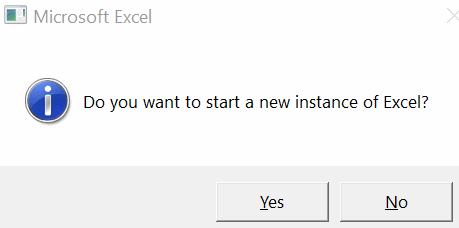
· Click ‘Yes’
The copied EPICOR data should now appear in Excel for your use.
Thanks,
Debbie