Hi All
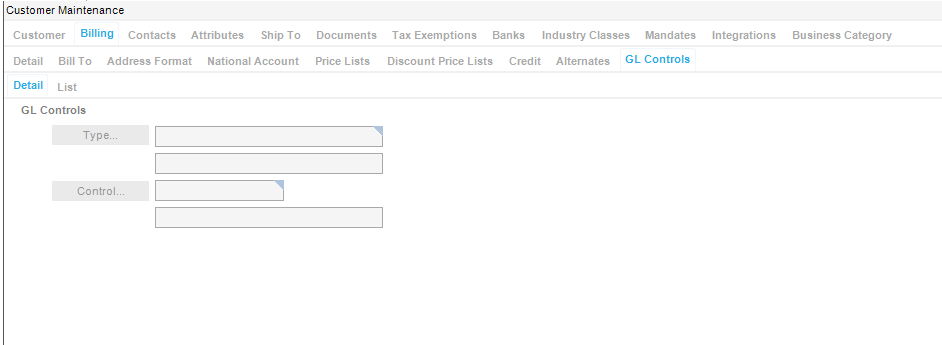
Another quick question anyone point me in the direction of a document that helps understand how to fill this info out.
Thank you for your help
Cheers
D
You can create GL Types in GL Control Type Maintenance. Basically categories you want your transactions to be group in (Part, Part Class, Customer.
Then you can create GL Controls in GL Control Maintenance. These will then tie to specific accounts.
So, if you wanted GL Controls around customers, you could create a GL Control Type called “Customer”… then GL Control Codes that steer transactions to particular accounts (which are created in Chart of Accounts). Then you assign those controls to customers so their AR Receiving/Payments (for example) hit against a specific account.
Documentation wise, there is a Posting Engine Technical Reference Guide available on Epic Web that would probably be a good reference. There are sections in there are setting up your COA, GL Controls, etc.
Posting Engine Technical Reference Guide
Although this says it’s for Epicor 10.2.700, the functionality is identical to the version on your profile (10.2.500).
You’ll need your EpicWeb ID and password to use this link. Good luck!
Hey Dean,
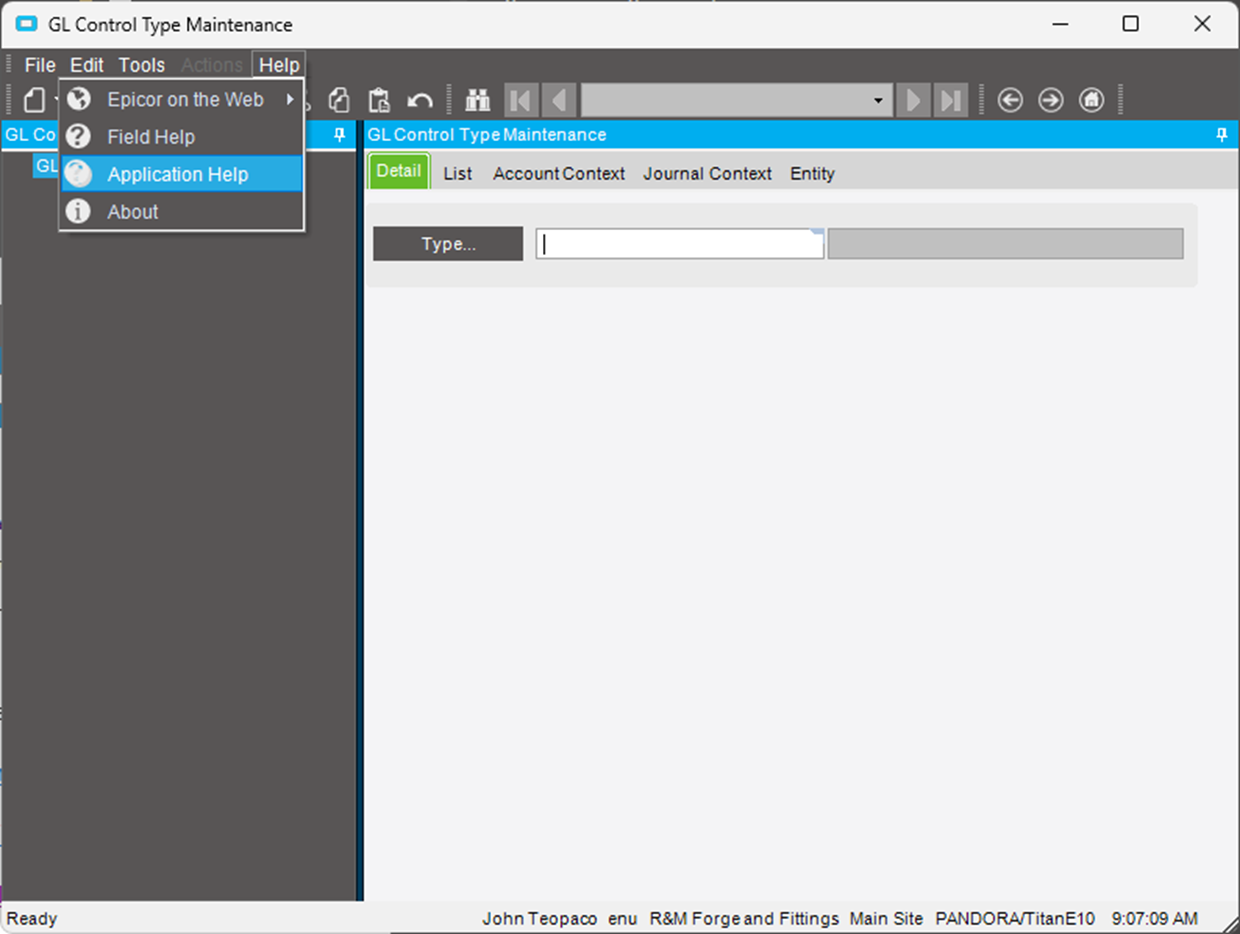
If you don’t have access to Epicweb ID, and since you do have access to Epicor, just log in and access “Application Help”
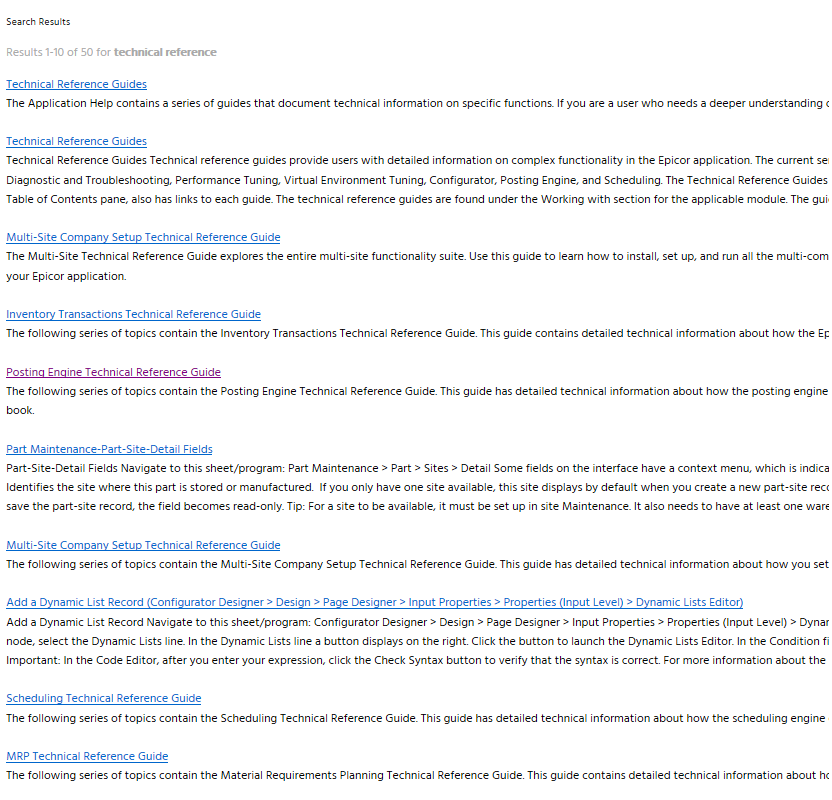
Type in “technical reference” in the search bar
There should be a version that you can “PRINT”
you can get most “Tech Ref Guides” to help you understand Epicor better.