Epicor Function - Response Parameters

I have created a function that receives BAQ ID, and a parameter and returns a dataset. It works correctly when I test it and I see the response dataview using browser debugging tools.

Now I want to receive this data and populate it into a grid in Application Studio.

I have a dataview that I have created to receive the result of the erp-function.

The dataview name is dvBAQResult. It is a blank dataview:

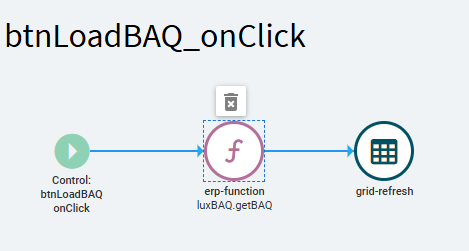
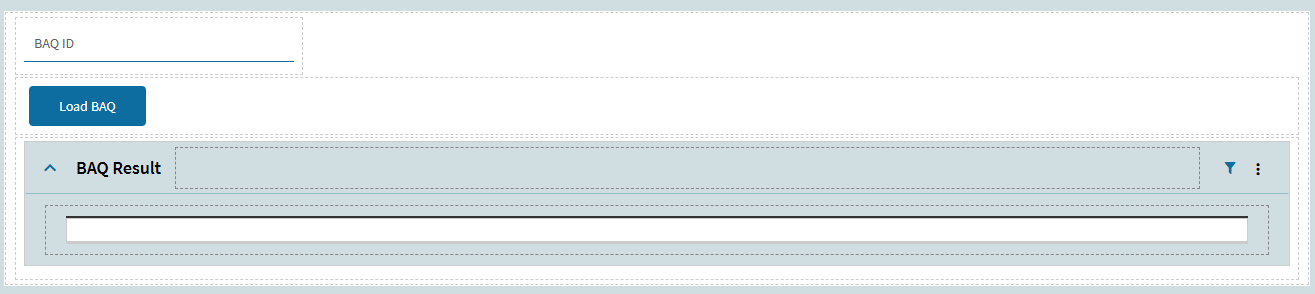
I have created a simple layout where I can enter a BAQ ID and click a button.

image

Can you help me on how I can setup these values?

1 Like

I’ve only ever returned values from a function and mapped them from actionResult to specific columns via row-updates.

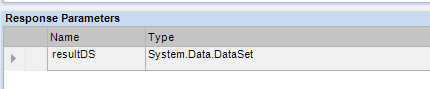
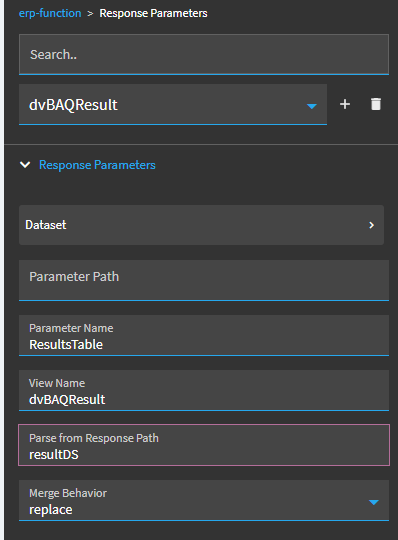
But I think you can pull in a whole dataset. I would try mapping the response parameters like this:

Is your dataset only one table?

Parameter Name: resultDS
View Name: dvBAQResult
Merge Behavior: Replace

2 Likes

Yes it is one table only.

2 Likes

Parameter Path: [Empty]
Parameter Name: The name of your Table inside the resultDS. (DataTable table = new DataTable(“TableName”); )
View Name: dvBAQResult
Parse From Response Path: resultDS
Merge behavior: replace

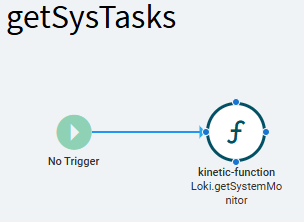
Here is a screenshot from one function on my devtools dashboard that has a table named ‘t’ and a dataview named ‘t’, with a return signature of system.dataset ds:

You can pull multiple tables in the same call, by adding more instances of “response parameters”.

4 Likes

Thank you! But I still dont see anything on my grid. Here is how I have setup the grid:

1 Like

in your code, how are you populating the ds? do you see it coming out in the network call?

here is my full setup:

  DataTable dt = new DataTable("t");
  dt.Columns.Add("c", typeof(string));
  DataRow dr = dt.NewRow();
  dr["c"] = "stuff";
  dt.Rows.Add(dr);
  ds = new DataSet("ds");
  ds.Tables.Add(dt);


Also: App Studio has a bug, if you have ever in this life of this app clicked “Dataset” inside the erp-function, it will be broken. (App Studio stores some empty values in json that do not ever go away and break the component) delete it and re-create it, and do not click “Dataset”

5 Likes

Yes I am able to see my data coming in the Network → Response in JSON format.

It looks like the grid doesnt want to get refreshed or something. Do I need to setup something else on the grid? Like a refresh event?

1 Like

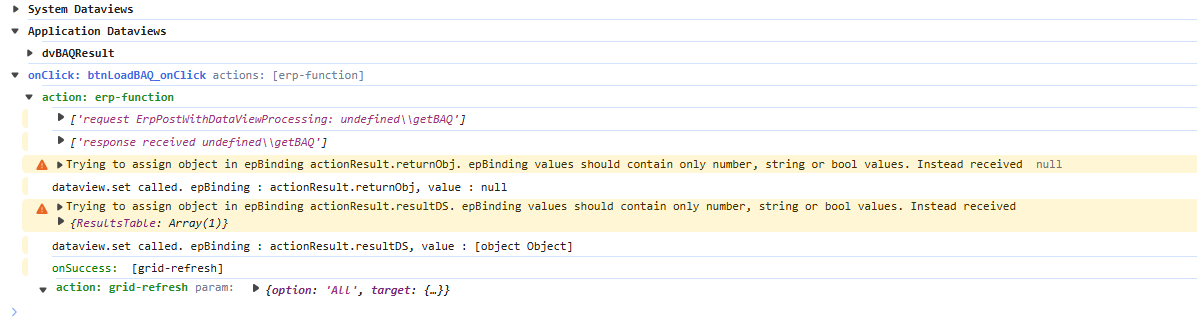
What do you see in f12 debug tools console tab?

No refresh event is needed. Grid epBinding to DataView is all.

Is grid columns collection empty? It must either have no defined columns at all, or the columns you want to see defined.

2 Likes

1 Like

Turn on debugging (ctrl-alt-8, or in console type:

epDebug.setDebugModeStatus(true)

Then trigger the function call again

1 Like

Sorry my bad:

1 Like
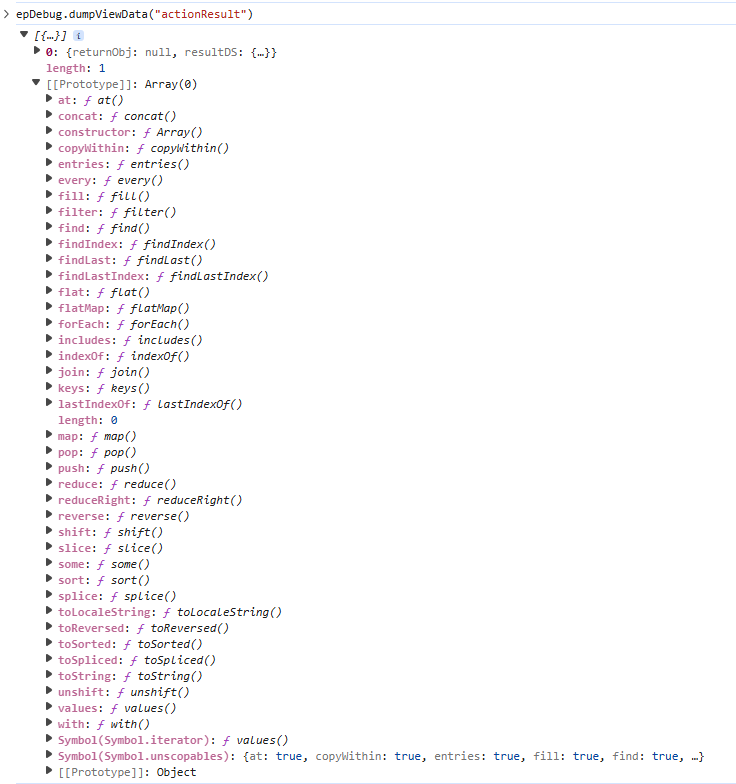
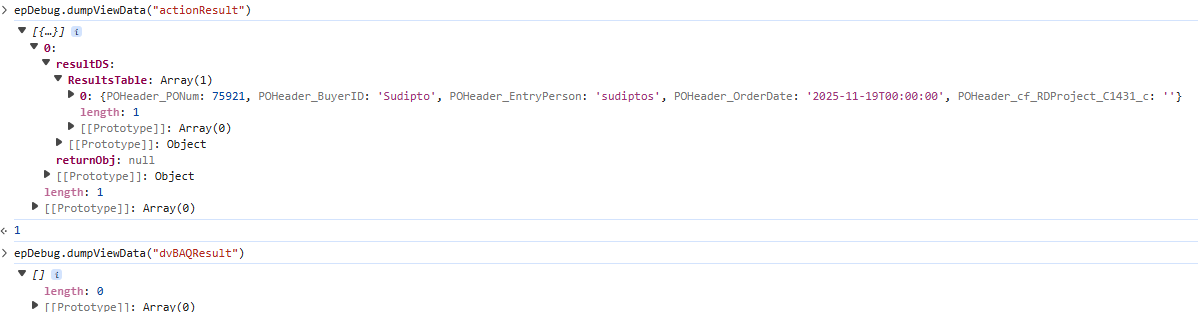
epDebug.dumpViewData("actionResult")
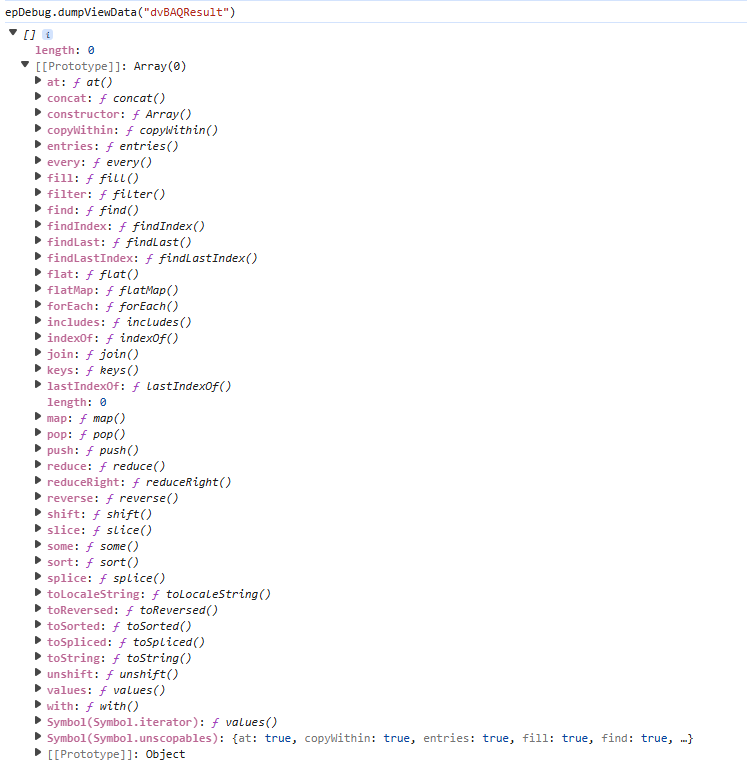
epDebug.dumpViewData("dvBAQResult")

What do you see?

1 Like

How can I run that?

1 Like

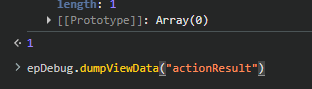
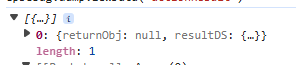
In the console window, at bottom, you can freehand type:

image

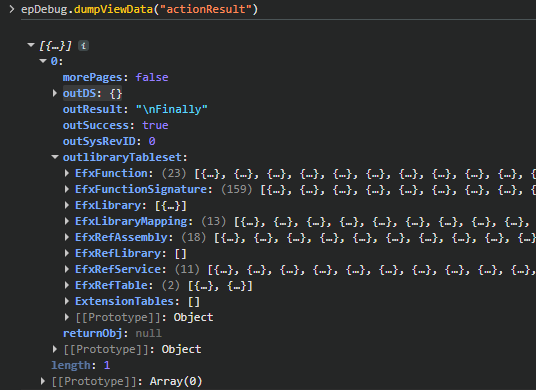
Here is mine for example, I am returning an EfxLibraryTableset, so it has many tables:

1 Like

1 Like

1 Like

Rather than expanding prototype: array (collapse that), expand the array with rows (0):

image

dvBAQResult isn’t getting rows, and i think i see why…

2 Likes

1 Like

If the above set up does not result in rows in dvBAQResult (check with epDebug.dumpviewdata) - delete the function widget and rebuild it.

4 Likes

Oh my god!!! It worked!!!
How did you figure this out? :slight_smile:

4 Likes