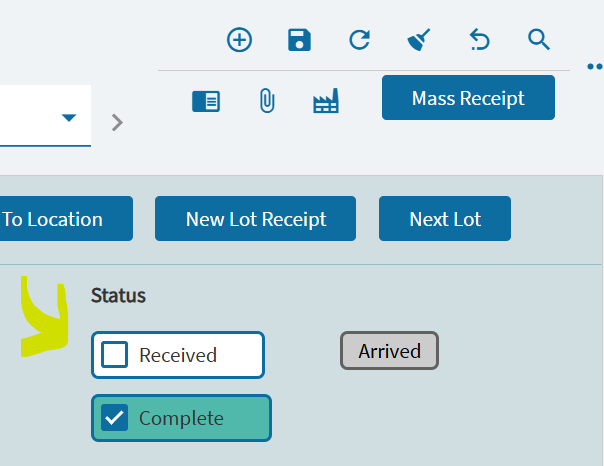
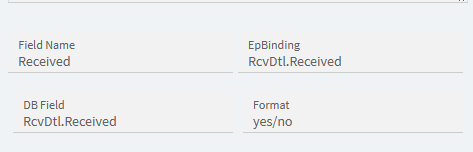
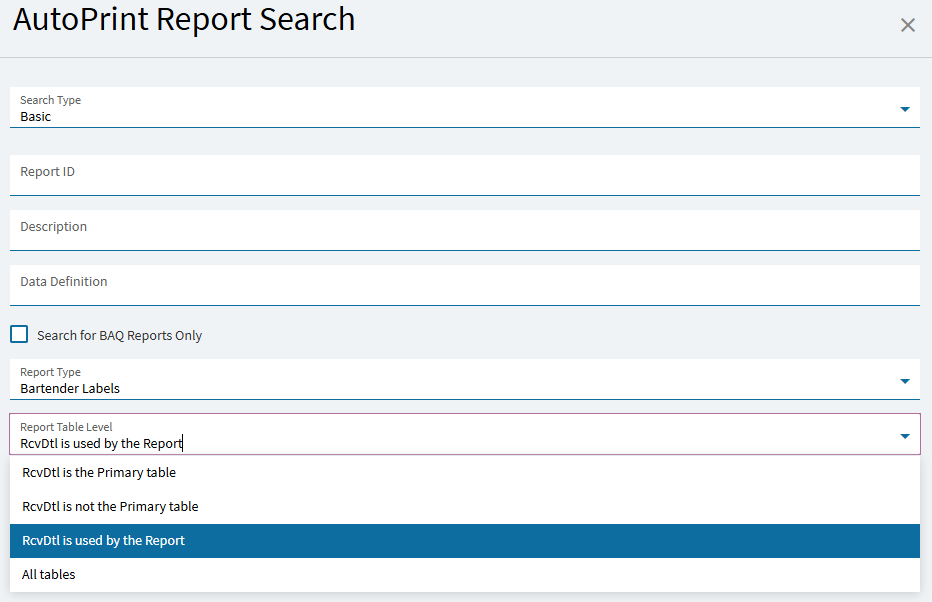
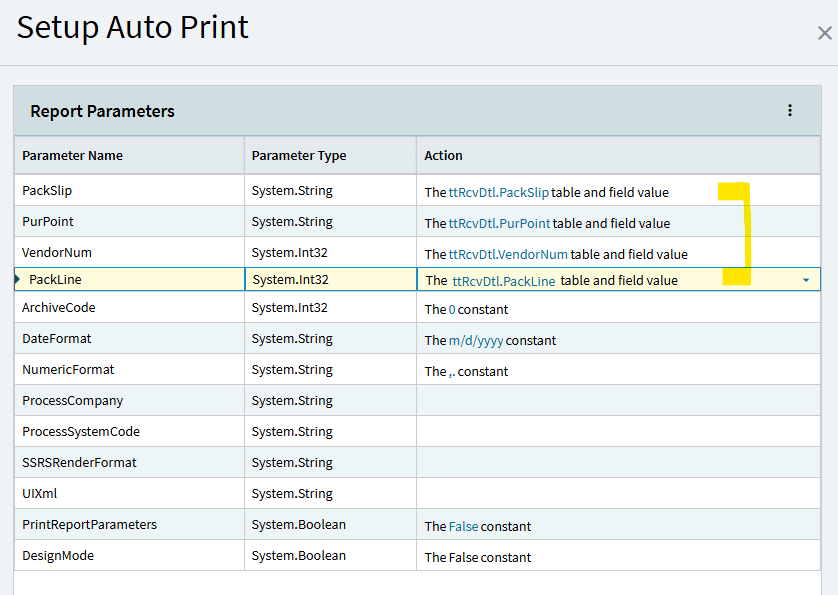
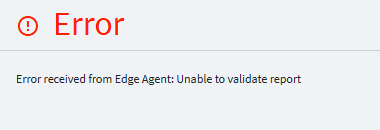
we recently had a consultant walk us through building a BPM that has an auto-print function. The auto print function is to be triggered once the receive button is clicked and save inside of receipt entry ( lines, lines detail)
well, it cannot download report it suppose to print. Is it in the table [Ice].[SysRptLst] with SysRowID 146c…
Or maybe it is for different userID as you have complex setup.
Also check if server log for app server contains other errors in this area.
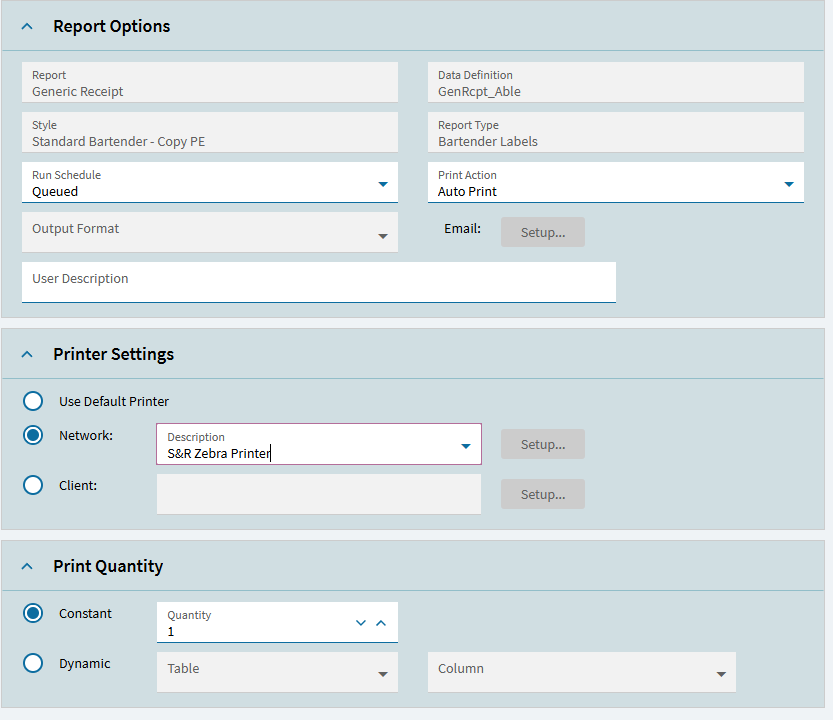
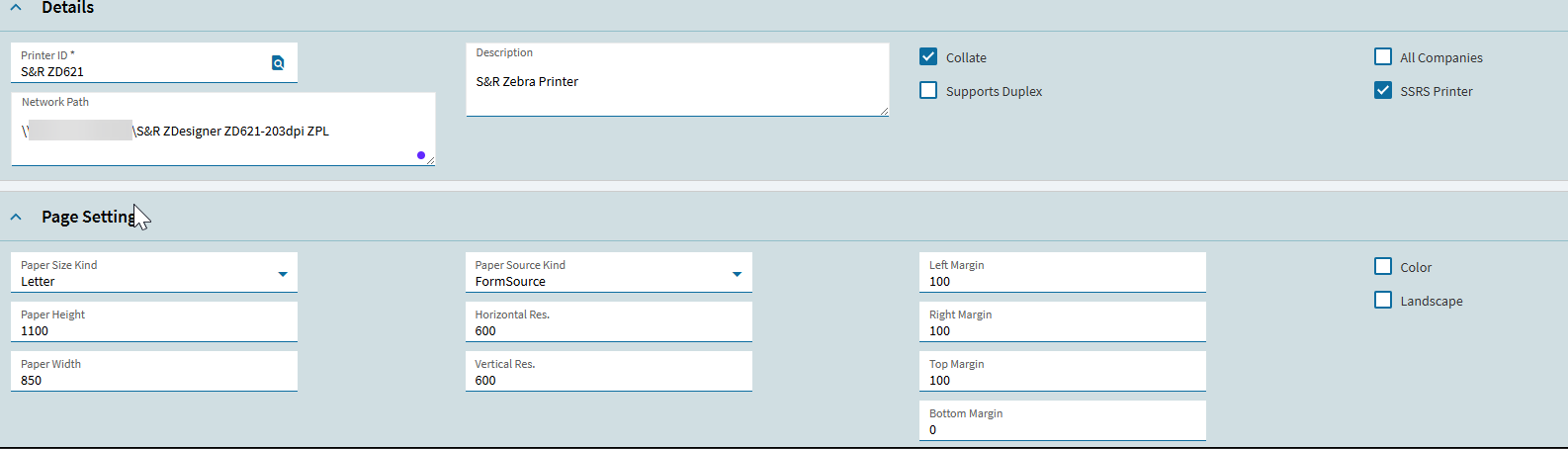
What do your zebra printer settings look like in Epicor? All the auto print does here is generate a bt file for bartender to process. Edge Agent shouldn’t even be in play here…
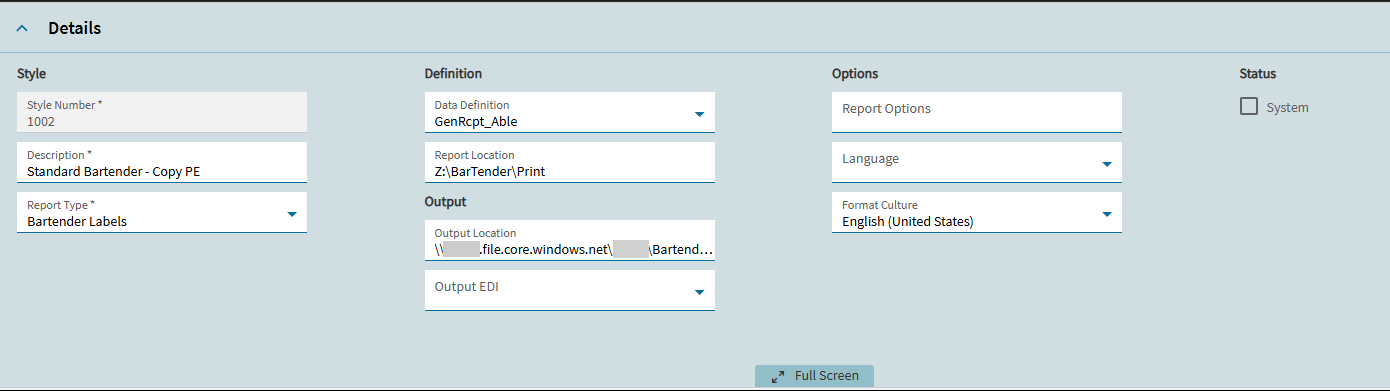
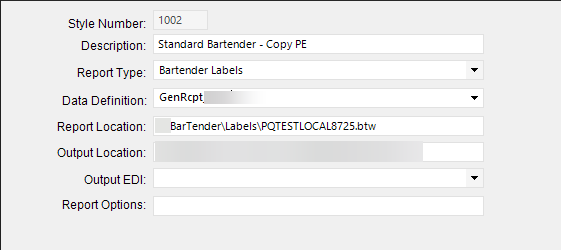
Also your report location is incorrect in Report Style, should be the path of the btw file that BT has access to
Yeah so we are stuck at this point , I don’t know what else to do. We are to meet with a consultant again and tackle the rest. I will be sure to keep you posted on the fix.
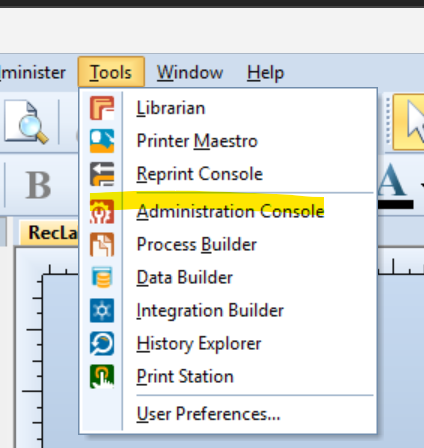
We are in the same state trying to set this up in Pilot. The BPM is setup, The label is setup, Bartender is Setup. The .bt goes to the Bartender log, changes to .btp. Bartender Admin Console shows the correct file exchange.
If you print something direct to the mobile label printer such as test print it works.
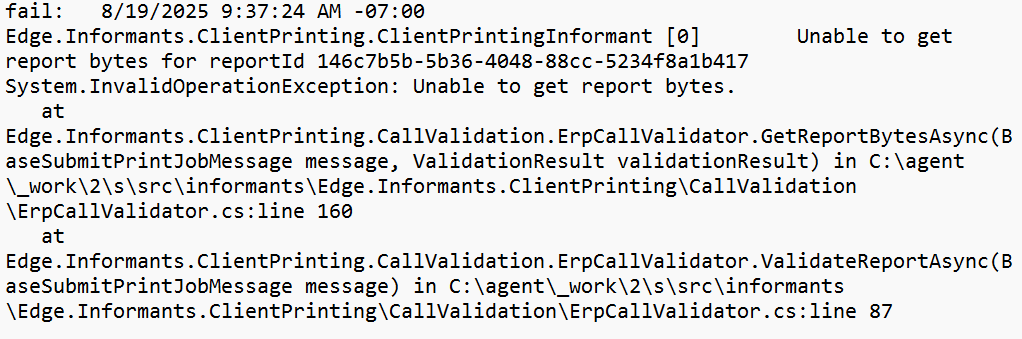
We are also experiencing this error message with one of our auto-print labels. Our setup works in the client version of Epicor, and all but one of our auto print bartender labels are working in the browser.
Okay got it to work , these steps were key to fixing this
#1. Use the smart client for the Data Directive setup , not the web browser. Our consultant indicated that smart client has yet to work flawlessly with Data Directives so everything should be done in client for now. Also after you make changes to your data directive close out that window fully once you saved your changes.
#2.
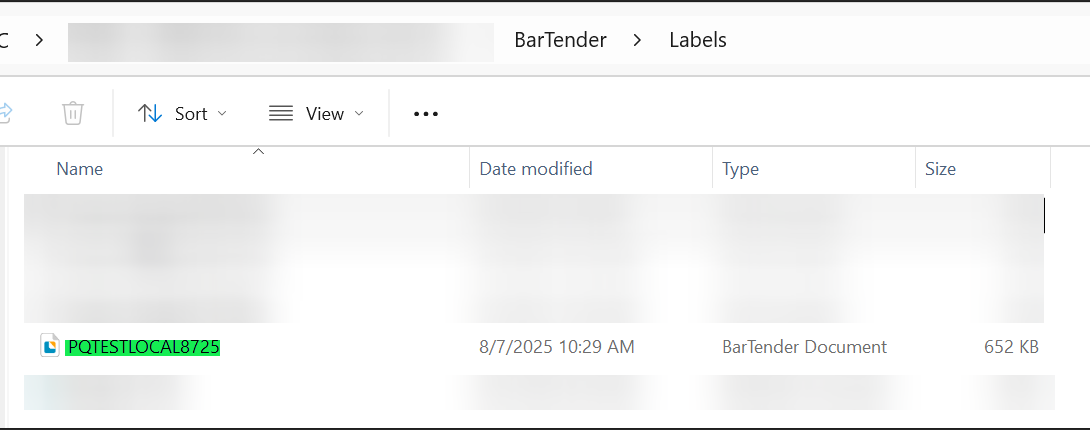
( In File Explorer , whatever your bartender document name is needs to be input exactly as the name appears in your Bartender\Labels folder as shown below)
Now on the left tree area click on Integrations , if yours is not working just like mine was not you will see the status as fault and also the service is not started
Make sure you hit start and once the service is running and no indication of the status being fault go ahead and now try your auto-print function . It should now print as intended , see picture below for reference
I have this same issue going on for the same report you have as well. My settings have been set this way from when we upgraded to 2024.1 to 2025.1.11 and still seeing this error. Right now we everything setup the same way and need there is nothing wrong with the output as the data is working still. it is giving an error once the transactions occurs.
Looking at the log file i dont see anything in the AutoPrint Action.
I have uploaded the sysrptlist table for the user. I have removed user name and workstation.