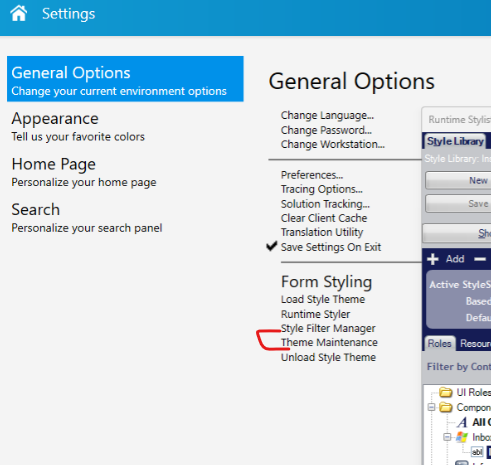
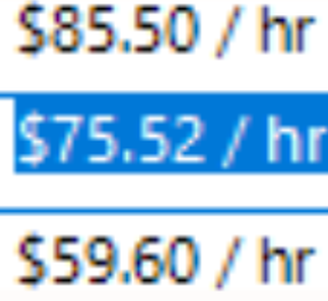
So often we think these tiny 5s are 6s in the classic UI… I think I need to fix it in Theme Maintenance and change the font from Arial to Segoe UI in the right place. I can’t figure it out though.. can someone steer me in the right direction? Thank you.

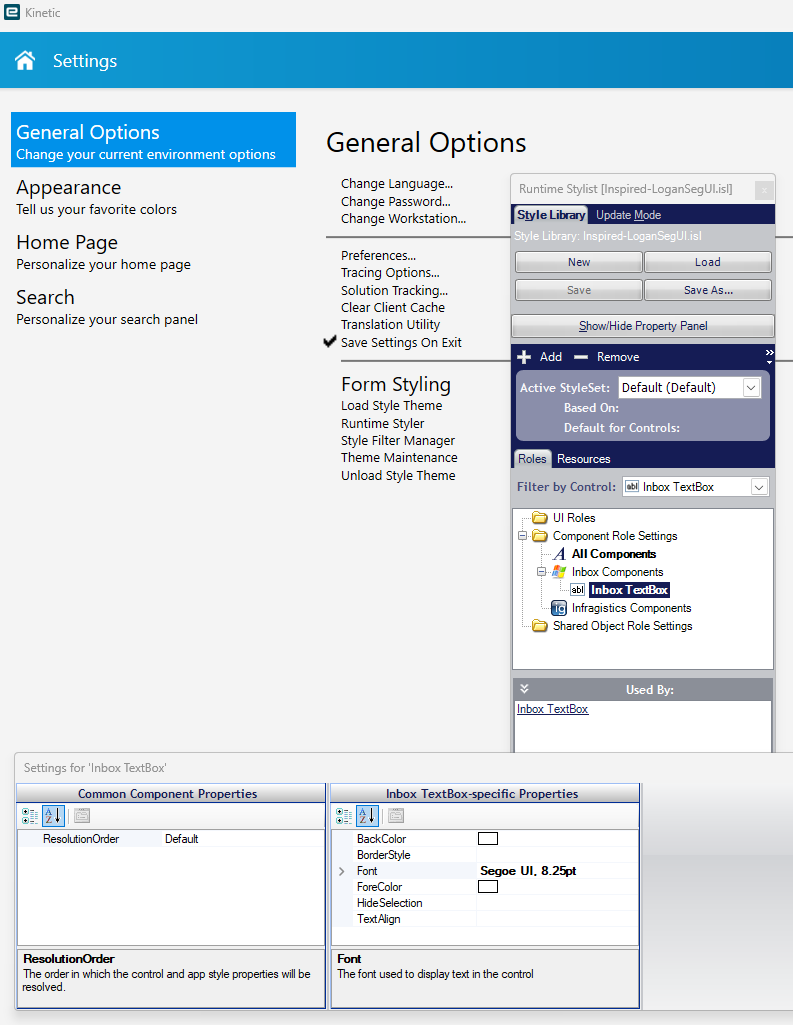
Best I can suggest is the documentation guides for styles maintenance… Been a very very long time messing around with that. Sorry I can’t be of more help…
I would use the Arial font instead of Segoe.
Arial has that extra pixel that makes it look like a 6. Segoe does not.
But I can’t see where to change it…
Oh man that is so much better! Thanks!
However… I can’t seem to get it to work with just setting it as default in Theme Maintenance. I have to do Load Style Theme and choose the isl on each launch, then it works for that session…
Looks like I was just missing the icon resources in the new .isl I made for the segoeUI font. Working on load now!