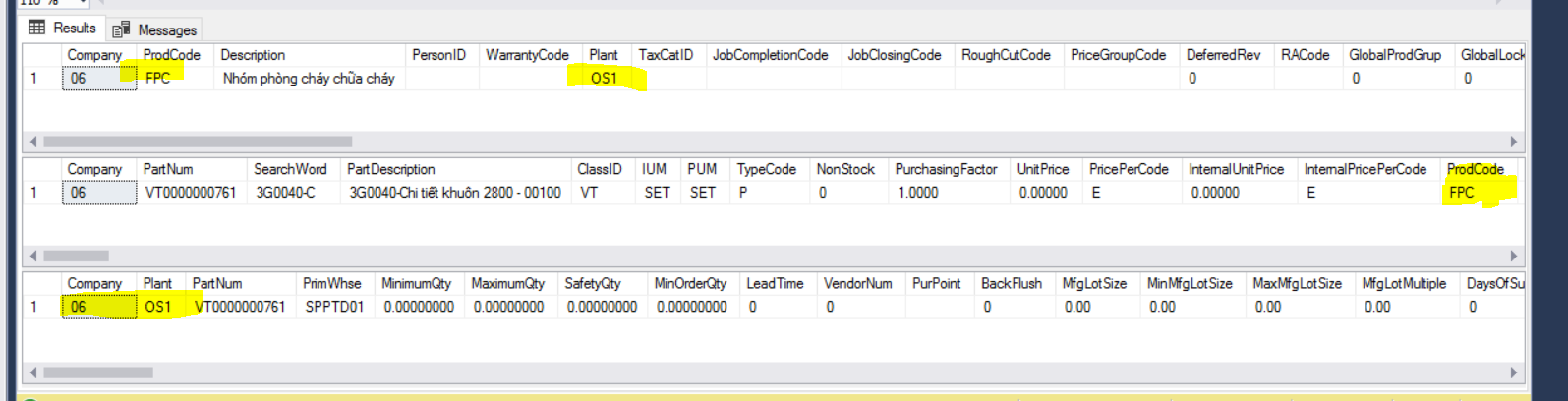
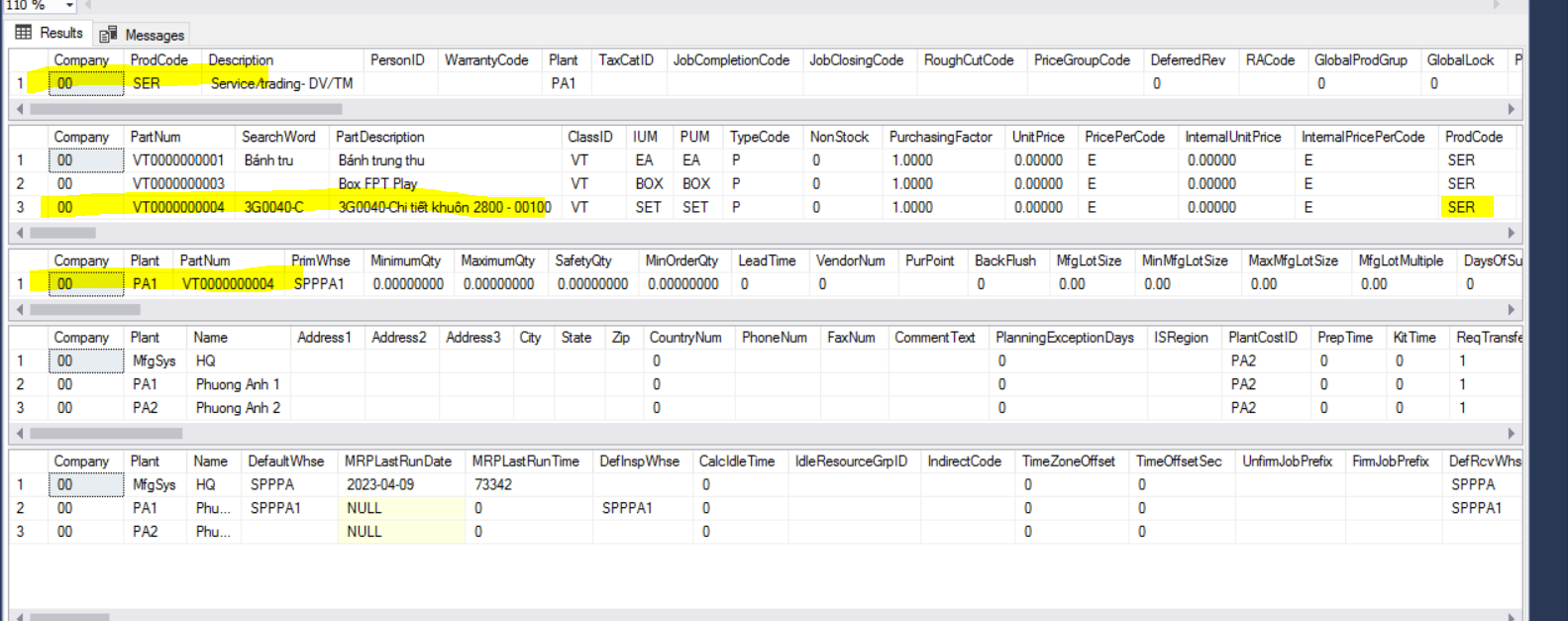
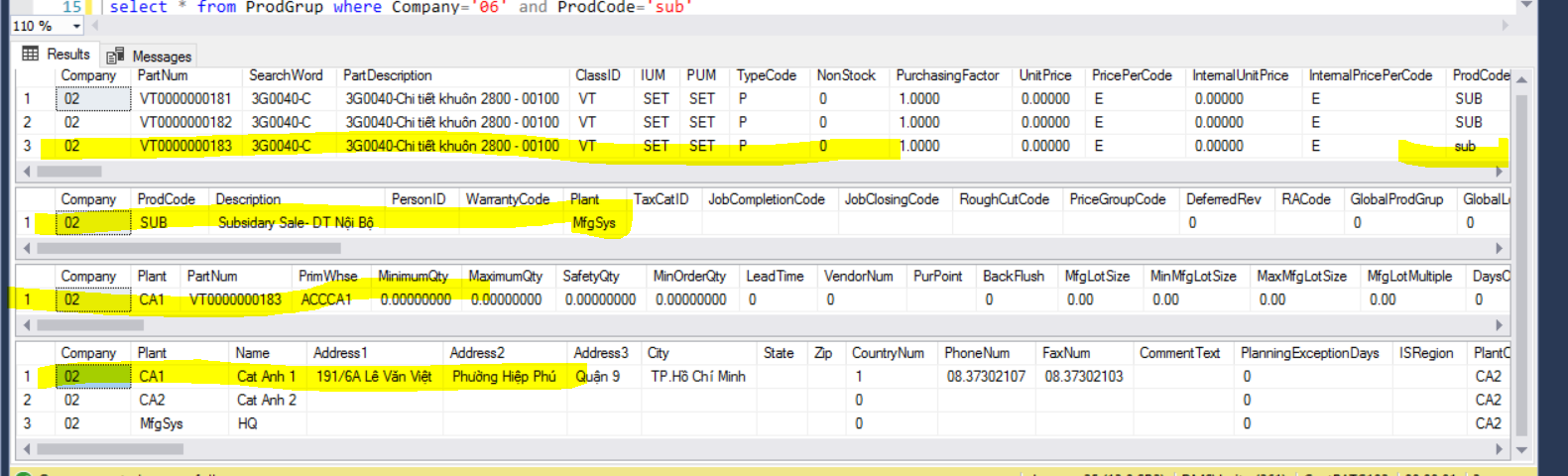
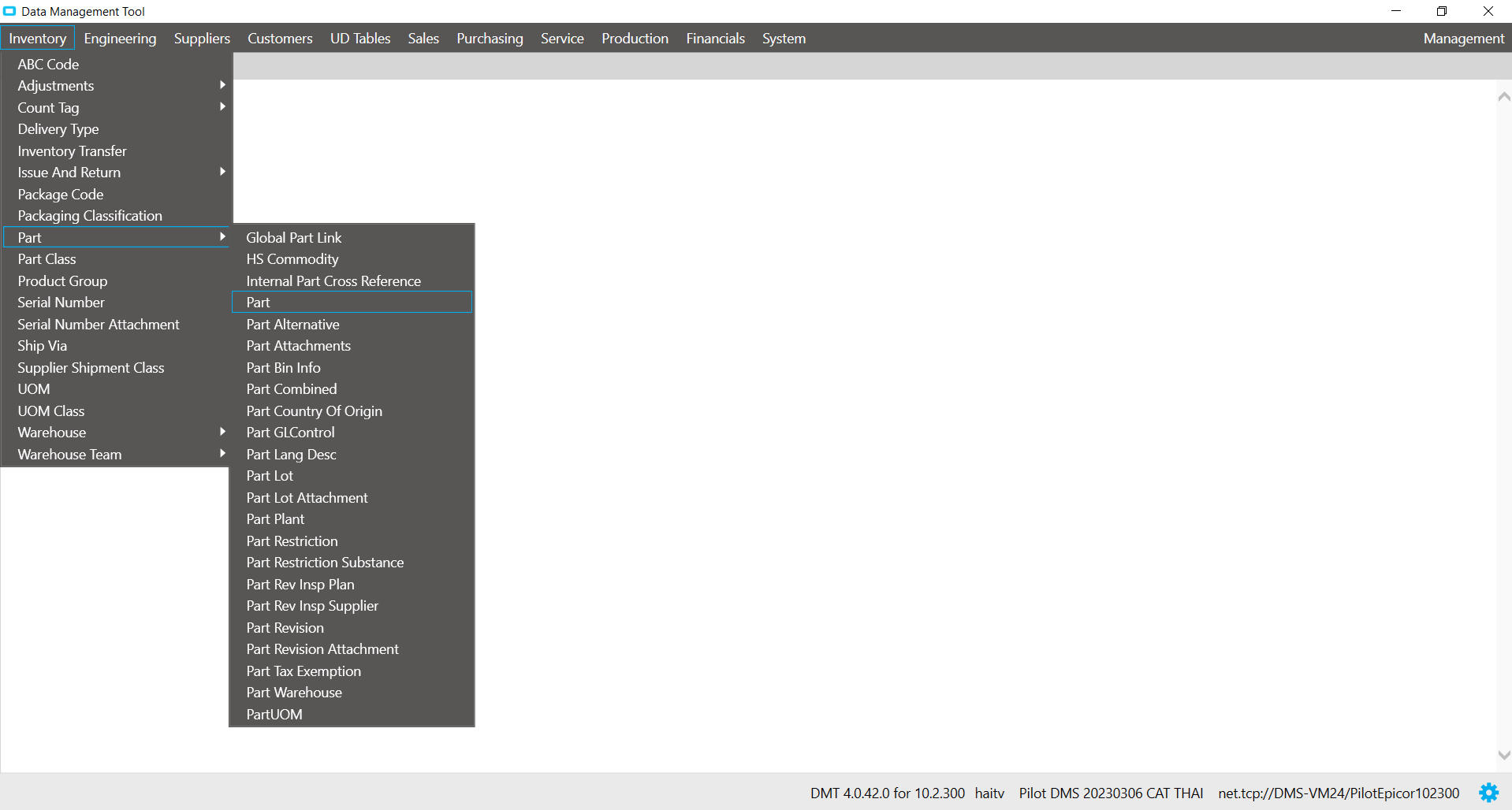
when pouring DMT Part, I check in different companies, I see that sometimes the PartPlant is taken according to ProdGrup’s Plant, sometimes it is taken in the sort order of the Plant table?
select * from ProdGrup where Company='06' and ProdCode='FPC'
select * from Part where Company='06'  and ClassID='VT' and ProdCode='FPC'-- PartNum='VT0000002705'

select * from PartPlant where PartNum in ('VT0000000761') and Company='06'
select * from ProdGrup where Company='00' and ProdCode='SER'
select * from Part where Company='00'  and ClassID='VT' and ProdCode='SER'-- PartNum='VT0000002705'

select * from PartPlant where PartNum in ('VT0000000004') and Company='00'

select * from Plant where Company='00'

select * from PlantConfCtrl where Company='00'
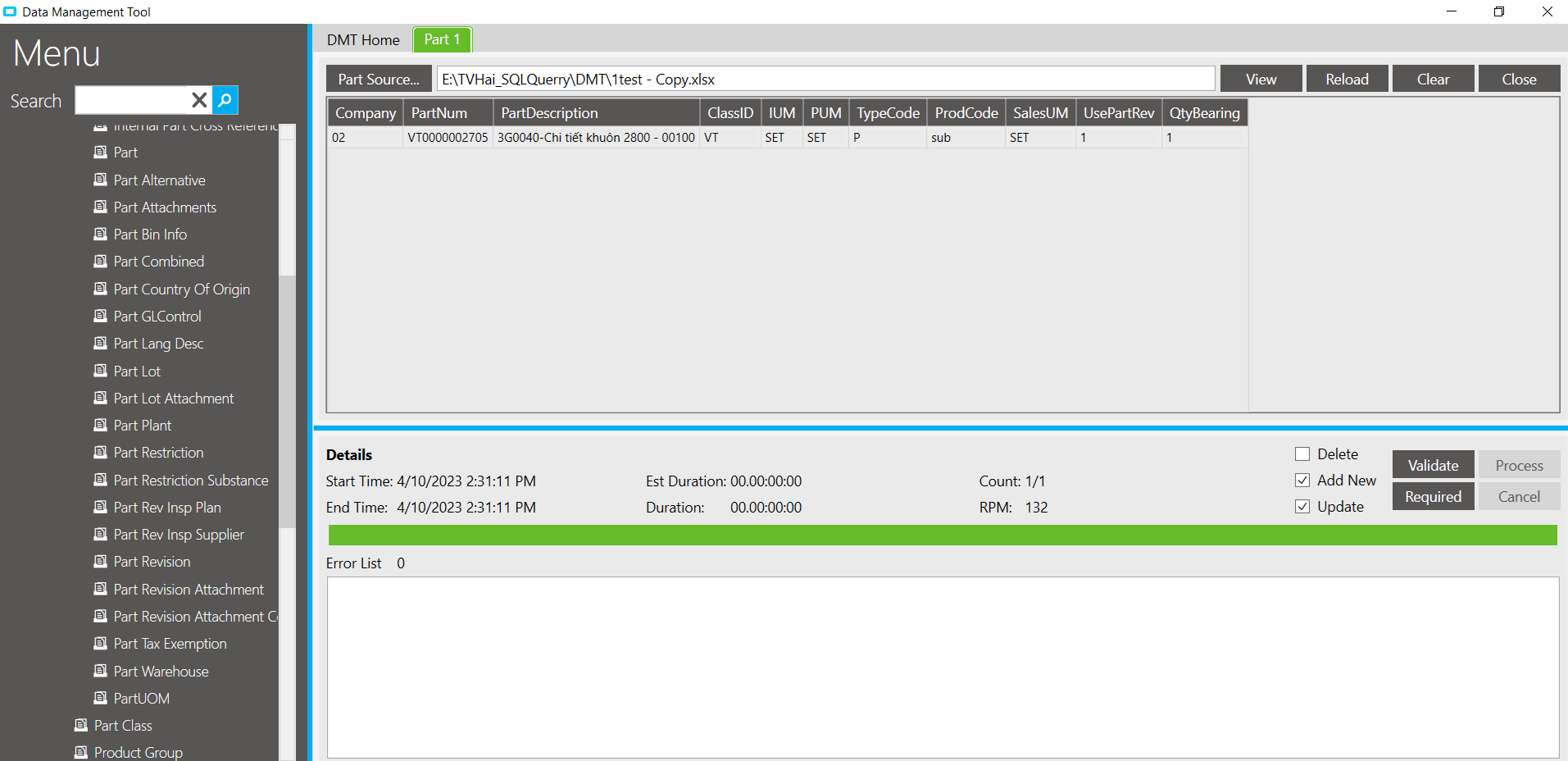
select * from Part where Company='02'  and ClassID='VT' and ProdCode='SUB'-- PartNum='VT0000002705'

select * from ProdGrup where Company='02' and ProdCode='sub'
select * from PartPlant where PartNum in ( 'VT0000000183') and Company='02'
select * from Plant where Company='02'
Is the system based on the priority of getting Plant in ProdGrup, but that Plant (Site) is not set up to store, then go back to get it in the order of arrangement of the Plant table
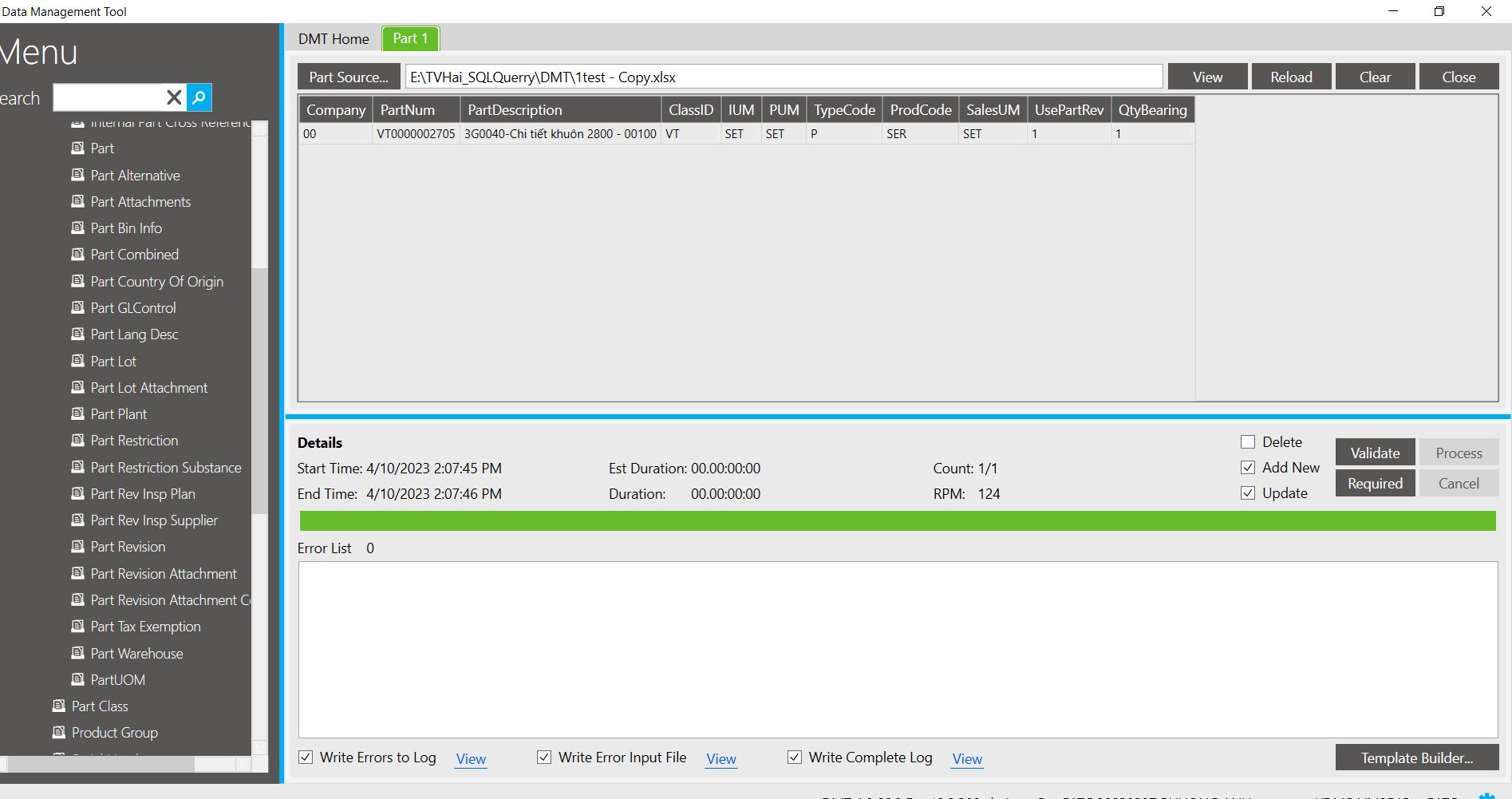
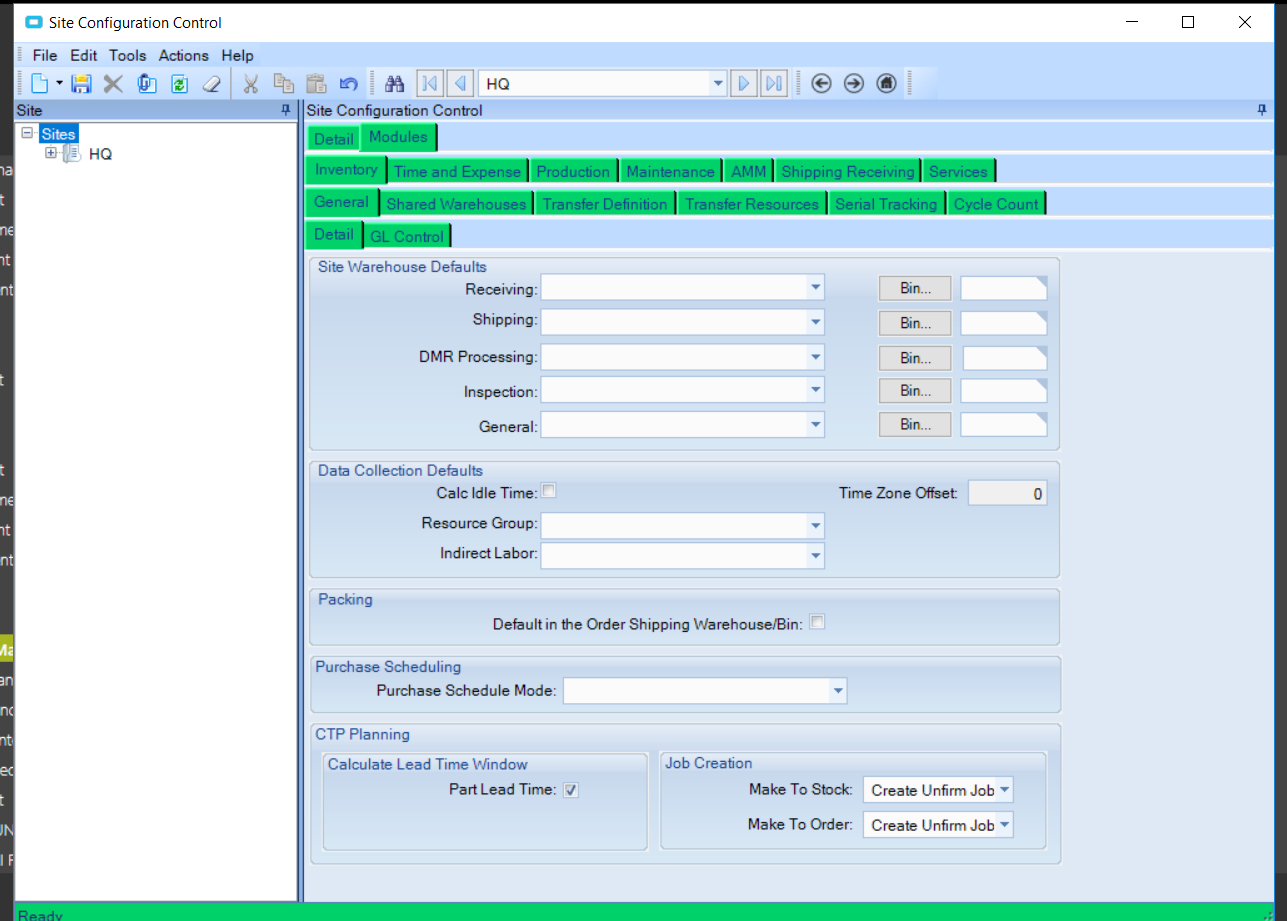
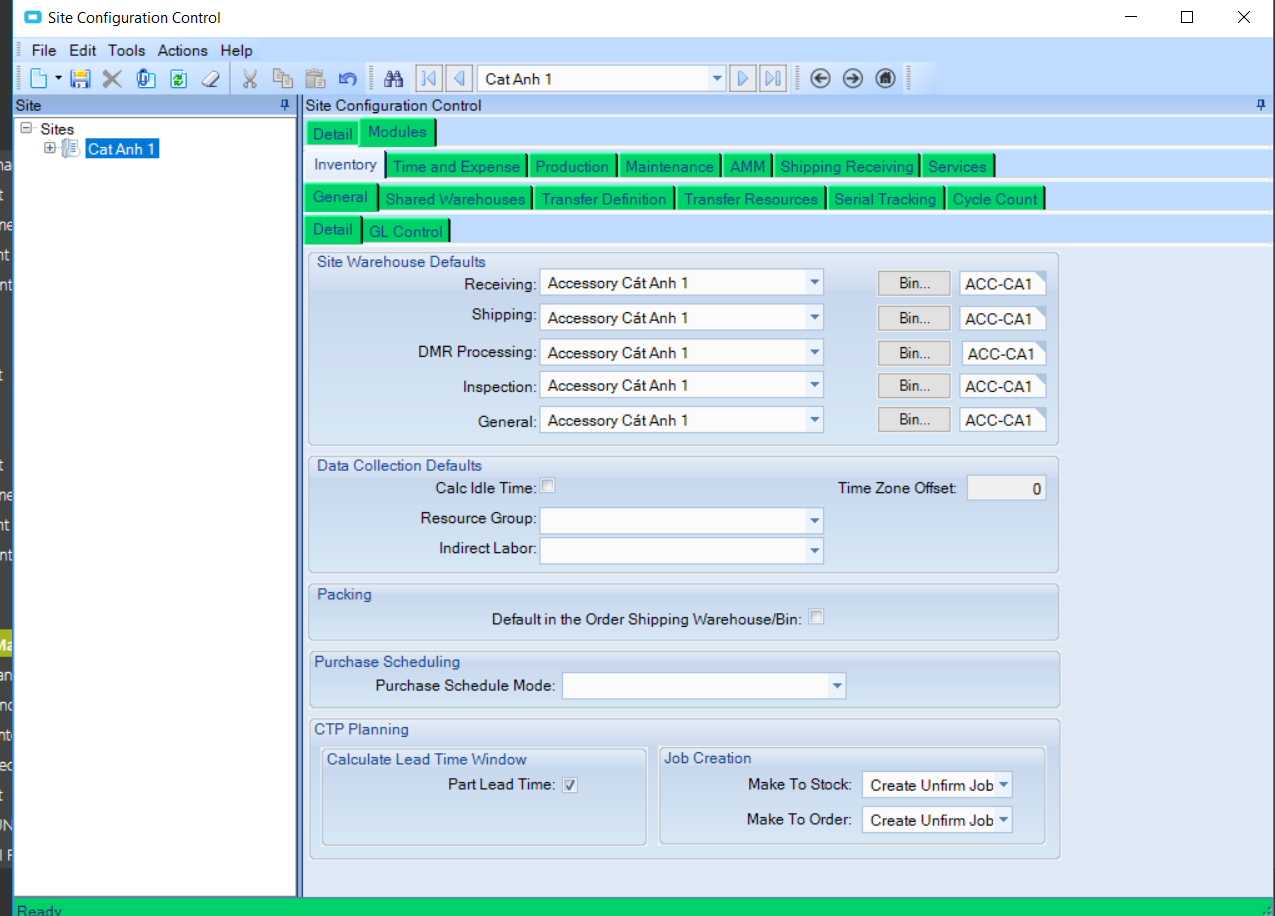
but why is it that when DMT if Plant (Site) has not been set up, the system will give an error 2023-04-10T14:04:42 PartNum VT0000002705 Table: Part Msg: default warehouse for the current site not set up. default warehouse for the current site not set up.
go to site config setup repository, you will be able to DMT
If you go to the site config setup warehouse, you will be able to DMT and the system will get Plant (Site) according to ProdGrup
Thank you very much! Have a good day!
Not totally sure what the problem is, but it MIGHT be that the system is attempting to add a default partplant record for the part being imported with dmt.
Remember that when you add a part manually, the partplant will automatically be entered for the SITE you are currently logged into. DMT will do the same.
So it could be that DMT is currently logged into an account that was last in your problem SITE.
1: manually log into Epicor with this login
2: change sites to a site that you want Partplant records added as a default.
3: log out
4: try dmt again with this login.
I also tried but I want exactly that epicor will define Plant for PartPlant table when I DMT part
What are the rules for choosing Plants when my company’s DMT has many Plants?
Thank you very much! Have a good day!
As Tim said, every session (either UI or DMT) has a site set. It will default to the last site used. If I login (via the UI) and it starts in MfgSys, and I switch to PA1, any functions I now dow are with PA1 as the default site. If I exit Epicor client, the next time I login it will default to PA1 - the last site I was in.
When a DMT session is started, it will use the last session that was used by the UI.
Search this forum for changing the site prior to DMT’ing data. There’s a couple of methods proposed.
If your DMT file was to contain multiple entries that you wanted to specify different sites for their defaults, you’ll need to make separate DMT’s.
I think the real answer is, “There is no default plant”. Maybe you’re confusing the “first” partplant record for a given part with that being the “default”.
The “first” PartPlant record for a part is created when the part is created, and it uses the current plant. Additional records are added for that part as you add PartPlant records (either in the UI or via DMT).
If you really want a specific plant to be first, and don’t want to try chaning sites while DMT’ing…
DMT With Add Part. It will make a PartPlant record with the current plant
DMT add PartPlant to desired plant. If it was already the desired plat it will just update it.
DMT to remove the “non-default” plants. This will leave just your desired part plant record as the “default”
Thanks everyone i also guess it will take the last login session of the system, here i DMT Part not DMT PartCombined and i don’t put PartLant column in DMT file but i see system generate 1 line in PartLant so I want to know the rule that the system determines that Plant to create this line is exactly the first data line