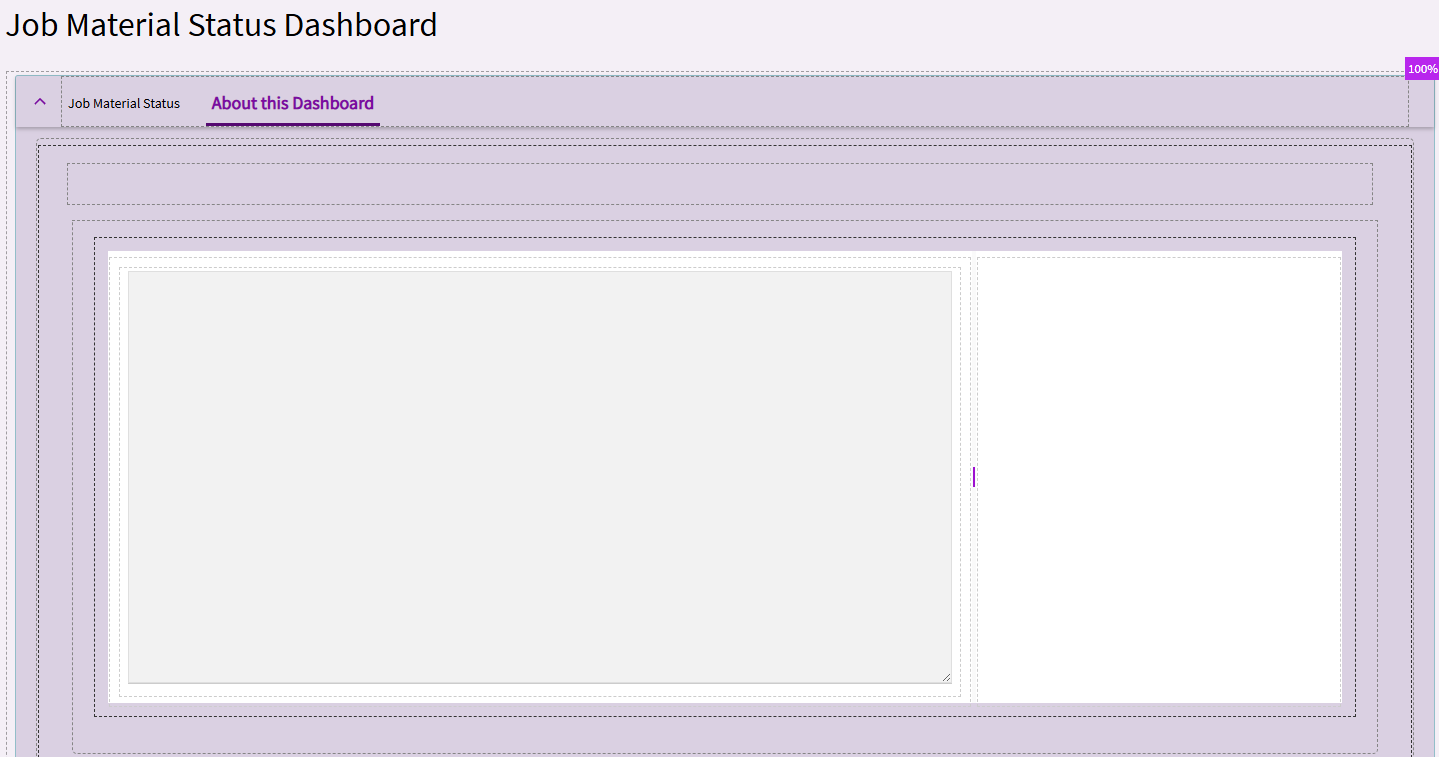
As we have been converting/rebuilding classic customizations and dashboards to Kinetic Apps and creating a few new ones as business keeps moving it was mentioned by several on our team that these reviews of these customizations and dashboards have exposed a gap in proper documentation of what each does. Everyone agrees that having ‘disconnected’ documentation in a word or excel file in some file store does not work well and instead the documentation for each app should be stored in the app itself, much like how BAQs and BPMs have comments built in. This documentation would not only be technical but also user usage documentation. We thought we could do this with a slide out page and a read only Text Area, but the only way to set the value is with an Ep Binding. So before we develop a data store for this (say UD Codes or something), I thought I should check and see if there is something I’m just missing and/or how others maybe already doing this.
Text area is bound to transview column (so, not long term storage). I kinda like the idea of doing this with User Codes though… that gives you the ability later to run a report and get all dashboard descriptions any time you want.
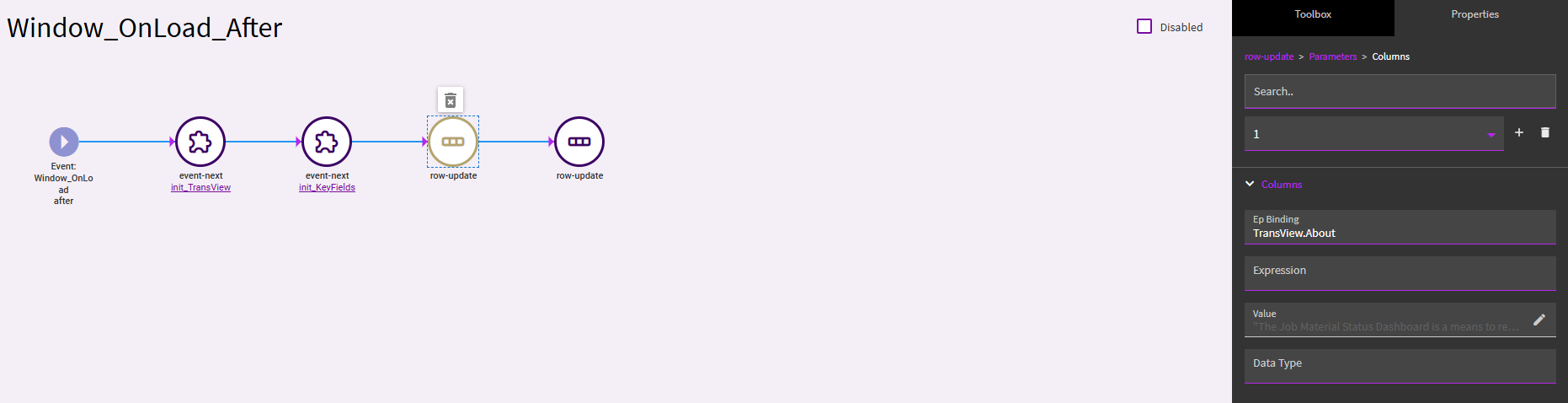
Using TransView… you just set up an event on your dashboard to populate the Transview binding when the dashboard loads:
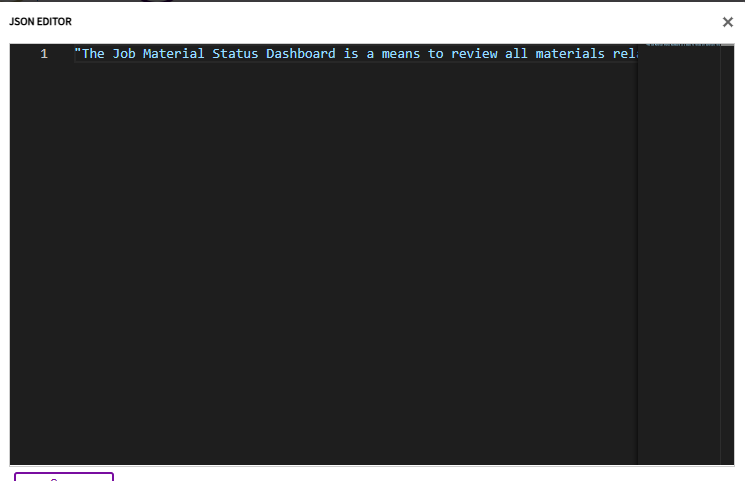
You’ll want to type out this “about” information in notepad or something like below… so you can inject JSON escape characters to serve as line breaks, etc.
Putting this into a slide-out instead of a tab would be certainly doable. And again, I do like the idea of User Codes and easy access later versus this run-time approach.
The Dashboard Info Dashboard that we presented at Insights gets the content of the About This Dashboard card and presents a nice list of all dashboards and their descriptions. But I like the idea of using user codes. It would be easier to maintain/update but it’s outside of App Studio where you build the dashboard. There is an Epicor Idea to provide a dashboard description … Kinetic Dashboard Description | Epicor Ideas Portal
This was something that could be done in Classic help but it was more like per help topic addendums for company specific process notes.
I don’t think many really used it as it wasn’t obvious and up front.
Thanks Trudy!
Voted!
BTW - your Insights presentations were great!
I guess I forgot about this… but I was also just checking to see if anything had changed or if anyone came up with any other methods.
Can always show one of the bolt on software’s documents as well through a web widget. PDF too I think? Then you can keep some level of version control outside the system.
But I would love a truly built in version control for all things custom.
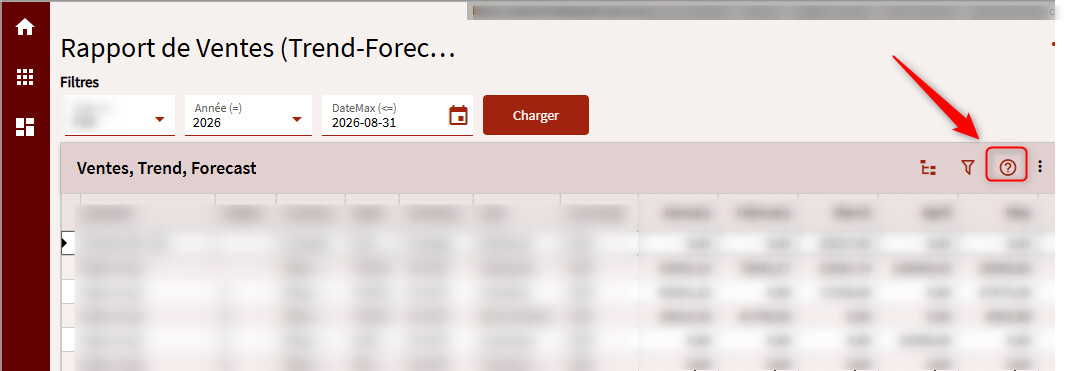
I tried something new today. I added a “?” icon to a dashboard that, when clicked, opens the work instruction in a new tab (file is located on sharepoint) :
The plus-value is that the work instruction can contain screenshots, links, etc. The file can also be maintained externally without the need to modify the customization layer (no Epicor developer needed).