We are just over mid way of converting to Kinetic and the journey has been full of head scratchers.
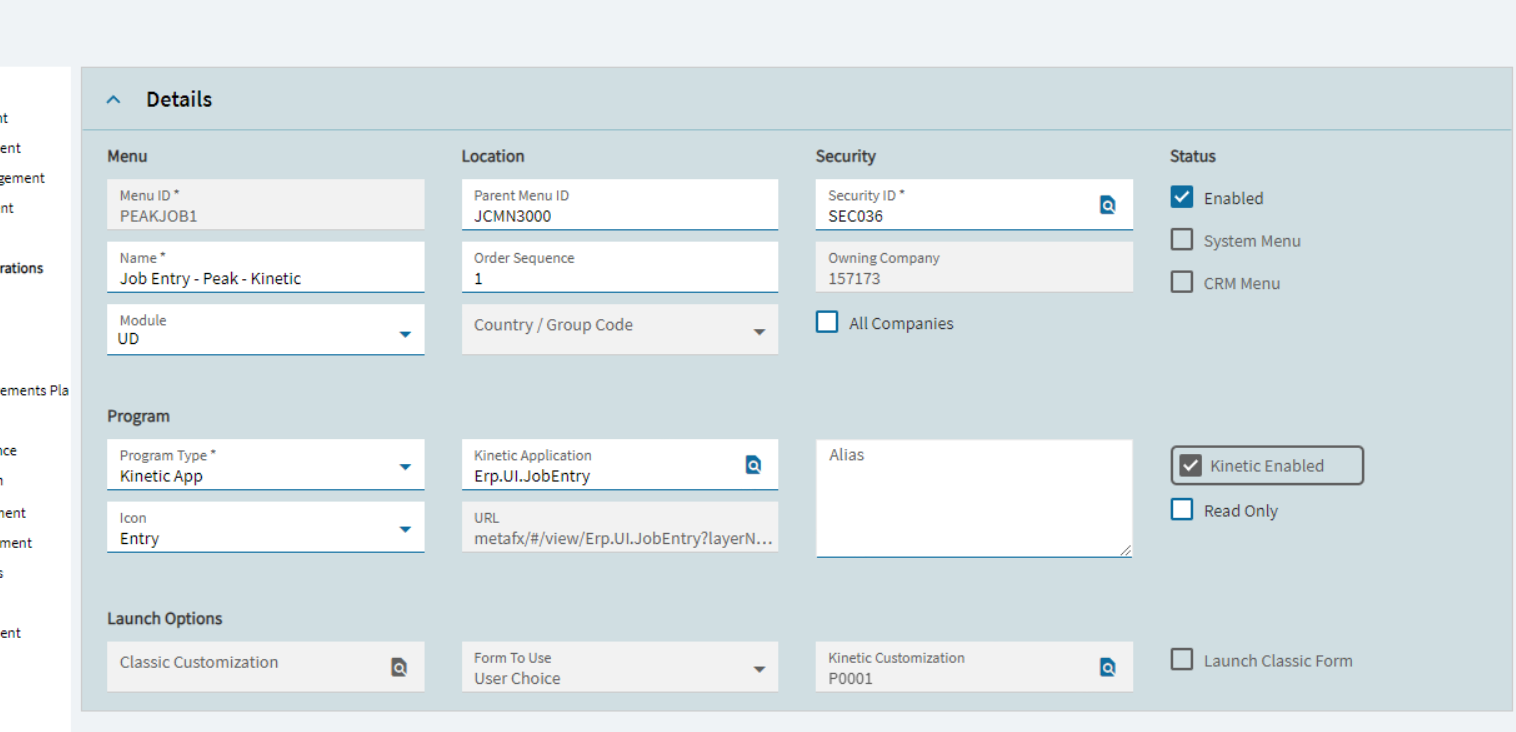
I made a very simple layer on Job Entry where I access some UD fields. No data rules, no function calls. Straight binding. Just about the easiest customization (Class) and layer (Kinetic) that I have ever done.
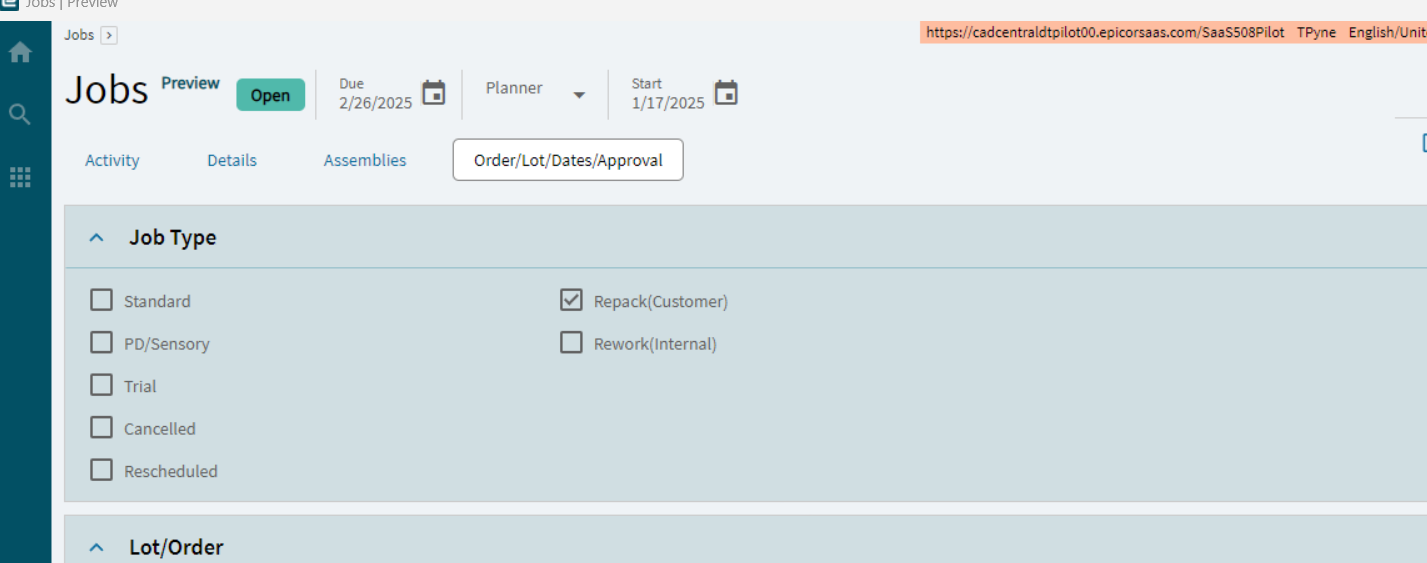
It works in preview. It’s been published and committed.
Yet every time I run the menu I get the screen below. It doesn’t change.
I’ve cleared my cache. I’ve rebooted. I have republished and recommitted the application. No dice.
It works time after time in preview.
At this point I have made a number of applications, some layers on existing applications and some from scratch that use function calls, events and data rules. This is the first this has happened to.
Job closing I put the same UD fields on it, no issue. However they have to be on Job Entry
With a deal breaking issue that we found in the 2025.1.5 major update I really have to wonder. Does Epicor do even basic testing.
During the previous major update we found 2 very important accounting screens would not save (classic or kinetic) and they weren’t weird scenarios. Search, save. Booom.
I had a VERY long call with support after that discussing how much time and money we were putting into doing their testing for them.
Did you try running the metaui conversion from conversion workbench?
Does job entry load if you remove your customization from the menu?
Thank you.
I was trying your second suggestion when I read your reply. It is slow but it does work.
The conversion is deleting the meta uis now. Finished. Still the same result.
One more thing. I think support ran this a year ago when I started trying Kinetic and they were trying to help with a basic screen. Course Entry with a UD field.
It created a layer on Job Entry that doesn’t do anything. I do not use it.
I deleted that, cleared cached. Same result.
Layer works perfectly fine in Application Studio preview
I’m going to rebuild the layer from scratch
And of course it won’t let me add controls to a new page. Note you can’t click on the tab strip then add controls. You have to go to the page then add controls.
Make sure you are on the right layer when adding the controls.
So this seemed to work. The only difference that I can spot is that my caption on the tabstrip entry had slashes in the one that would not load and dashes in the one that would. Shrug.
It really is simple. Add a tab to the tabstrip, add 11 UD fields. I’ll respond if I get it working 
Just make a copy of your existing layer and give it another name and save it.. Now in this new layer make your customization changes and do the commit and publish and map this new layer in your menu and try to launch the same from menu maintenance..
My existing layer was not working when called via the menu.
So I rebuilt from scratch. At first I tried with only one UD field and it worked so I quickly added the others and voila. Saved and Exported.
Oddly this has not happened to the many other layers I have put on system objects and like I said it was working fine in the preview. Thanks for the ideas everyone.
I chalk it up to Kinetic not being a finished product. If it works in preview it should work on a menu especially when its just adding bound controls to a form.