We use a classic updateable dashboard when adjusting part item/carton sizes. Having recreated the updateable dashboard in Kinetic we found the following bug- specifically when we have the kinetic-baq/erp-baq components “BAQ Update Options” > “Send All Rows” checked. For the cell we want to change – IF the value in the first row of that column is NOT a decimal value (ie: 0.00, 1.00) then any value we enter will be rounded up/down to the nearest integer. If the first value in the column is a decimal value (ie: 0.25, 1.50) then the saved value is retained (NOT rounded).
Hi Blair, I’m running into the same issue in my UBAQ.
Do you have any workaround you could share?
Adam
Adam, what we did was add a blank or dummy row, in the BAQ and filled the cells with the value 0.01 – for those columns which were updatable.
Anyone found a solution for that or opened a problem in EpiCare ? I understand that I could add a dummy row but honestly, that’s not an acceptable solution for a software this big. I don’t want to be using workarounds in every BAQ or layer just to prevent that error (It’s the 2nd or 3rd time that our users mention this situation since a few months)
If nothing, I’ll try to do a basic updateable BAQ to be able to replicate easily
Are they entering the data in the Kinetic grid?
I had to rebuild a dashboard and add text/numeric fields for the users to enter the data instead of directly on the grid.
FYI I did put in an EpicCare ticket for this. The problem has been “resolved” and expected to be released April 1st in version 2026.1.1 (PRB0308432).
We are planning to try the dummy record approach for short term, since this is only affecting 1 area for us at the moment.
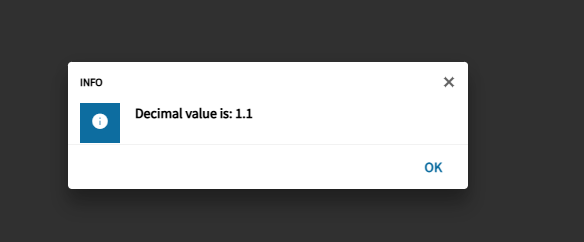
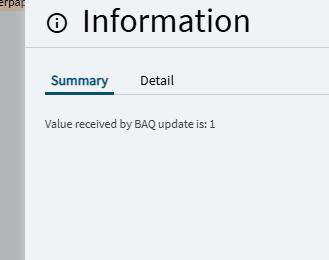
I am experiencing a very similar issue. However, it is not based on the FIRST value returned by the BAQ. It is based on the First Value/Record that is updated.
The OrderDtl.DocUnitCost which is NOT updateable on the Dashboard, is being rounded when that value has no Decimals (10.00). Every record updated after that one will be updated.
However, after the user Updates the records that were altered on the Dashboard, it starts over again.
If the user now alters a record that contains the OrderDtl.DocUnitCost that has Decimals (10.55), all of the subsequent records that are altered will not have the DocUnitCost updated when the Update occurs. After clicking update, the scenario begins again.
If I alter a record with no Decimals First - Rounding for all subsequent
If I alter a record with Decimals First - No rounding issues for all subsequent
Because of this, I do not believe that inserting a dummy row would work in my situation. Has anyone else experienced this type of behavior?