I’m trying to run an upgrade on our Development server. This has been done by others in the past but this is the first time I’m trying my hand at it.
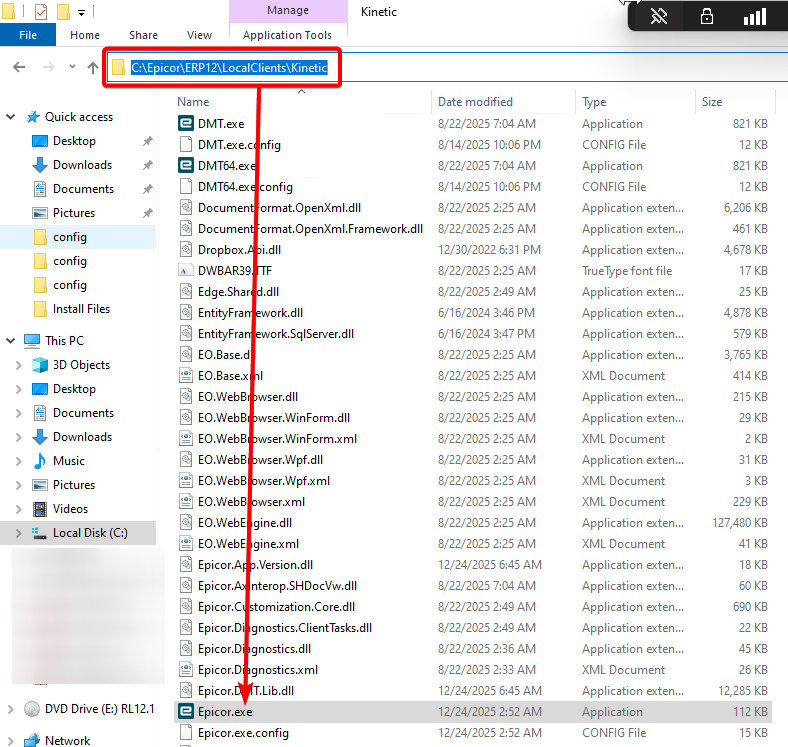
My development server is a single VM running the SQL Database and the Application Server. After a good bit of work, I upgraded to 12.1.100.10 (2025.2.10). In the Epicor Upgrade Guide I’m at the point where I need to launch the application and run Mandatory Conversions. So silly me goes into the what I think is the installation directory (more on that later) and tries to launch the executable:
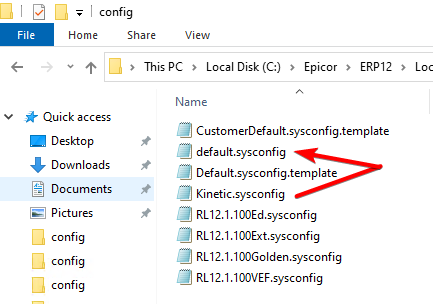
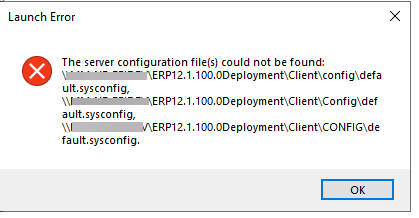
I get an error about a missing “default.sysconfig” file. So I use the configeditor.exe to make some necessary DNS changes to the kinetic.sysconfig file, duplicate the file, and then rename the duplicate file to default.sysconfig:
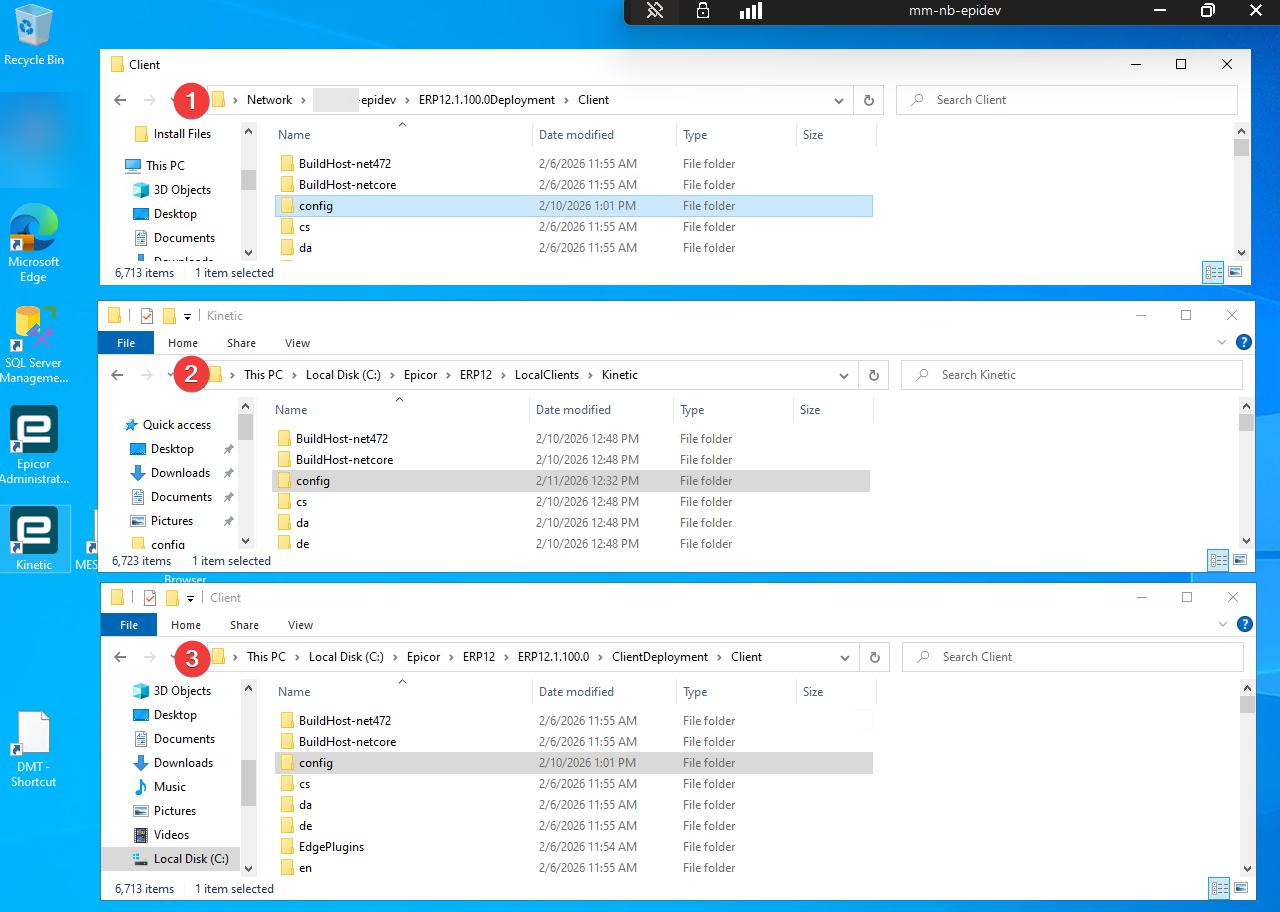
So i start looking around and realize there are at least three locations that I can not differentiate that could all be related to the or future problems. I’ll list those below and here is my main question: Regarding the paths below, what is each directory used for given that to my ignorant mind they all seem redundant (they all lead to a “config” folder)?
I believe the first and third ones ( \SERVERNAME\ERP12.1.100.0Deployment\Client and C:\Epicor\ERP12\ERP12.1.100.0\ClientDeployment\Client ) are the same folder. One is useing the network path and the other is using the local path.
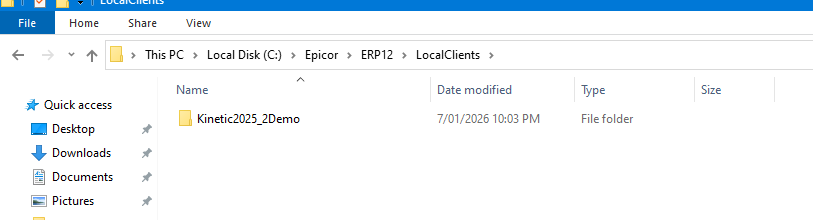
I’m not positive about C:\Epicor\ERP12\LocalClients\Kinetic, but I believe that it’s the equivalent to the local client on client machines. It’s what Epicor will use if you open the Epicor.exe on the VM.
Thanks for the reply @kve . Weird thing is that I didn’t create \SERVERNAME\ERP12.1.100.0Deployment\Client so it must have been created by Epicor during installation. To your point about it potentially being the same as C:\Epicor\ERP12\ERP12.1.100.0\ClientDeployment\Client that can’t be true because the default.sysconfig file i created in the latter isn’t in the former.
Maybe another question i need to be asking is “What is the right way to access/install the upgraded smart client application on my server?”
Kevin is correct.
1 and 3 are the same thing. #3 is a shared folder that #1 is pointing to.
2 is the local install that Epicor automatically installed. If you had it install shortcuts on your desktop (I think there’s a checkbox for this) then the shortcut would be pointing to #2.
If not, then, in your local clients folder find Kinetic exe and send a shortcut to desktop. (If you’re on a 64bit OS then use Kinetic64.exe so you use the 64bit version)
Then do what Simon says (), and add the /Config=WhateverConfigYouWantToPointTo.sysconfig at the end of the shortcut’s target. The /skip skips the server version check, it isn’t required.
You’ll launch Epicor from the shortcut, not directly from the .exe.
Congratulations. Upgrades aren’t something to take lightly.
You should delete the cache from your old version. Necessary?, no, but it makes me feel better.
Look in C:\ProgramData\Epicor\YourServer-443. There should be a folder for your old version and your new one. Delete the old one.

 ), and add the /Config=WhateverConfigYouWantToPointTo.sysconfig at the end of the shortcut’s target. The /skip skips the server version check, it isn’t required.