I have run sort of stuck on something i have been trying out. Hoping maybe someone here might be able to point out what i am doing wrong.
So I have started to play around with PowerApps and I want to have it access our Epicor to pull some simple data via REST. We are running 10.2.400.23 onprem.
I have installed a MS Gateway.
I have created a SQL connector. Works great. I can create a PowerApp that can pull data from the Epicor DB. cool but i want REST.
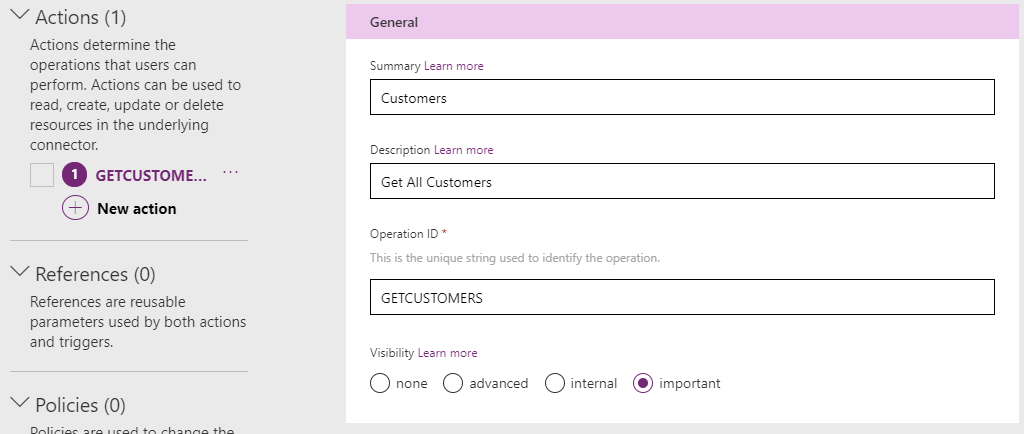
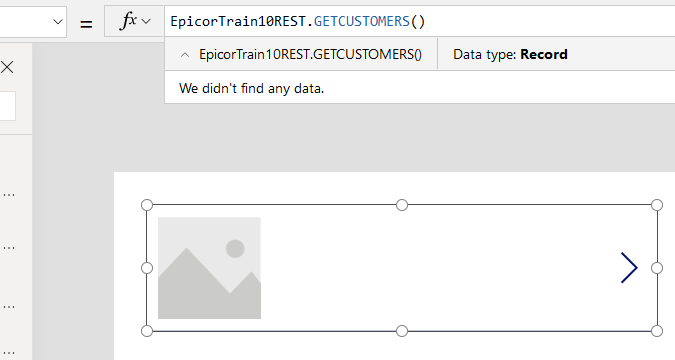
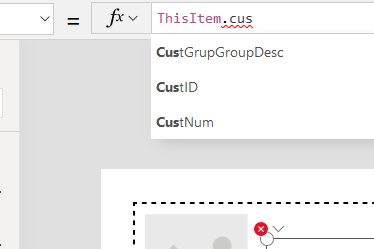
Now for where i am stuck. I create a new PowerApp. I add the connector as a data source to the app. I create a gallery object with the datasource as the connector using the GETCUSTOMERS call.
The issue i have is that is always says 'We didn’t find any data".
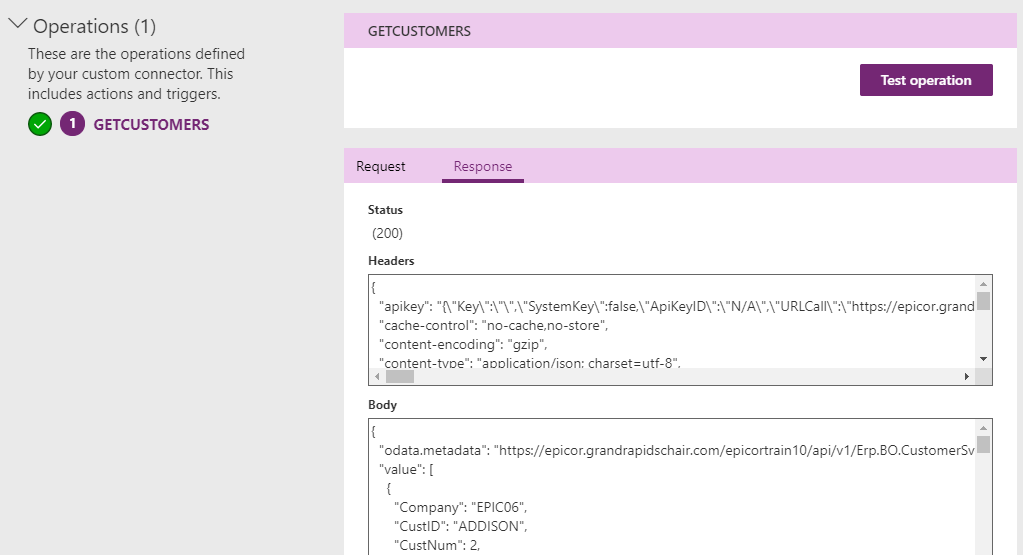
This shows it can see the schema:
But i just can’t seem to get any data.
Anyone else out there created a PowerApp using the gateway to communicate with Epicor? Any help is greatly appreciated.
I eventually did get my PowerApp to work, pulling information from Epicor via REST however I found i was not able to create the custom connector in PowerApps that would get what i needed from Epicor. As mentioned above, it was always empty. I just could not figure out why.
What i did get to work however was to first create the request and examples using Postman. I then exported the collection out of Postman and there happens to be an option in the Microsoft PowerApp environment to import a Postman collection as a custom connector.
Bingo! that worked. But, even setting up my custom connector by hand copying everything i could see from what MS did by importing the Postman collection, i still couldn’t get it to work. no idea…
So, in the end, i started to do all my work in postman and then exported the collection out and into MS to get what i needed. PowerApp created.
So what did I learn from all of this? Yes, i can create a PowerApp to pull simple information from Epicor but … doing even the simplest thing seemed very problematic, buggy, and just mind boggling confusing. I took a different route and found creating my own custom app (as mentioned here:Epicor Rest Helper (Nuget) Updated (1.1.11)) to be much simpler.

 , I wonder if they have logging for that to troubleshoot.