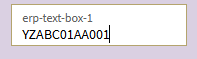
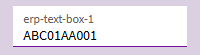
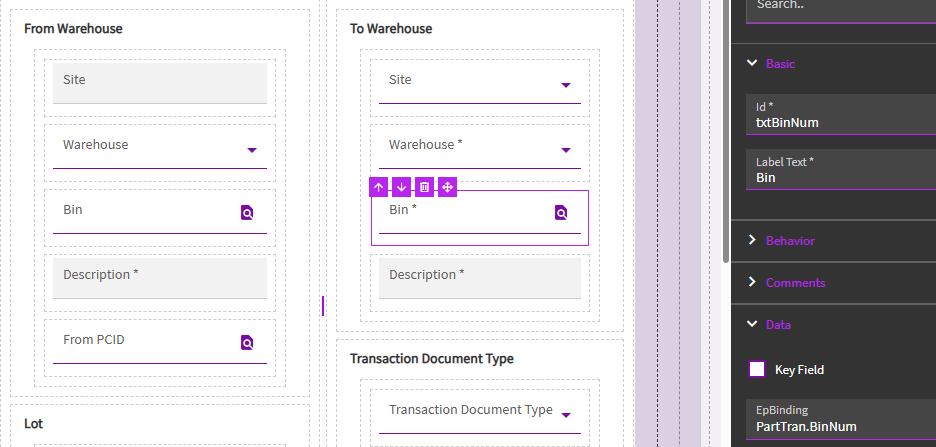
Our facility uses barcode scanners to enter bins into the text boxes on screens like Job Receipt to Inventory. The barcodes produce a string that has two characters on the front of the bin, e.g. YZABC01AA001 where YZ is the warehouse that bin lives in. I need to strip the YZ from the front of this string for the bin to be valid. Ideally I just take the last 10 characters as there are other bins with 10 or less characters that begin with YZ that I do not want to modify.
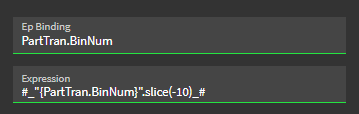
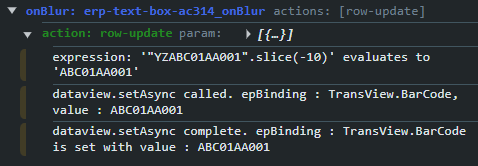
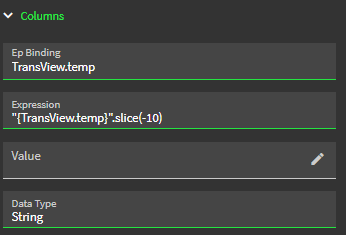
I am attempting to use the on-blur hook so that moving cursor focus away from the text box performs the modification. According to this post I should be able to use JavaScript methods in a row-update, but so far I have been unsuccessful.
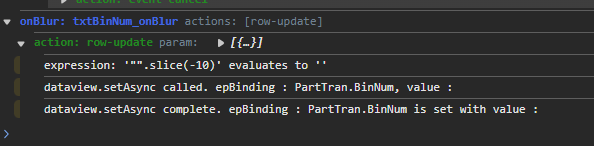
I have tried with and without the #_ _# according to this post, and have tried using substring as well. Every time I click outside of the text box to move the focus, the box removes the string entered and is left blank.
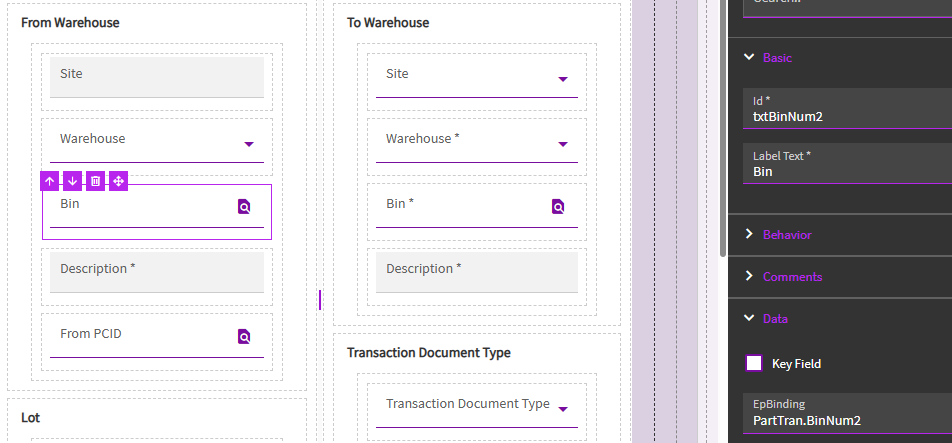
Am I going about this the correct way? Does the on-blur hook perform the event before the bin validation check happens? I also attempted this on another text box tied to a field with no validation check but couldn’t get it working there either. Any help would be greatly appreciated.
This is an interesting solution to this issue. I am not sure if it’s the ‘correct’ way but it certainly sounds like it should work.
My first thought goes immediately to the scanner itself. Can I program the scanner to strip out the data I don’t want and only send the data I do want.
After that I think maybe BPMs on the appropriate business objects to analyze and modify the data being passed through.
Or just rip the ban-aid off and have them re-label everything to comply with your standards.