Ok, someone help me check my sanity, or better, yet prove me wrong…
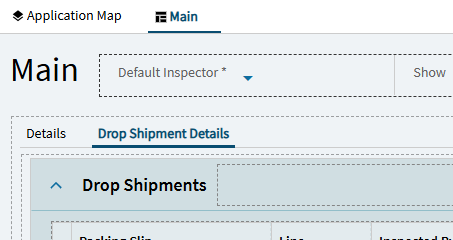
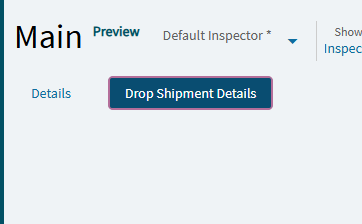
I’ve been working all day trying to figure out a way to add new pages to Inspection Processing and be able to actually access them on the screen.
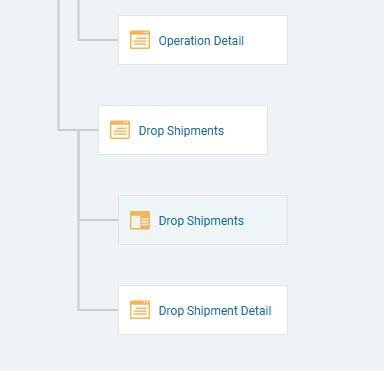
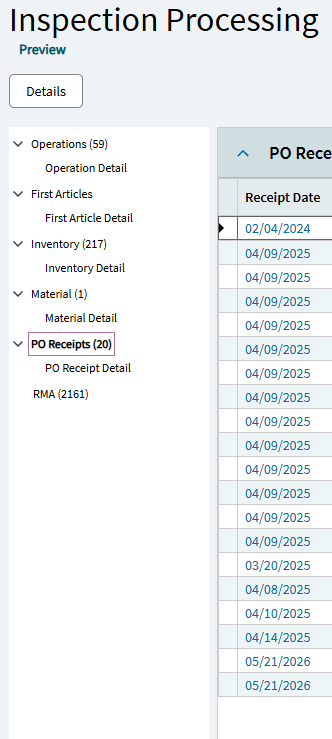
Adding new pages to the map is as easy as anywhere else. But then go to preview the changes and there’s no reference to them. And the navigation tree appears to be completely locked down, possibly programmatically-generated via a REST call (best I can tell), so there’s no modifying that either.
I wouldn’t care about that if there was a way for me to add my own tree at the bottom, but I don’t see where you can even do that.
About the only thing I can think of now to do is add a button up in the Hero Bar to call a slide out page. Who knows if that will even work.
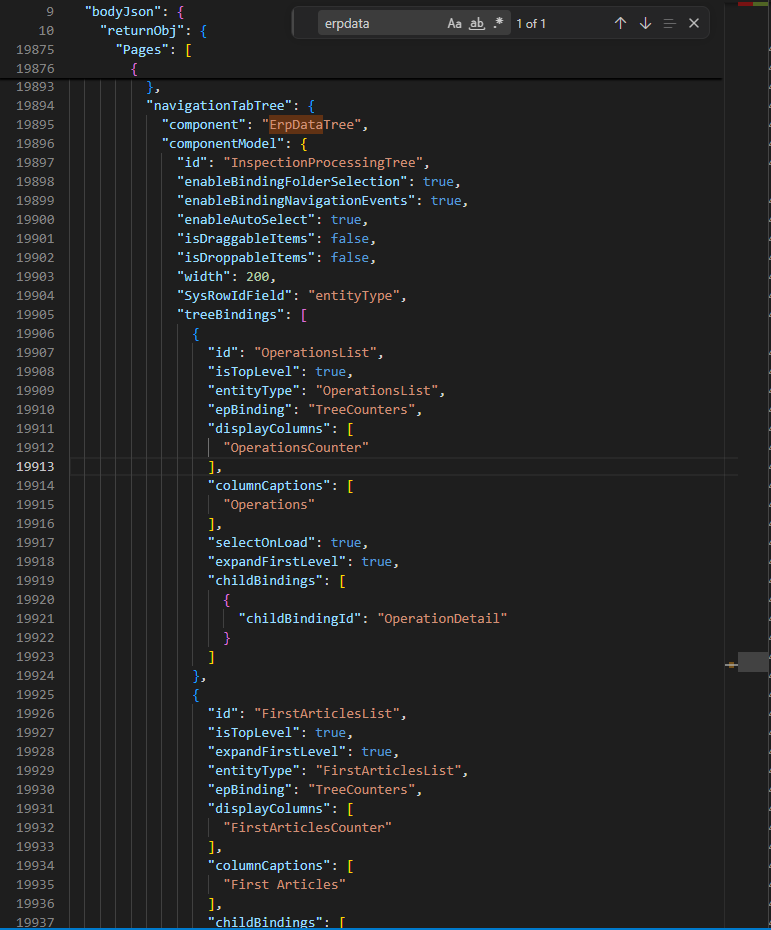
It appears the Details page has a ErpDataTree Component defined which, like the standard left nav, is a bit mysterious, doesn’t appear at design time, and if affected by certain pages settings, I don’t know what those are.
I had hopes for this, because I did have a panel grid card added to my new page and was confused why it was showing as a separate (non-editable) page in the app map. But enabling navigation didn’t have any impact on the existing tree.
Also getting weird behavior where something is causing the Data Set field of all the pre-existing pages to change from InspProcessing to %datasetId% when I save the layer. Then when I preview, the entire area where the pages show is blank.
 Who knows if that will even work.