2026.100.5 - PO Suggestions, Checking 'Buy' Issue

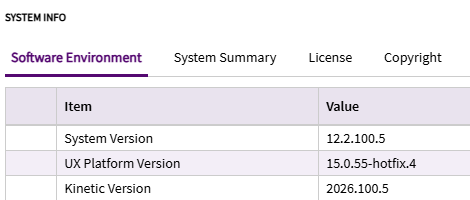
2026.100.5 now live. PO Suggestions (no customizations, no personalizations)

When checking ‘Buy’ in the grid, the visual for the checkbox does not update until a refresh grid or leave\return process has been completed. Unchecking works fine. Anyone else seeing this? Didn’t see it in the combined post.

Do you have a custom layer that has a data rule or custom event that could be interfering?

No, no customization or personalizations here.

Hi Matt
We have 2026.100.6 in production operating on base layer and are seeing the same thing. Click Buy no tick click on another part nothing hit refresh tick is visible on first part. Its causing mayhem for the buyers but its EOFY so I haven’t had a chance to investigate further.

Have you logged a ticket with Epicor

Not currently seeing this behavior in my Pilot system:

I know you’re on 2026.100.5… but perhaps one of the hotfixes patched this? I would enter a ticket. It works fine for my environment. Takes a second, but the “buy” checkbox does appear checked without any manual intervention.

Ok, the quickest bandaid is to show them to Refresh Grid in the overflow menu on the grid itself. Good luck.

I hadn’t yet to see if it was known here, starting one now.

My PILOT is also on 2026.100.5 and I am seeing this behavior as well.

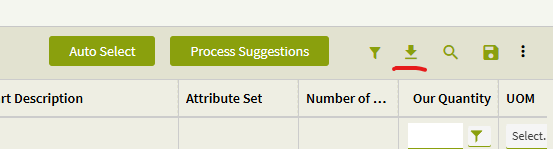
I noticed if you click the Preload/Download button

the grid returns to behaving as expected.

Ah! Nice catch. I don’t have enough suggestions in my Pilot environment to trigger the paging.

So, certainly something to test. Though, paging should not impact performance. Still certainly a bug IMO.

I opened a ticket for this last week and it had already been reported to development under PRB0318580. PRB resolution is currently set to be released in 2026.100.9. Workaround was to save and refresh to see the checkboxes.
Sorry for slow followup here, but this is our result for the related ticket as well.

As reported by Garret we have found we don’t need to constantly save refresh if we click the download button first as the ticks stay visible

I found a workaround of using the pre-load grid option.
