Hello, We are on Kinetic Saas however since the upgrade this weekend in live we are having issues with both right click context menu simply not appearing when right clicking parts PO numbers etc, and when using predictive search when typing a Part number in any tracker
Yes, there is something a off with the Context Menus. It varies where it is, whether it works or not.
I also cant duplicate a part it just goes blank quite a few issues this morning
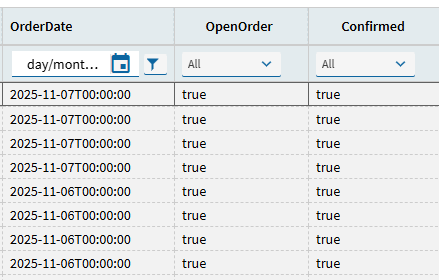
Not something we would use however I did test it there and it works ok for me. We cannot generate any of our customised SSRS reports.
Same we have these 00 times showing aswell. What I did notice though is that it intermittent, sometimes it there and other times its not.  And additional 0000 on to PO numbers where they are captured in say a SO.
Also testing in Pilot was fine, none of these issues came up.
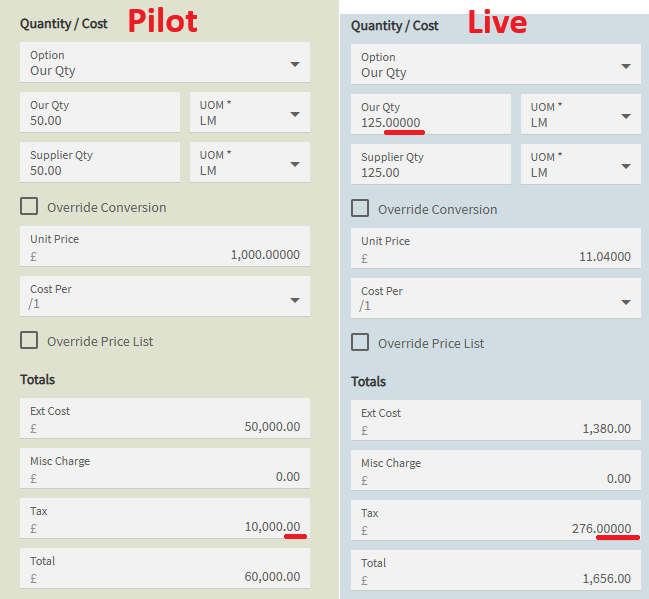
Same it does only seem to be default Epicor apps. We use APM also, this is not happening in there. And the context menu, are working fine.
We cant duplicate parts on part entry as it is blank and also we cant right click open with anything only option is Copy and Select
If you haven’t yet please open cases with Support paste the Case Numbers here so we can cross reference with others that may have the same issues.
Thanks
So - CS0005190533 - I cant right clock open with when entering a part on order entry and also my predictive search for parts is broken remade a new BAQ and predictive search still no luck
CS0005190578 - Bug if you disable the landing page on part entry then load a part and try to duplicate the sku it just has a blank white box - work around is leave the landing page on
We have another issue where the system now cant retrieve a new PO number so our work around is to manually enter the new PO number in the sequence
Within PO entry it’s not grabbing the next number?
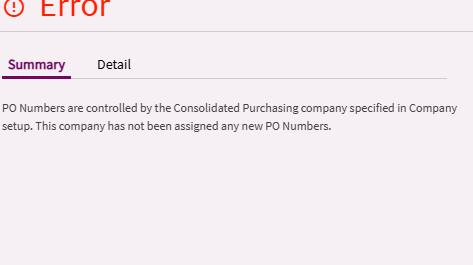
Ah that I can’t help with never used that function before. I can say ours is grabbing a new number on 2025.2 but it’s grabbing every other… but only in the Kinetic UX 
In classic I get sequential numbers and in Kinetic UX I get every other. I’ll submit that.
the workaround for now is i increased the starting PO number in company config and we just type in the next number in the sequence and press tab but again another inconvenience
Of course I try to record it and it won’t do it now. Whatever…
Update: It seems that it only happens if you alternate between creating POs in classic and the Kinetic UX. Not worth the keystrokes to report that one.
Found this while trying to record that though. Can’t type or paste in supplier. Focus jumps. CS0005191028
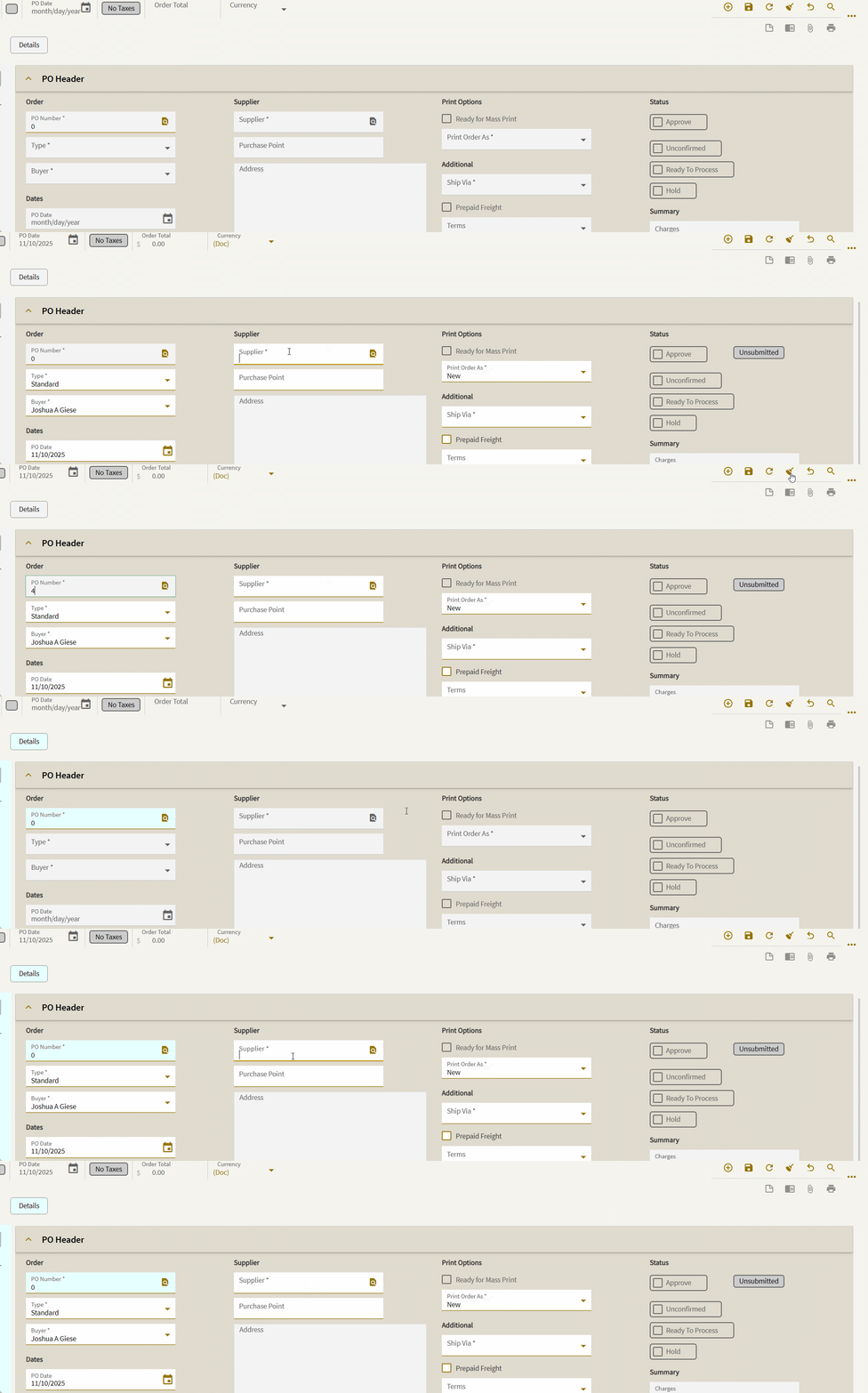
your’s seems quick in comparison to my Saas 
STATUS UPDATE: We are aware of the situation, and have a rather large team of people currently involved in investigation of the various issues… If anyone else has further examples, we would appreciate cases being entered.
Hello Tim,
Thank you all of my issues are currently open with EpicCare in individual tickets it would be intriguing to know if my issues are similar with other users.