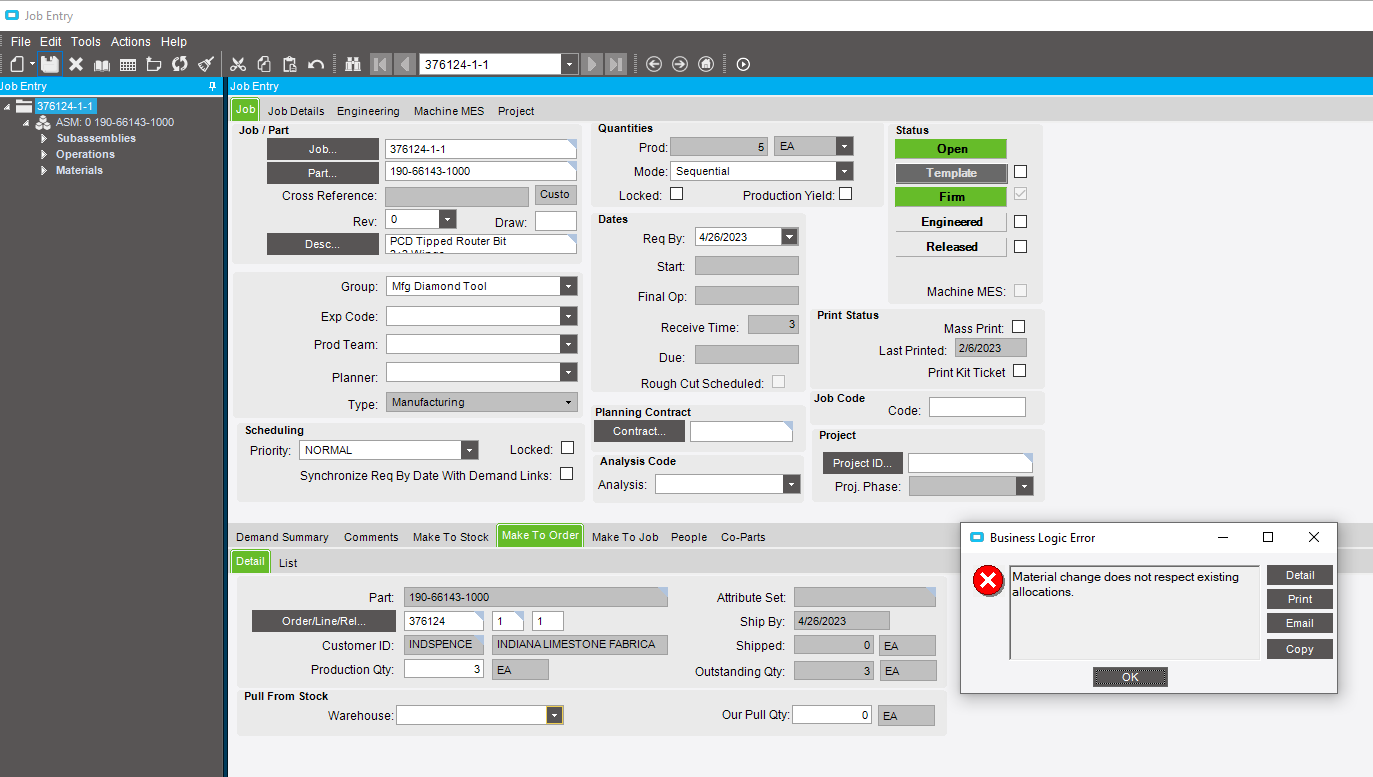
I am trying to change the production qty on this job, and when I hit save, I get this message. I have done a lot of trouble shooting with this job and I continue to get this message.
This message is confusing because I am only working with the Qty not material changes.
No, we do not use fulfillment workbench.
The material was issued to the job through Mass issue to MFG after the job was created through Order Job Wizzard.
You are trying to change the Make To Order quantity? That should be done on the Sales Order. Then you can use the Order Job Wizard to Unlink and then Link the release to the Job.
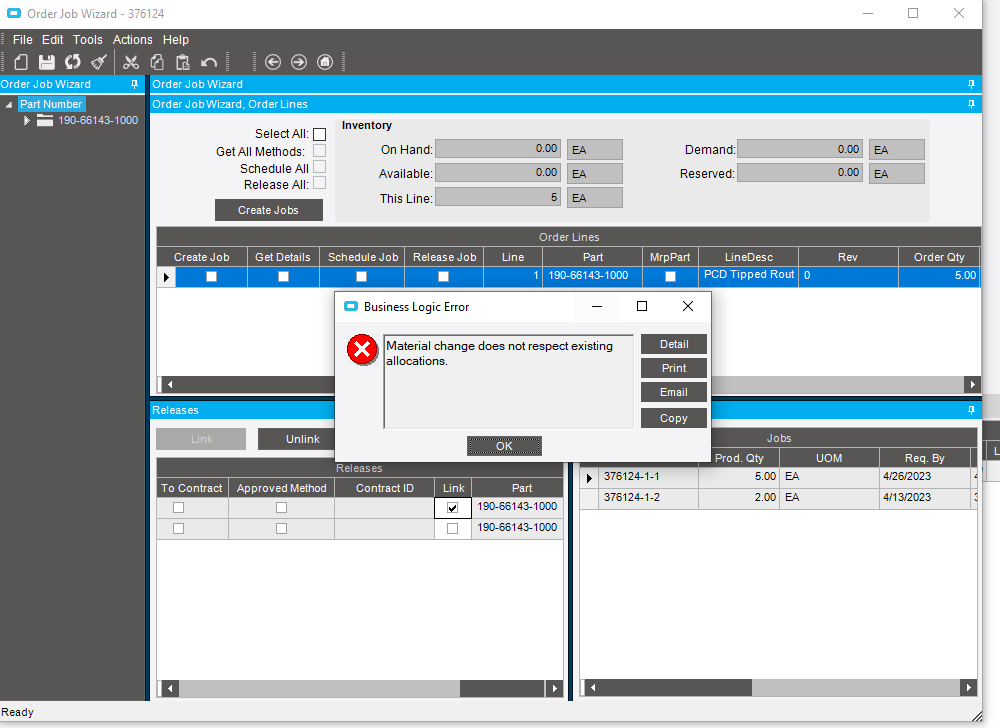
Yes, I am tying to change the Make to order qty. The sales order qty was changed before trying to change the job qty. The Link box is not checked in OJW. it isn’t for any of our jobs. I have no idea how to use OJW to unlink and relink.
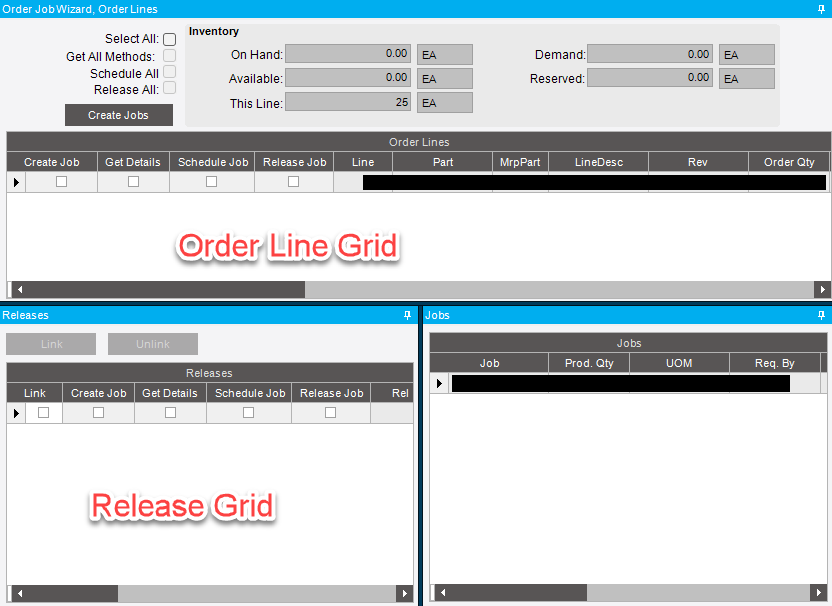
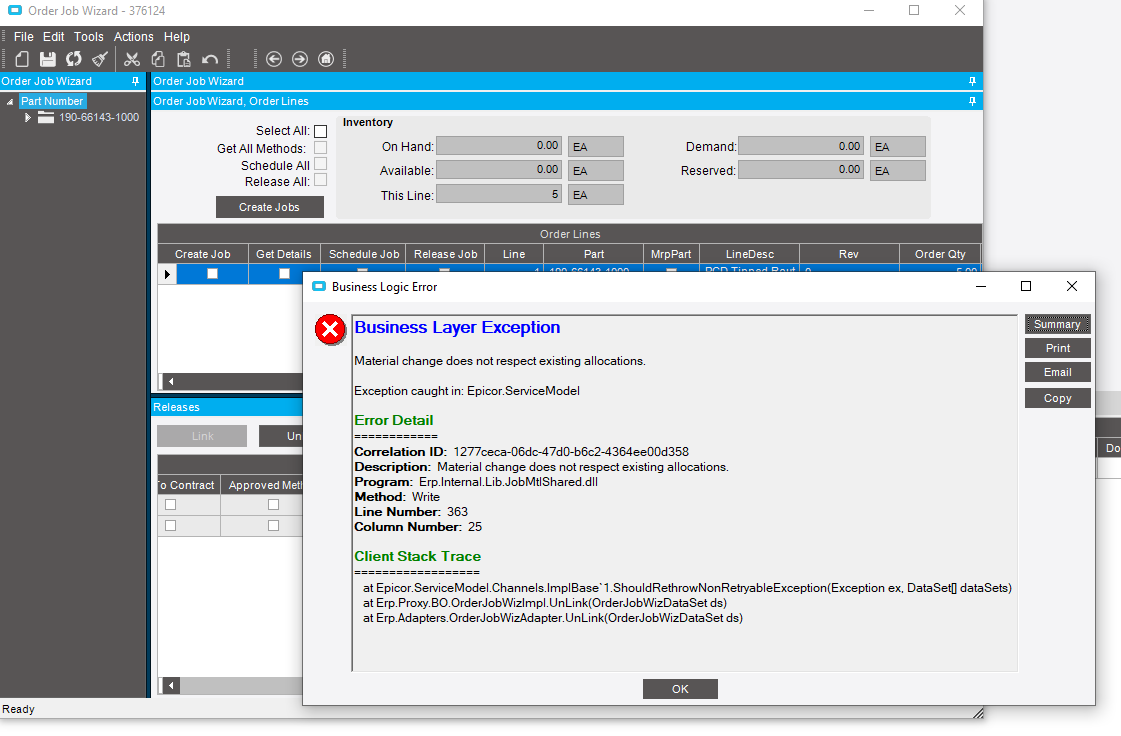
Open up the OJW and in the Line grid, click on the line this job is for. Then go to the Release grid and click the Link check box on the Release the job is for. The Unlink button should be active now. Click it. Now click the Link check box on the Release again and the Link button should be active now. Click it. You should see that the quantity on the job is now correct.