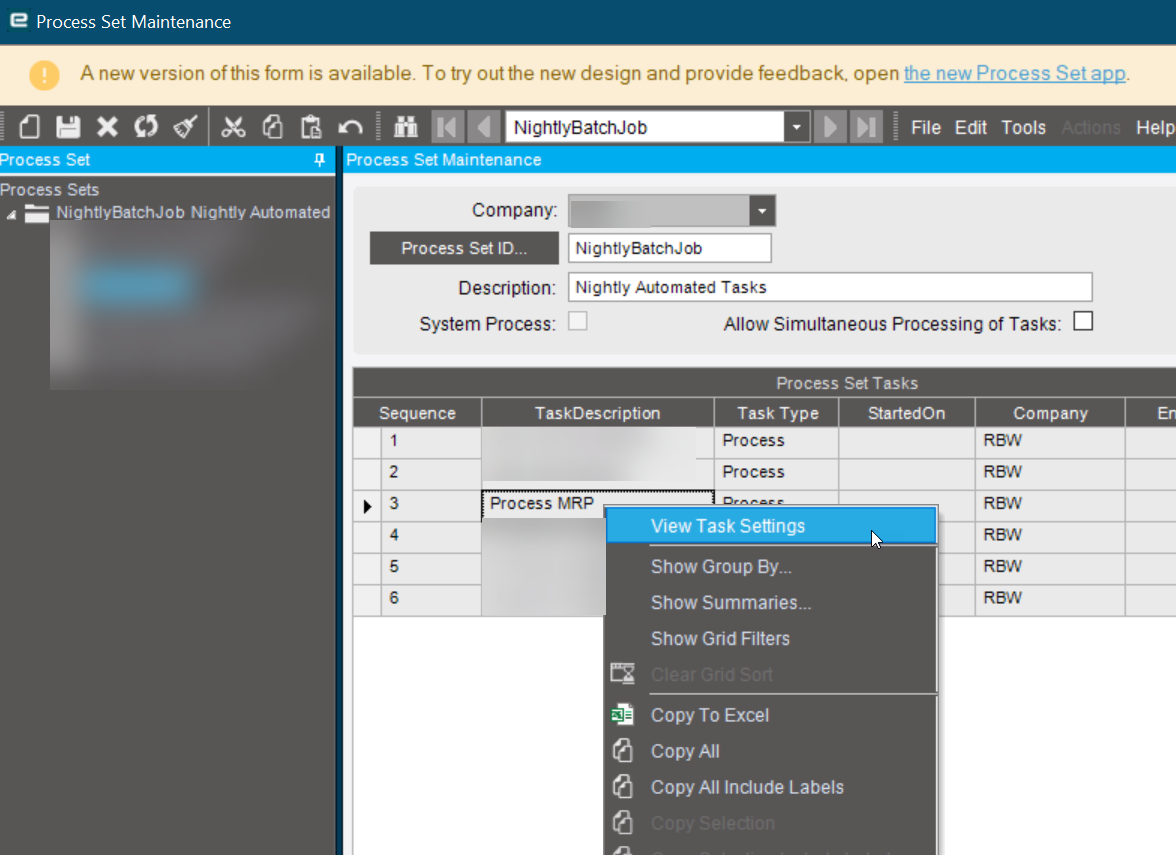
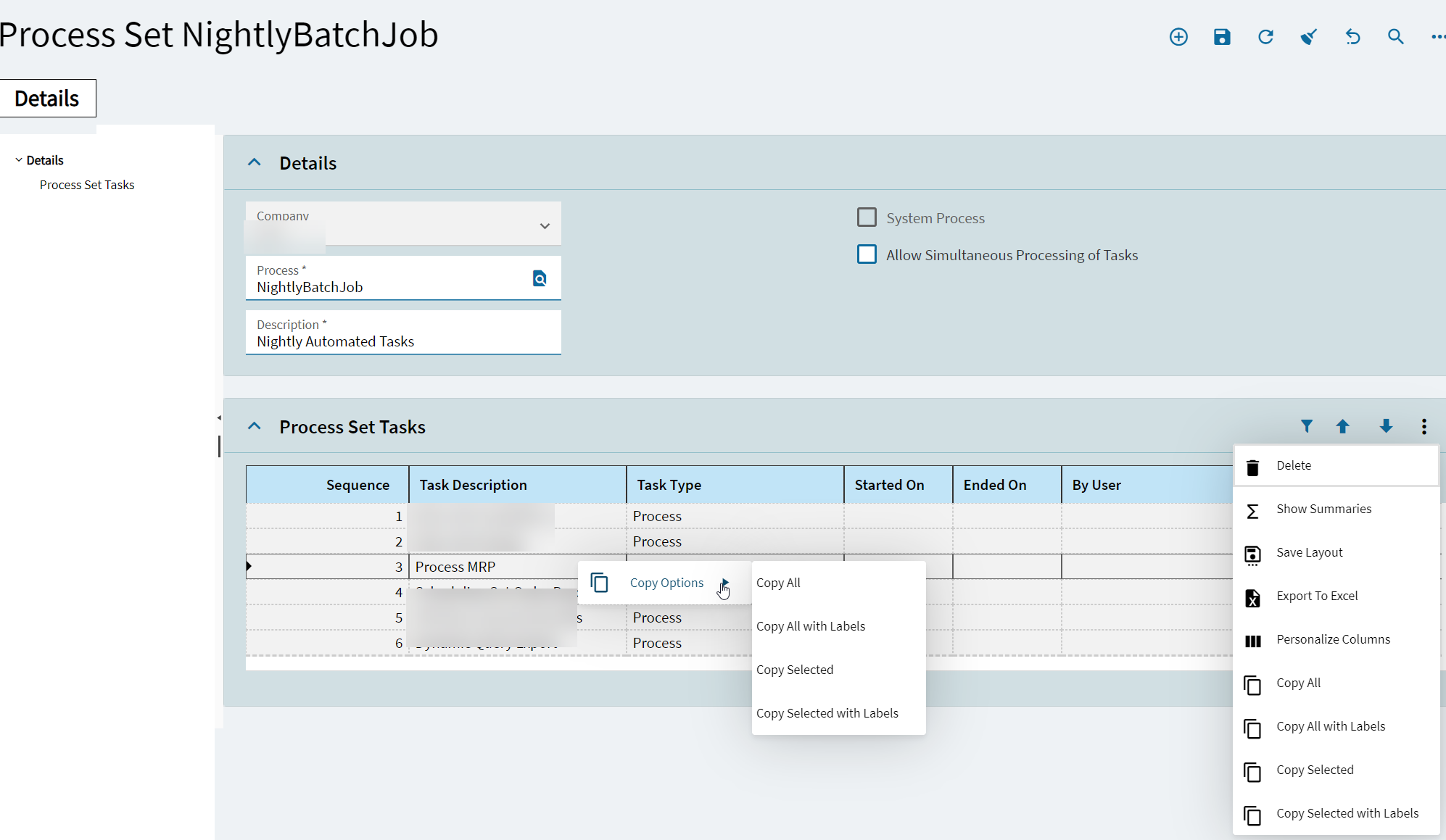
In Classic Process Set you can view the settings via right-click “View Task Settings” however there is no way in Kinetic UI. I tried right-click and the ellipsis menus in Kinetic but alas no option to view settings. Is there an alternate location to do this in Kinetic?
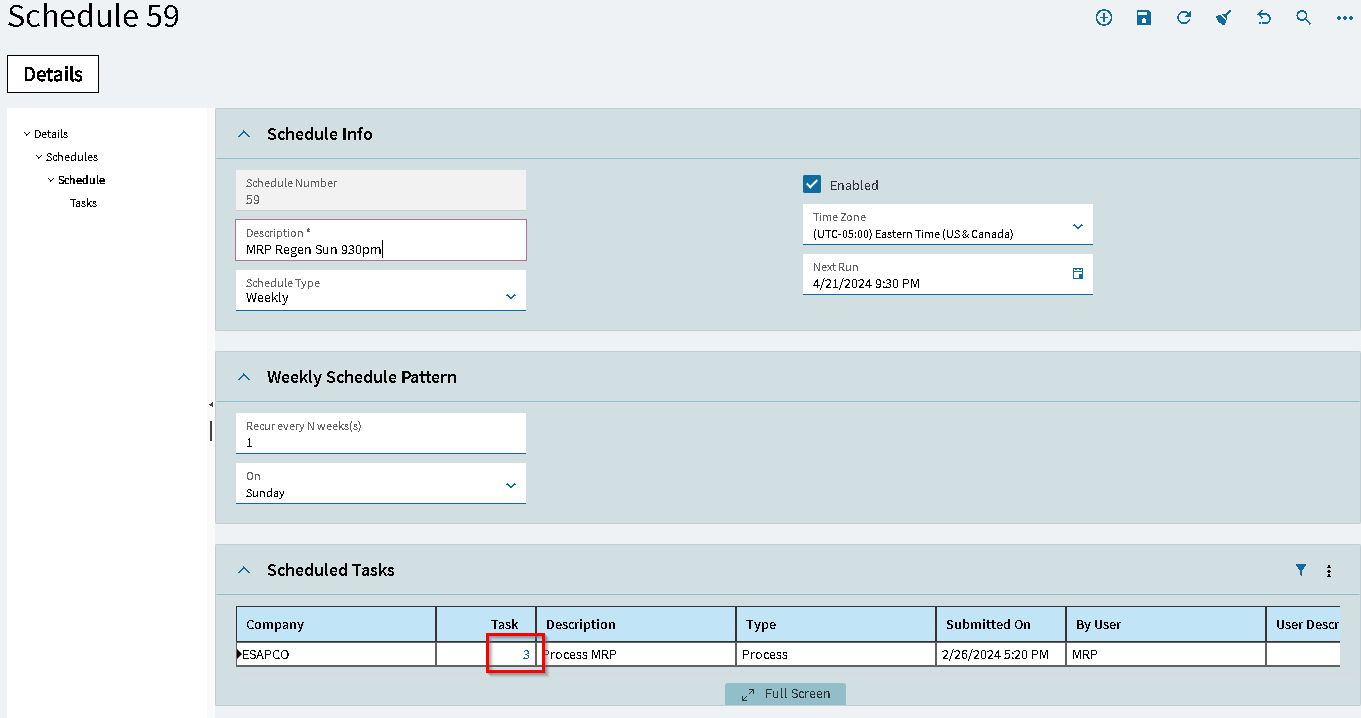

Glad I wasn’t missing something obvious.
Filed case CS0004230562 if anyone wants to jump aboard it to help move it along. @timshuwy would you like an Idea too?
I tried to add it myself with the Context Menu Maintenance, but that only gives the option of one process (one place to open the selected item).
I have a Process Set with two tasks - using View Task Settings in classic, one opens Schedule Process Set and the other opens Schedule Epicor Function.
It seems like (to do it ourselves) we would have to point a custom screen/process that checks where the Task goes and then perform a redirect to the appropriate screen…
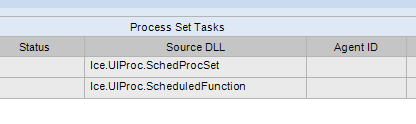
This is Classic UI functionality and should be carried forward into Kinetic like it is for the System Agent. Good idea to try and add it in, but for now at least, Classic is still avail to use for this purpose giving time for Epicor to get Kinetic up to parity.
Way to go @aosemwengie1 and thanks @jgiese.wci I was going to search Ideas during lunch so you now allow me to enjoy my lunch time with a walk outside.