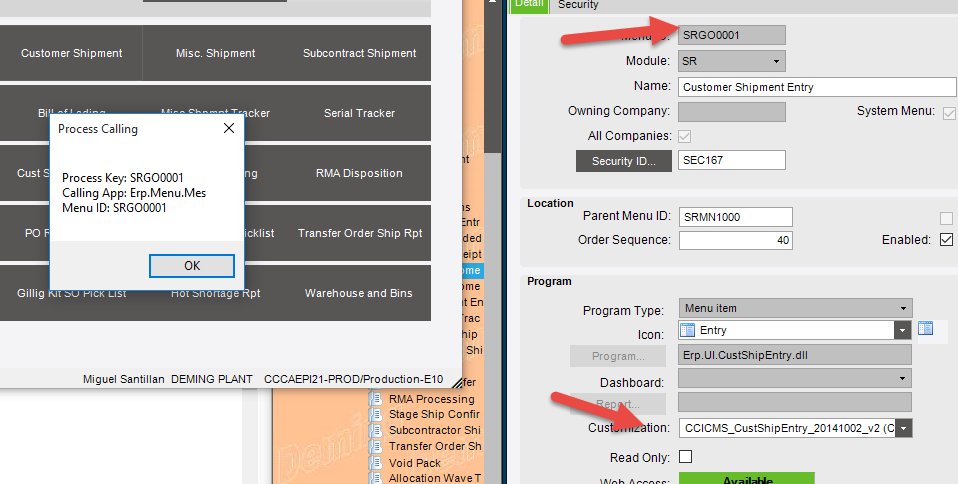
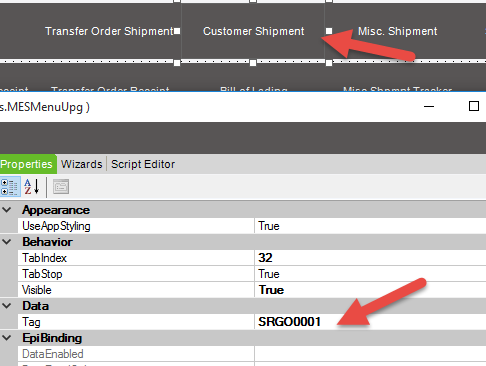
Struggling a bit with deployment of a customization within the MES screen
Customization is on the Serial Number Selection Process…called from the Customer Shipment Entry Form Launched through MES and through standard interface.
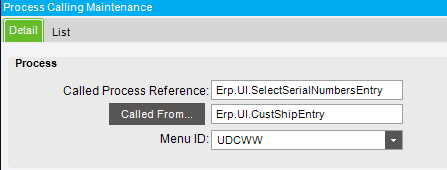
Process Menu Item has been created and the Process Calling Maintenance set to match. This works perfectly for standard interface. For MES we cannot get the customization to launch at all.
From Developer Mode when we launch the Serial Number Selection we get these values
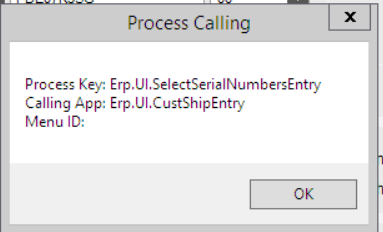
How do we apply a process call without a MenuID to match up with the customization