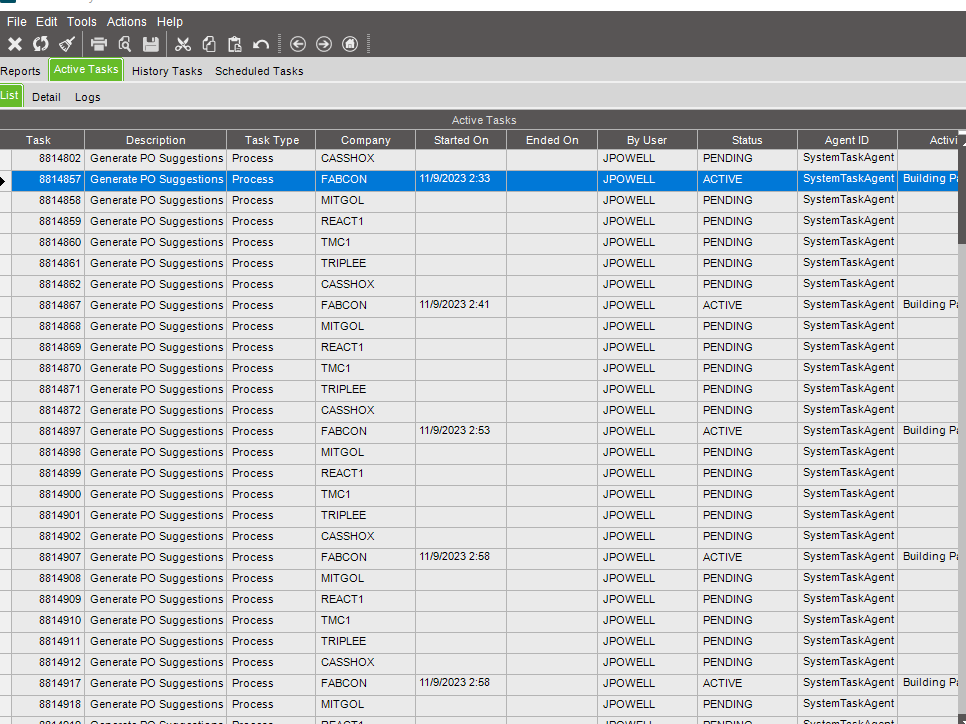
I have a process set that runs the PO Suggestions process for each company, we have several companies. This had been working fine for months as far as I know. Daylight savings happened, I corrected the scheduled times, and later that evening the issue occurred.
I have deleted the schedule and the process set and recreated them. Launched it later in the evening, seemed to work without error. I set the time on the schedule back to it’s original time, 7PM, and the issue occurred again last night. This brings Epicor to a crawl and then I have to cancel the remaining tasks manually. I noticed it will even run the PO Suggestions process for the same company multiple times.
I have PO Suggestions scheduled at two other times using process sets and both of those work fine. It appears it’s only happening with at this specific time.
Has anyone else experienced something like this? How did you fix it? Any help would be appreciated.
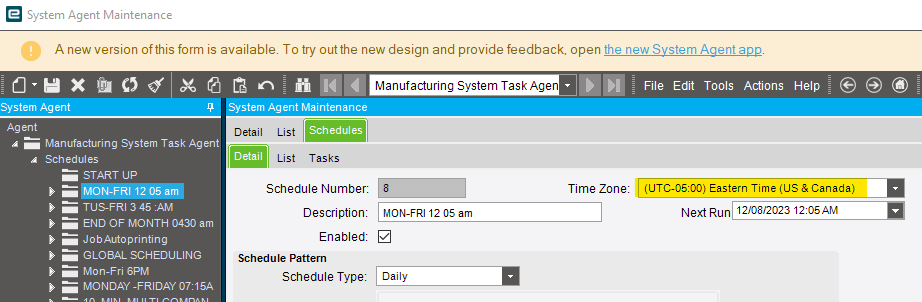
We are using EST time, which hasn’t been a problem in the past and the other two schedules are also set to EST time zone. It could be worth a shot though; I’m assuming you’re referring to the Time Zone on the schedule in System Agent? Or in Site Maintenance? Or both?
Nice! We are actually on 2022.2 ourselves, so might be the same. I’ve recreated the schedule and the process set and restarted the app server entirely after. Problem resurfaced last night after doing that. Do I need to delete the schedule, restart the app server, then recreate the process? What was your resolution?
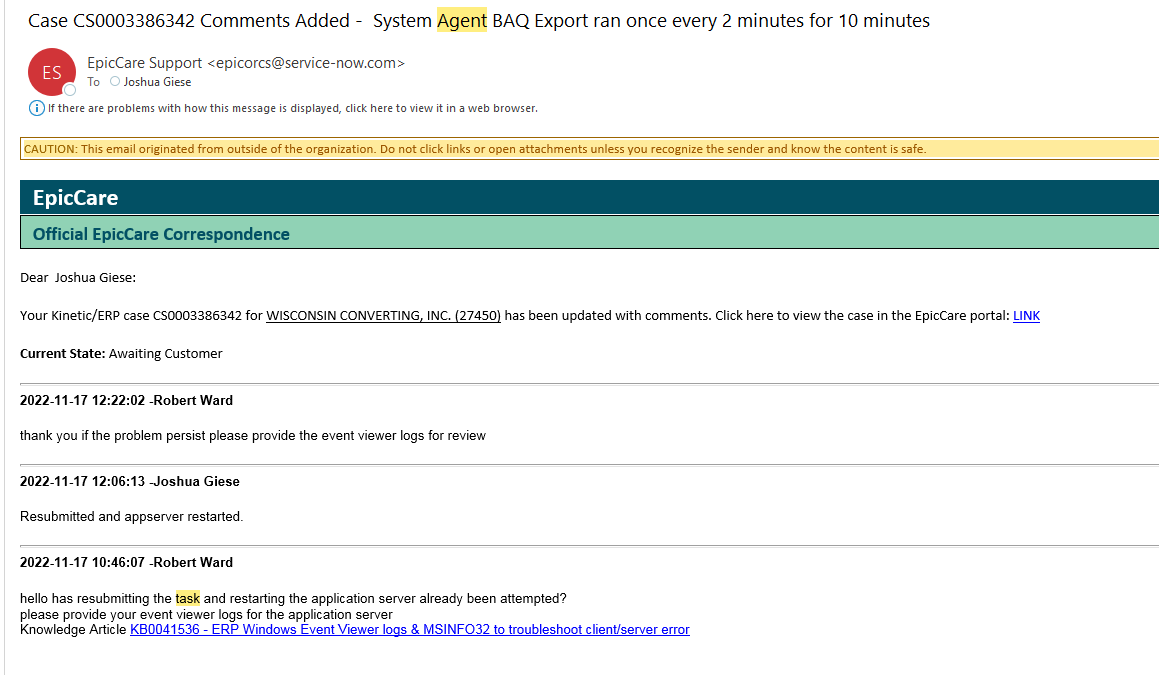
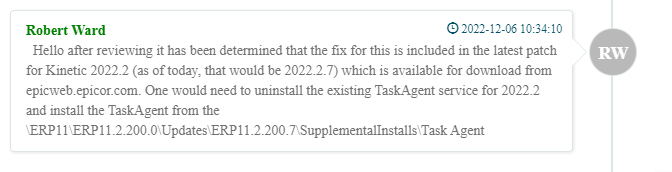
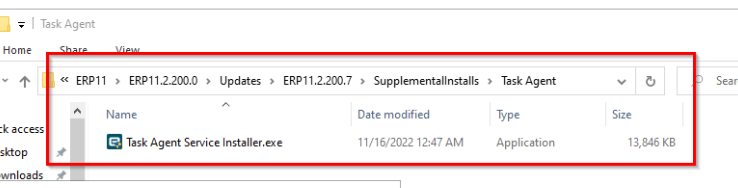
Dot releases for task agent don’t get installed automatically so if you installed task agent with an older version originally that might be what it is. It was a bug.
Some of the scheduled tasks worked (3 of them, including MRP just kept repeating every 3 minutes) and some didn’t. We changed them all over to UTC time zone and that worked. This is when scheduling a task, not the actual time zone.
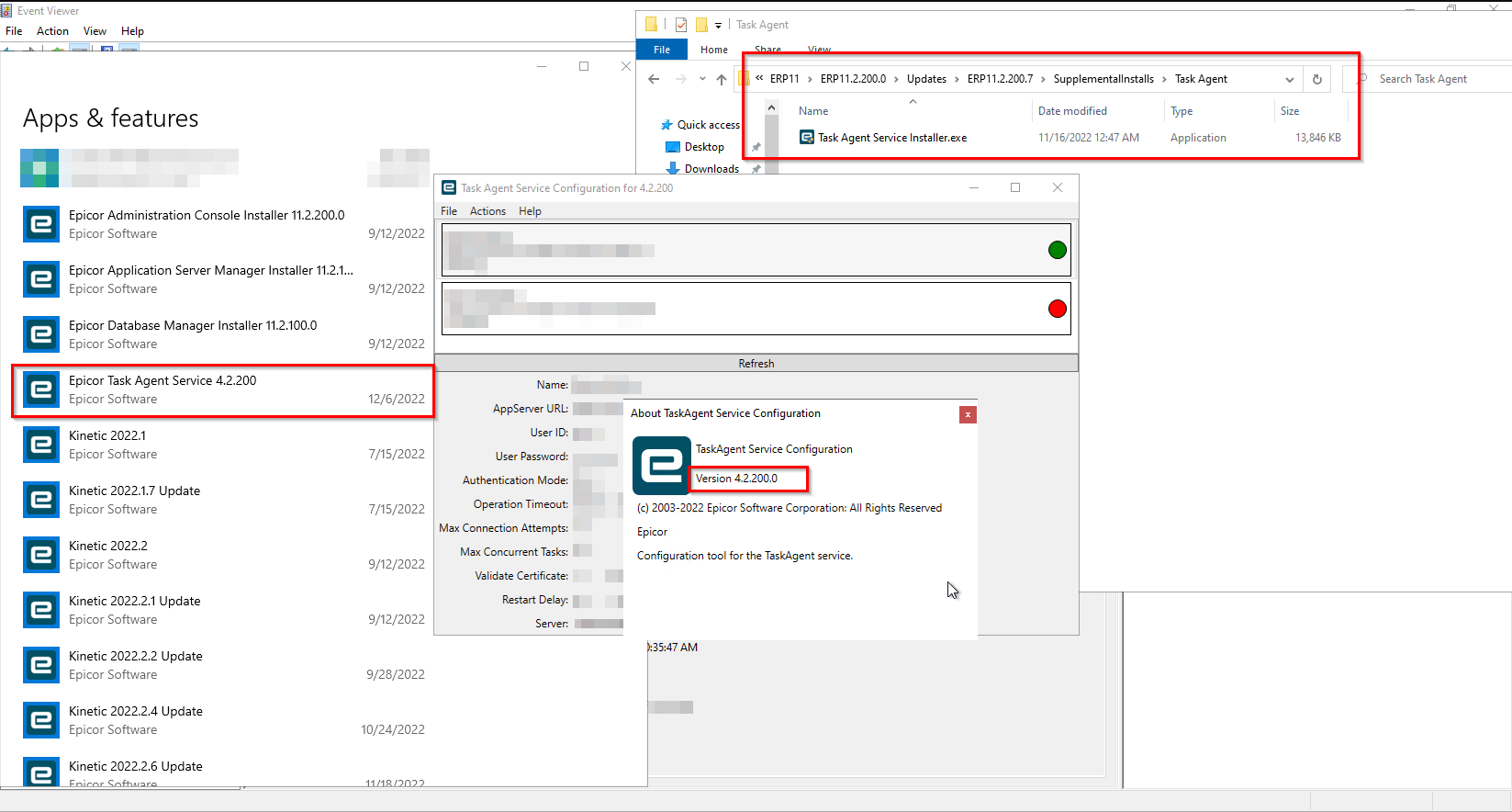
Awesome sauce. Super annoying they don’t show the patch version. You would never know that you aren’t running the latest version without explicitly installing it.
If we’re on-prem are we stuck with this? We’re on 2022.1.21. I had this same thing happen except instead of PO Suggestions I was sending out reports to AP all night
TL;DR - If you’re stuck with not being able to patch the problem, or worry about it coming up again, you can switch your schedules to UTC by not providing a timezone. This means you have to update some of your schedules twice a year for DST or they’ll be an hour off sometimes.
System agent is a bit of an outlier in how date/time is handled in Epicor. Elsewhere, values are stored as simple datetime with the assumption that they’re at the locale specified in company maintenance or the server’s timezone.
Where system agent goes off the rails is that recurring schedules work statefully - they don’t arrive at the next run time from a fixed reference, instead they iterate next run time on itself. If system agent makes an error when calculating next run time, it’s heritable and errors compound!
It’s really easy for updates that touch system agent code to break how that works, unless the developer takes the time to (successfully) understand the general purpose and context of what they’re working on. Time handling works differently everywhere else, so at a glance this code likely looks inconsistent or wrong.
We are on-prem, I reinstalled the new task agent from the directory mentioned by Joshua earlier in the thread and haven’t had a problem since then. I’d give that a go and see if it helps.