As We are moving away from SAP B1 we are used to being able to see an extensive audit on all transactions within the system whether it be a change to a customer, part, or user field to the larger full document entries.
I was wondering if there is a way to generate something similar rather than, from my understanding, some form of BPM against all the tables to force the audit log window for the user to add the changes.
I tried looking about here in the forum however did not come up trumps or not using the right search terms.
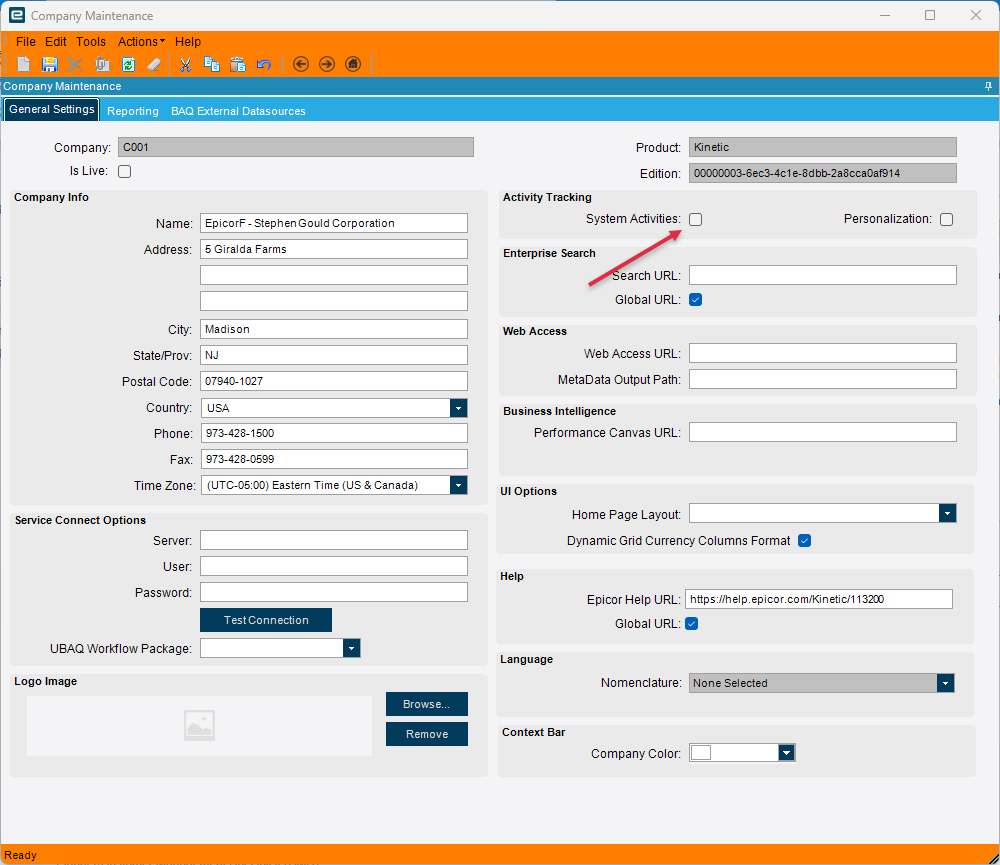
You have to personally configure the change log on each and every field and table that you want to audit. It’s not going to do it on its own. There are plenty of posts on the forum showing how to do it.
Especially as we have started implementing when Epicor themselves are in a change, especially with initially being told to do certain functions within classic but now using their power tools.
offtopic#siderant Is it just me or does everyone have to log in to powertools when doing dmt’s on every other click?
It is taking some getting used to so may find me here in the forums more regular.
Before joining this has been very helpful in initial triage to any queries i may have.
Soon enough you’ll be posting answers to other people’s questions! @aosemwengie1 uses power tools I believe, I haven’t used them but once since they came out so I cannot answer your question with any certainty.
@aosemwengie1 Thanks. I have come across another post you commented on. Why is this not standard for traceability? Why should i have to add the directive to allow the table?
Because different people want to audit different things. You will soon learn that Epicor is far more configurable and customizable than other ERP systems. The downside is . . . you have to configure and customize a lot more stuff.
as @aosemwengie1 said though you have to enable record specific logging for each table individually and I recommend being VERY cautious with this. Change Log can quickly become a huge bottle neck in the system if you track everything. (We did this and have #Regrets)