I like this. It’s simple and all that’s needed to tell the difference.
Anyone have any other ideas? I cleared the Site Color, we’re still red after cache clear and logout/login.
I think ours may be different - we had a theme setup from Settings/Preview Features. That theme entry is now gone with 2026. I may just have to open a ticket.
Do you have a company color (company maintenance)? It will look at both, I believe.
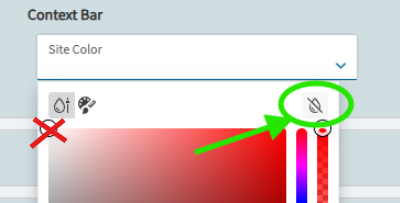
And just to be clear… moving the color picker to the upper left-hand corner doesn’t work.
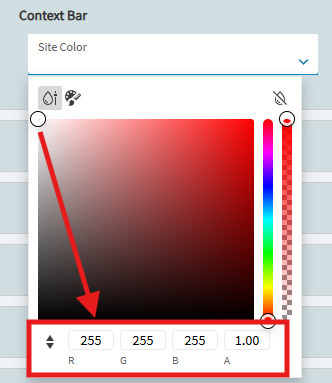
It still holds a RGB value of 255.255.255
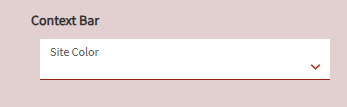
It LOOKS like no-color… but the theme will appear red:
I had to click the circled button in the above image to get it to “clear value” (sets it to undefined).
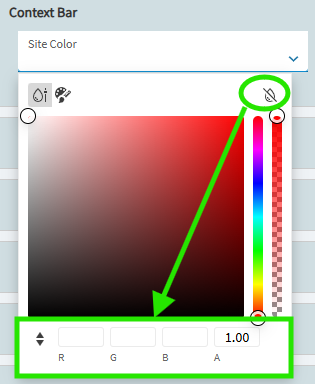
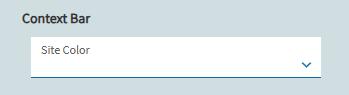
You’re right, thank you. Clearing both did clear it.