Happening in K2025.2 and K2026.1 - SaaS.
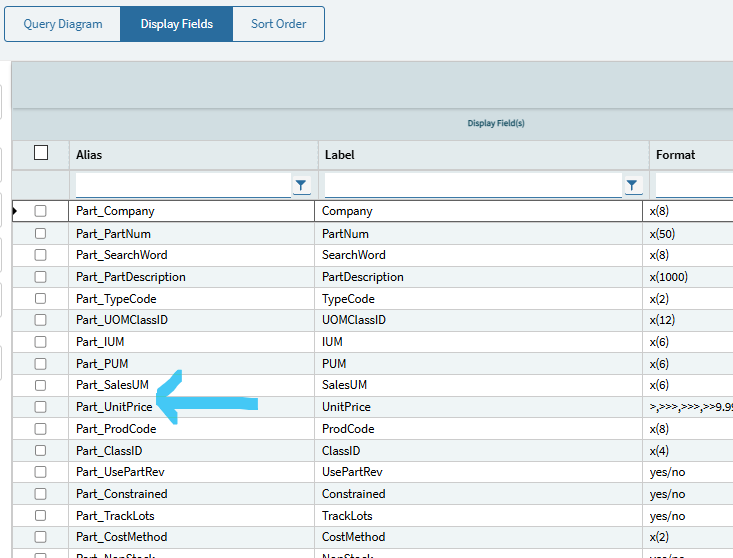
I used the Dashboard Template shared on this site from the Insights presentation a few years ago (thanks Trudy) and have created quite a few dashboards with it. I’ve got a dashboard where I have multiple tabs on it, one tab is from a very simple BAQ - just the Part Table with fields from it. One of the fields I’m displaying is Part.UnitPrice in the BAQ. This was available when I had this BAQ in a classic dashboard. But, when I added that BAQ/Grid to a Kinetic dashboard, I’m getting all the fields from the BAQ EXCEPT Part_UnitPrice.
I’ve gone into App Studio, deleted the column in the Grid Model/Columns, then added it back in. I still can’t get the column to show up in the grid view, even though it’s showing it in the Grid Model/Columns settings. Anybody run into this?
BAQ Display Fields shown here: