I think it’s called “soaking” or “soak testing” maybe? @Mark_Wonsil might be able to correct my dev ops vernacular.
This happens a lot after an update… typically clearing browser caches works. Fingers crossed that worked for you!
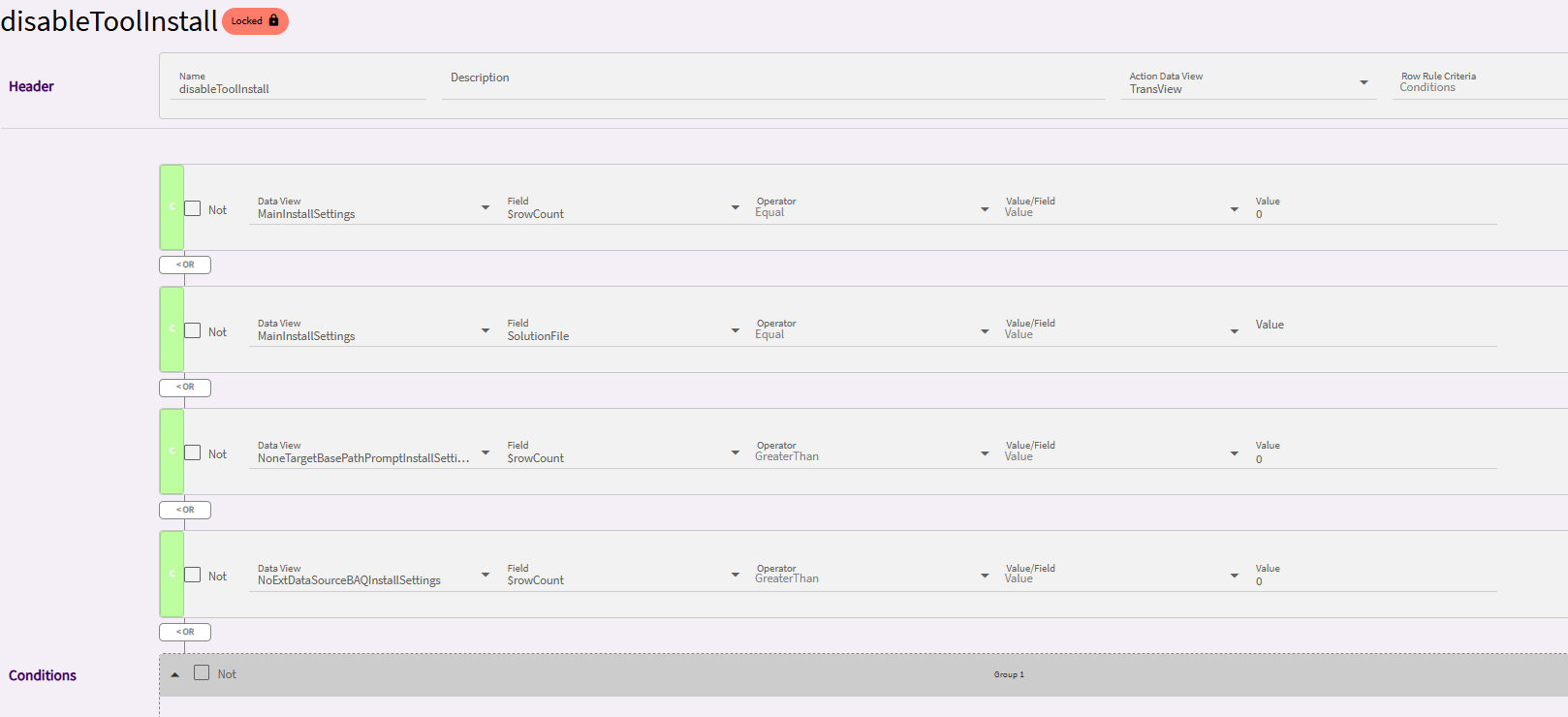
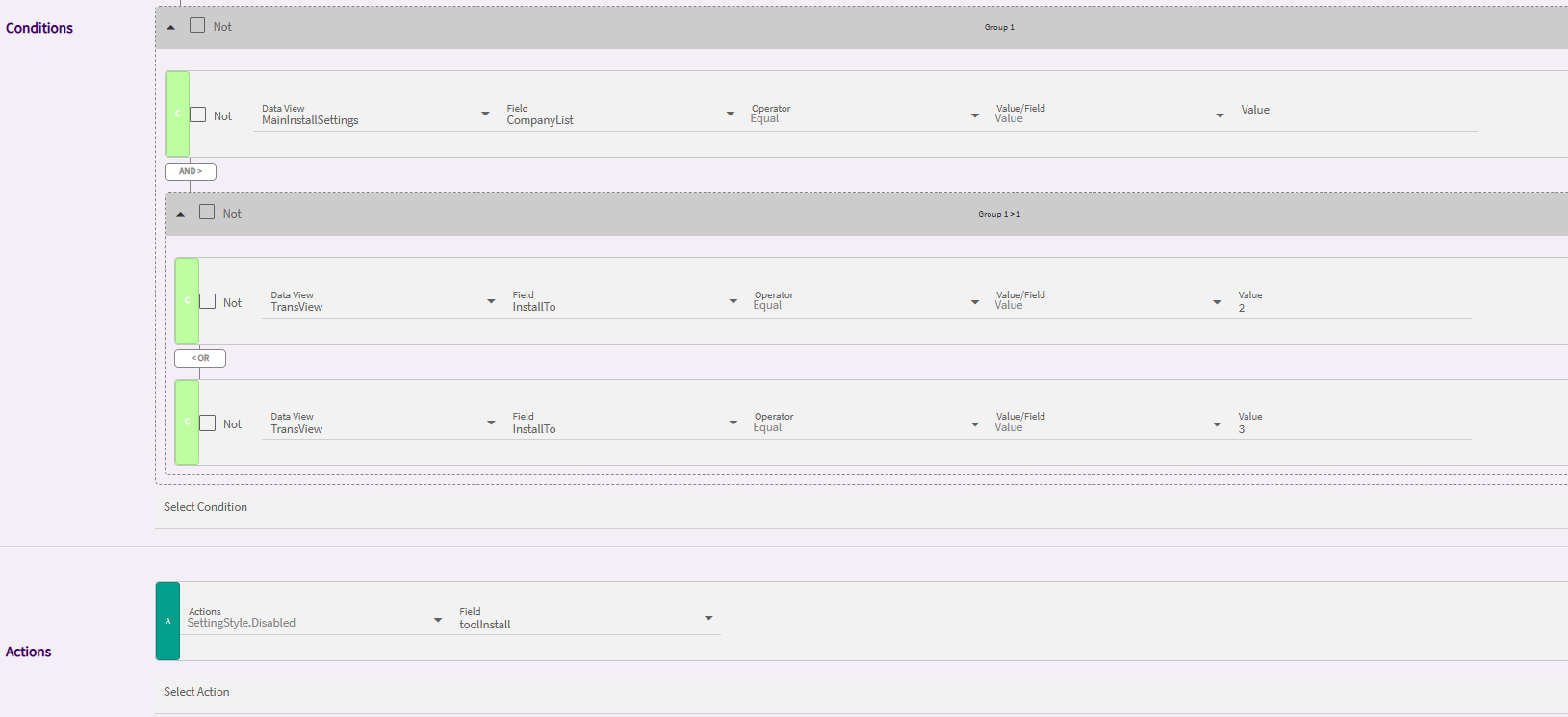
Anybody able to use Solutions Workbench and Install or view Installed Solutions? They are greyed out for me even though access looks to be all set.
Was hoping to FireZeMissiles from Gabe.
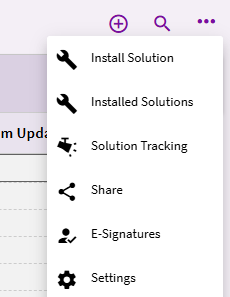

Yep, all checked. Weird.
The initial testing is often called Smoke Testing. Start it and see if any “smoke”…
Does anyone else use the Worksheet tab in their Quote Entry screen? We’re seeing a ridiculous issue where the Material Unit Cost balloons exponentially if you change the QuoteQty.SellingQuantity. Is anyone else seeing this bug?
We do use it…and it happened here too, just tried it. Thanks…will open a case.
EDIT - CS0005515956
We also have a case, it’s been about two weeks of back and forth and they haven’t accepted it as a problem yet.
Sometimes they do it right away - sometimes not. I had one accepted as a PRB almost immediately a week or so ago…
EDIT - and I’m getting the usual “can you replicate” and “please give security manager credentials” yadayadayada. What case numbers do you all have on this? I can copy them into ours as well.
EDIT 2 - support was able to replicate the issue on their side…not converted to a PRB yet but the issue has at least been “seen”…
we are seeing the same thing - crazy big numbers. We do have AUOM (Advanced Unit of Measure) and wondering if that is the issue?
However, if others are having the issue without AUOM then maybe it is something else.
DaveO
We do not have The AUOM module, and are seeing this issue.
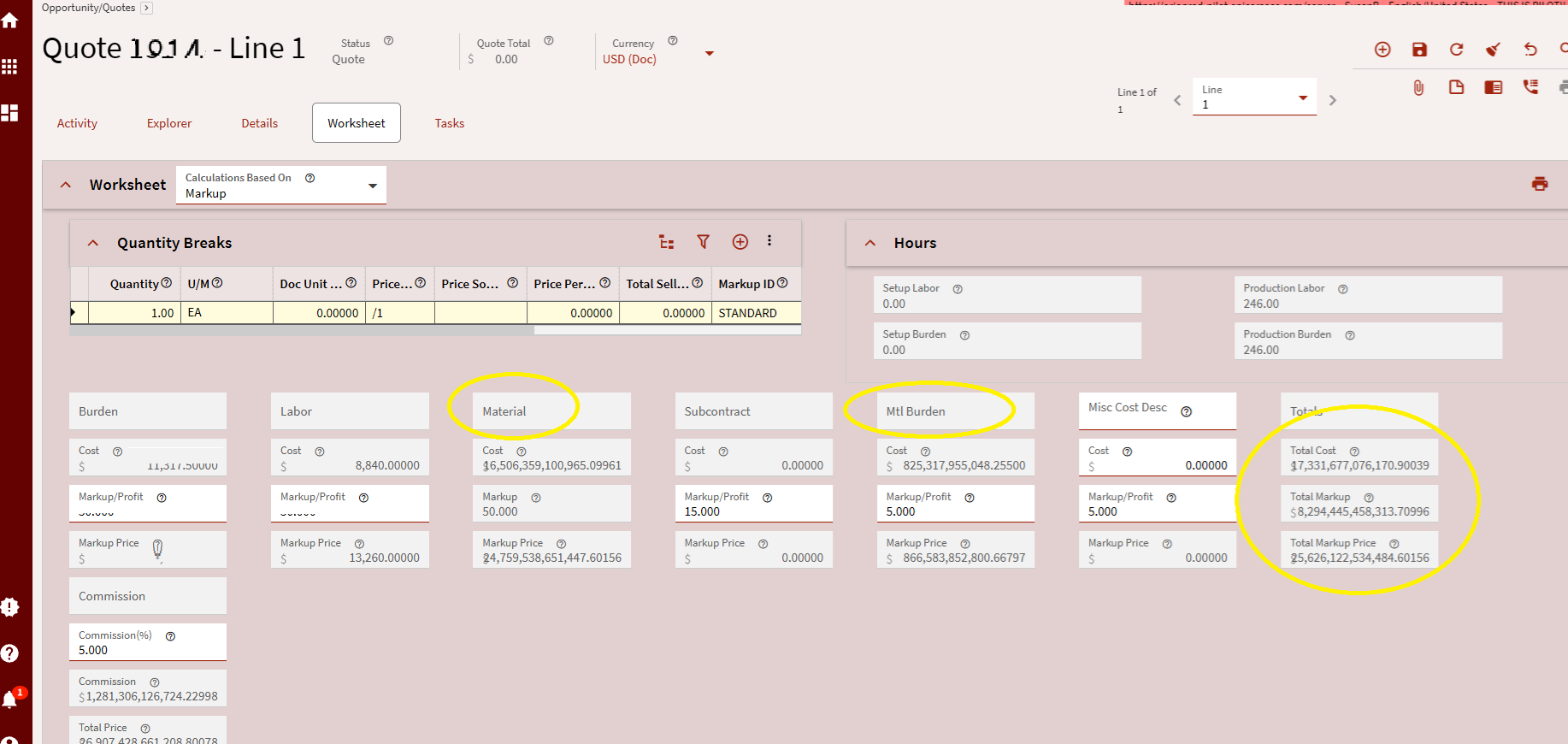
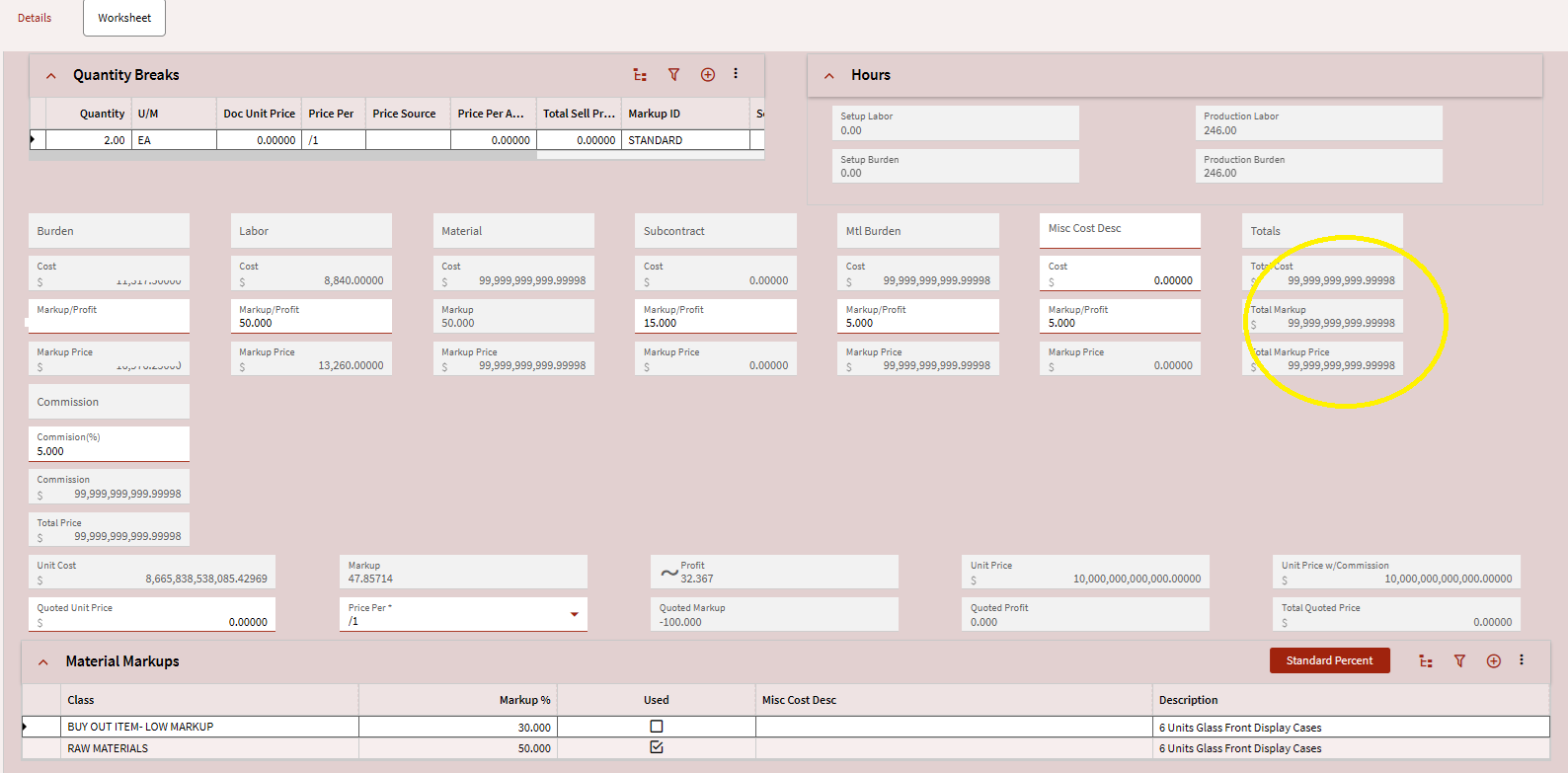
Yuuuuuuuuuup. Us too. Happy Monday.
EDIT - was able to crack the Quote Worksheet by playing around with quantity breaks until the displayed/calculated numbers got too big. One thing I did notice is that the Quote Form seems to have kept the correct values…but the Worksheet blows up.
Wondering if anyone has seen this yet - Ran a BAQ query with ALL parameter to return ALL rows, it stops at 10,000. I put in 500,000,000 and got all my rows returned. So ALL, doesn’t mean ALL? Lol.
Yeah, that took my a good couple minutes to figure out.
But at least it does follow with how the rest of the Kinetic stuff is setup.
Un-intuitive
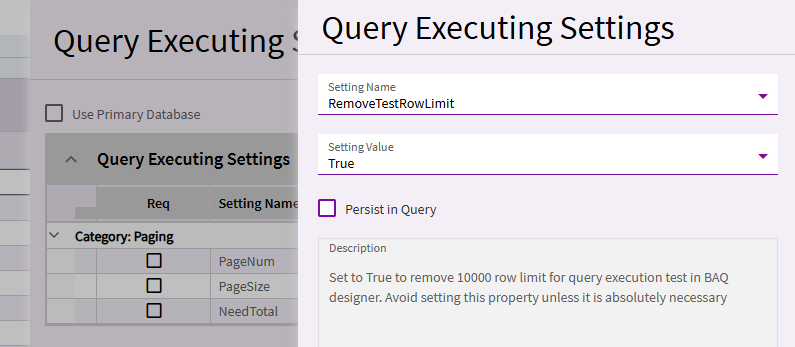
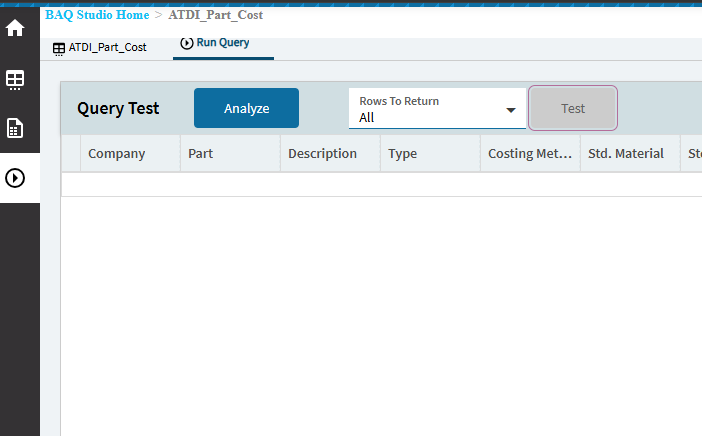
Ahhh… one of those things that’s in front of my face every time but I never “see” 

Kinda sweet that you can quickly increase the limit there though! That’s faster than digging in and toggling off the row limit.